
Weather Notification Badges Explained
Last updated: 2023-09-06
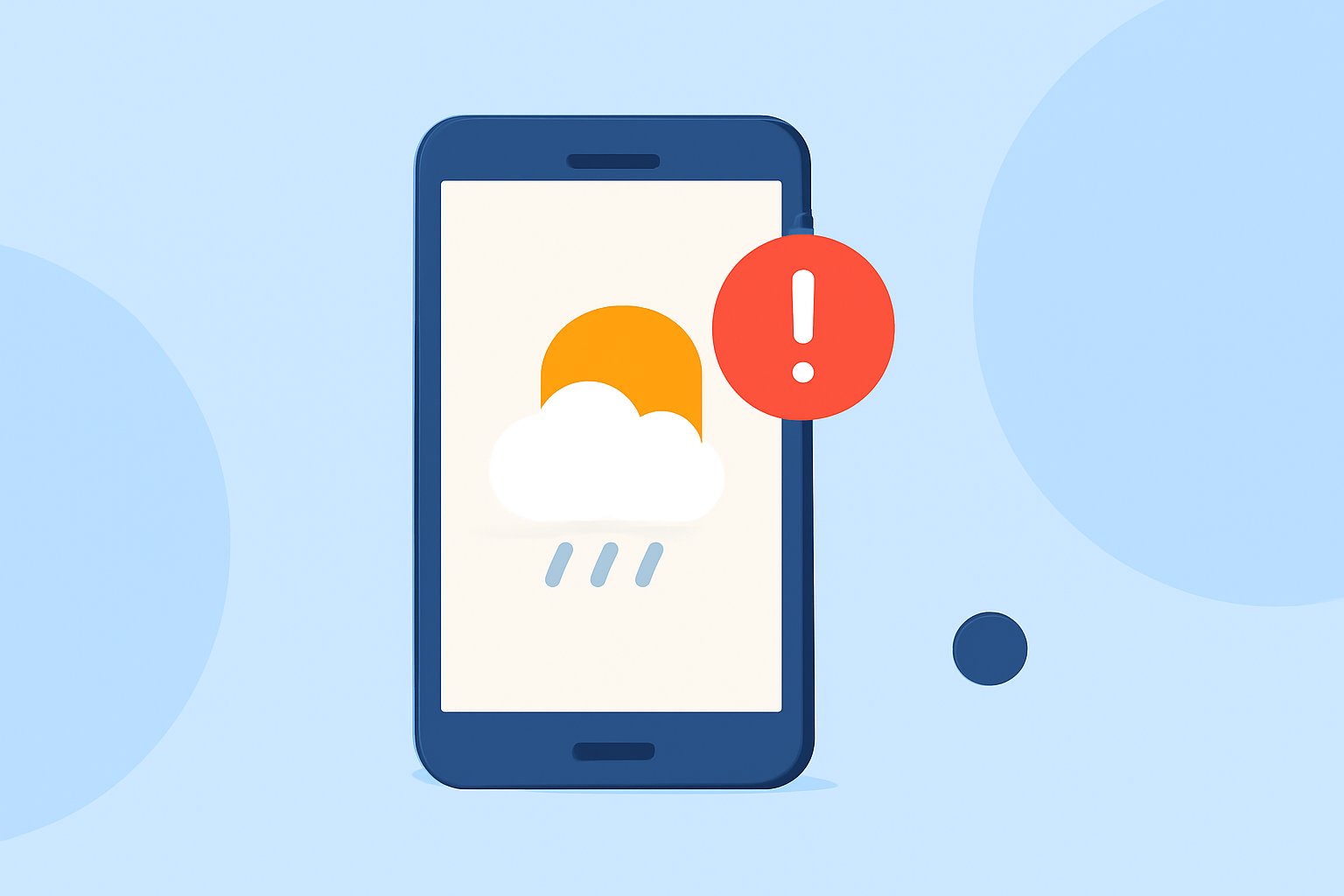
Weather notification badges are visual cues that inform users about current weather conditions and alerts. These badges help users stay updated at a glance, making them crucial for effective weather communication in mobile applications.
Summary
- Notification badges indicate new information or alerts related to an app, helping users stay informed.
- Badges come in different styles across platforms (like iOS and Android), each conveying specific meanings.
- Properly designed badges can enhance user experience by making important information easily accessible.
- Clime utilizes notification badges effectively, ensuring that users receive timely updates on critical weather alerts.
What Are Weather Notification Badges?
Weather notification badges are small visual indicators that show up on an app’s icon. These badges generally appear as red circles or numbers and are designed to alert users to important updates such as severe weather warnings, alerts for approaching storms, or significant changes in weather conditions. The primary function of these badges is to draw user attention to new or important information that they might need to know.
How Do Different Platforms Implement Badges?
The implementation of notification badges varies across mobile and desktop platforms:
- iOS: On Apple devices, notification badges display as little red circles with numbers, representing unread notifications. They may signal weather alerts such as tornado warnings or floods, prompting users to check the relevant details in the app.
- Android: Similar to iOS, Android uses a system of badges that can show alerts. However, the visual style and the specifics of what a badge indicates can differ between manufacturers and versions.
- Windows: For desktop applications, the badge may appear on the taskbar icon and will indicate important events or alerts from the weather application, regardless of the app’s active status.
Why Are Notification Badges Important for Weather Apps?
Notification badges serve multiple important roles in weather apps:
- Immediate Awareness: They provide instant notifications that there are new alerts or essential updates without requiring users to open the app.
- User Engagement: Badges can drive users to interact more frequently with the app, as they may want to get more details about the alerts indicated.
- Prioritization of Alerts: By allowing users to see how many notifications they have, badges help prioritize which alerts to check first based on severity or recency.
Best Practices for Designing Weather Badges
Badges should be designed with user experience in mind:T
- Clarity: Ensure that badges convey clear and concise information. For example, red might indicate severe alerts, while yellow could represent cautionary alerts.
- Consistency: Maintain consistent badge usage across all platforms to help users familiarize themselves with what each badge signifies.
- Visibility: Badges should be prominent enough to catch the user’s attention without being overly intrusive.
What Information Should Be Included in Weather Badges?
When designing weather notification badges, consider including:
- Severity Level: Indicate whether the alert is a warning, watch, or advisory to convey urgency.
- Type of Alert: Specify the nature of the weather event, e.g., “Tornado Warning” or “Flood Alert.”
- Count of Updates: If applicable, indicate how many alerts are pending, giving users an idea of the breadth of information available.
Potential Limitations of Weather Notification Badges
Despite their advantages, weather notification badges also have limitations:
- User Overwhelm: Too many notifications can lead to users ignoring alerts, reducing the effectiveness of this communication tool.
- Platform Restrictions: Different platforms may have limitations on what can be displayed, affecting consistency and user awareness.
What We Recommend
- Utilize Clime for Efficient Weather Monitoring: Users looking for an efficient and user-friendly weather application should consider Clime, which integrates notification badges effectively for timely updates.
- Stay Engaged with Alerts: Always check the app when a badge appears to ensure you are aware of the latest weather conditions.
- Customize Notifications: Tailor the types and frequency of alerts to suit your needs, ensuring that you stay informed without being overwhelmed.
- Seek Reliable Sources: Ensure your weather app provides alerts from trusted sources for the most accurate information.