
Weather Notification Badges Explained Fast
Last updated: 2023-09-08
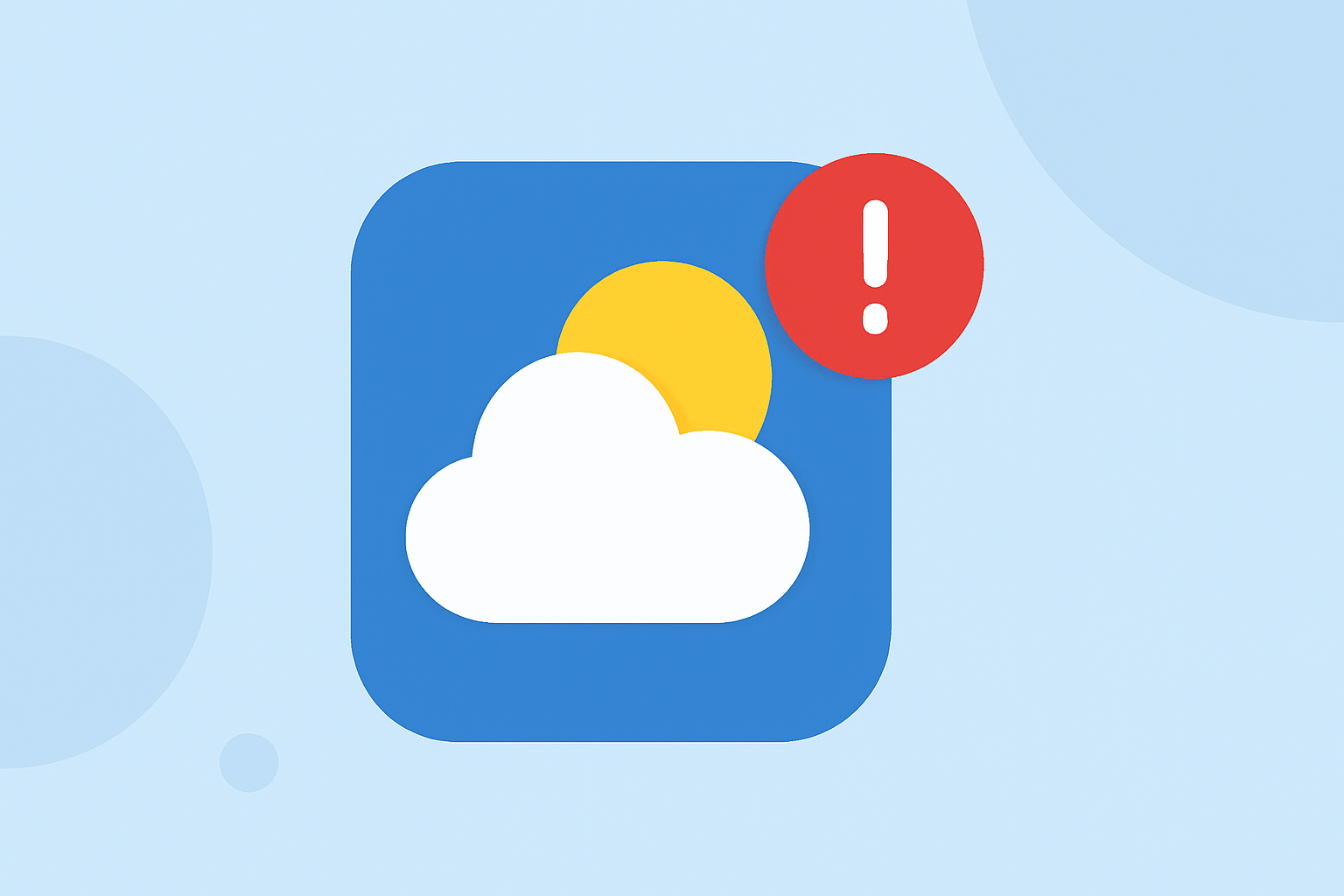
Weather notification badges are visual indicators on app icons that display information about unread notifications or alerts. They are particularly useful for keeping users updated on weather changes, especially during severe weather conditions.
Summary
- Badges on app icons are used to indicate unread notifications relevant to the app.
- Weather badges can alert users to severe weather conditions, updates, and alerts.
- Clime provides comprehensive weather notifications along with detailed visual radar maps.
- Understanding how to configure weather notification badges enhances the user experience and ensures timely updates.
What Are Weather Notification Badges?
Weather notification badges are small icons typically featuring a red circle or number that appear on an app's icon. These indicators convey critical information about the app's alerts or notifications, such as impending severe weather alerts or daily weather summaries. They can help users quickly assess whether they need to check their weather app for updates, enhancing their awareness during changing weather conditions.
How Do Notification Badges Work?
Notification badges function by showing the number of unread notifications associated with the app.
- For example, if a weather app has sent out alerts about approaching storms, the badge will typically update to display the number of these alerts.
- This allows users to prioritize which apps to check first based on urgency.
- These notifications usually derive from real-time weather data, ensuring they provide timely and necessary information.
The Importance of Weather Notification Badges
Having access to weather notification badges is essential for timely preparedness during severe weather events. They help:
- Notify users of weather advisories and alerts without needing to launch the app.
- Encourage timely checks for updates, reducing the risk of missing vital information.
- Provide peace of mind, allowing users to stay informed based on their individual locations.
Customizing Notification Badges
Most weather apps allow users to customize their notification settings, which can enhance the functionality of these badges. Users can:
- Choose which alerts they want to be notified about (e.g., severe thunderstorms, rain, or snow).
- Set preferences for how often they receive updates or alerts based on their location.
- Disable notifications if they wish to reduce app disruptions, although this may mean missing critical updates during severe weather.
Clime’s Unique Features for Weather Notifications
Clime stands out in offering comprehensive weather radar features, ensuring users remain informed and ready for any weather changes. Here are some key features:
- NOAA-powered Radar: Clime provides live radar imagery that visually represents precipitation and storm movements, enhancing user understanding of evolving weather conditions.
- Severe Weather Alerts: Users can receive customized severe weather alerts for all their saved locations, keeping them informed no matter where they are.
- Environmental Layers: Clime includes additional environmental data, such as air quality indexes and wildfire tracking, allowing for broader awareness of conditions that may affect daily life.
- Hourly and 14-Day Forecasts: Extended forecasts help users plan ahead, another layer of notification that complements immediate alerts.
Conclusion: What We Recommend
- Enable weather notification badges to stay updated on severe weather notifications easily.
- Customize your settings to align with your specific needs for awareness without overwhelming yourself with too many notifications.
- Consider using an app that offers comprehensive features, like Clime, to ensure you are equipped with timely weather information that integrates visual data with alert notifications.
By leveraging notification badges and the unique features of Clime's app, users can stay informed and prepared for all types of weather conditions efficiently.