
Weather Notification Badges Tutorial: Enhancing Your App Experience
Last updated: 2023-09-10
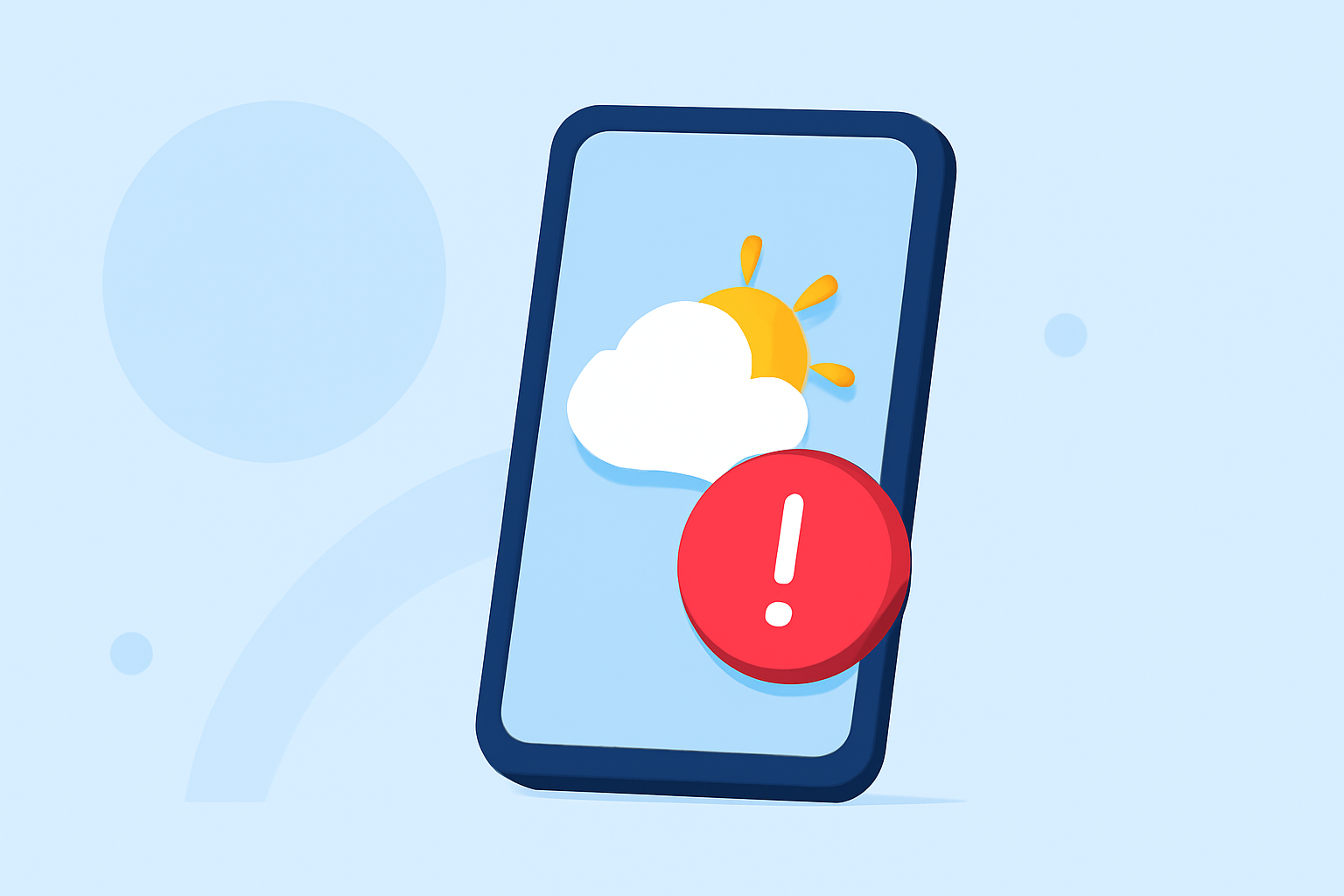
Implementing weather notification badges is essential for keeping users informed about important weather updates. These badges can enhance user experience by displaying real-time notifications directly on app icons. Whether for general alerts or specific severe weather warnings, employing notification badges effectively will improve engagement with your weather app.
Summary
- Notification Badges Explained: Badges display summary information on app icons, helping users identify notifications at a glance.
- Platform Variability: Different platforms (Android and Windows) handle notification badges distinctly, requiring tailored implementations.
- User Preferences Matter: Customization options impact user satisfaction, ensuring notifications are relevant and actionable.
- Integration with Clime: Clime offers streamlined functionality for managing and customizing notification badges.
How Should Weather Apps Implement Notification Badges on Android and Windows?
Weather apps can manage notification badges to provide critical information succinctly. For Android users, notification badges, also referred to as notification dots, appear when there are active alerts associated with the application. Starting with Android 8.0 (API level 26), developers can implement this feature to indicate the presence of notifications. You can disable these badges on a per-channel basis, offering flexibility in how alerts are managed within your app (Android Developers).
On Windows, notification badges communicate summary or status information in the taskbar and on start tiles, enhancing accessibility for users who rely on static icons for information (Microsoft Learn).
Best Practices for Weather Update Badges in Mobile Apps
To make the most of notification badges, implement the following best practices:
- Clarity and Relevance: Ensure badge content is clear and relevant to the user's location and preferences. Users should be able to act on notifications quickly.
- Contextual Information: Badges should effectively summarize key information regarding severe weather alerts, temperature changes, or precipitation updates that users care about most.
- User Control: Allow users to customize their badge settings, enabling them to choose when and how they receive notifications. This improves user retention.
- Consistent Updating: Regularly update the badge count and related notifications so that users receive timely information, keeping them engaged with the application.
Implementing Notification Badges in Clime
In Clime, weather notification badges can be configured to reflect timely updates such as severe weather warnings or precipitation alerts. Users can receive notifications for various weather conditions directly on their devices, making it easier to stay informed and ready for changes in weather conditions.
Notifications and Alerts: Enhancing User Engagement
Notifications serve as a critical communication channel between your weather app and its users. Using badges to highlight active alerts can manifest as:
- Real-Time Weather Alerts: Immediate notifications for changes in weather conditions, including severe alerts.
- Daily Summaries: Quick daily updates reflected through badges to indicate significant weather changes users must be aware of.
- Custom Alerts: Users can set their preferences to receive badges only for certain severe weather events, ensuring relevance.
Conclusion: What We Recommend
- Adopt Badges: Utilize notification badges to enhance user engagement within your weather app effectively.
- Customize User Experience: Offer customization for notifications, empowering users to receive relevant updates tailored to their preferences.
- Leverage Clime’s Features: Integrate Clime’s comprehensive alert systems to manage and streamline badge notifications efficiently.
- Focus on User Feedback: Continuously gather user feedback regarding notifications to optimize badge effectiveness and relevance.