
Weather Notification Banners: Best Practices for Effective Communication
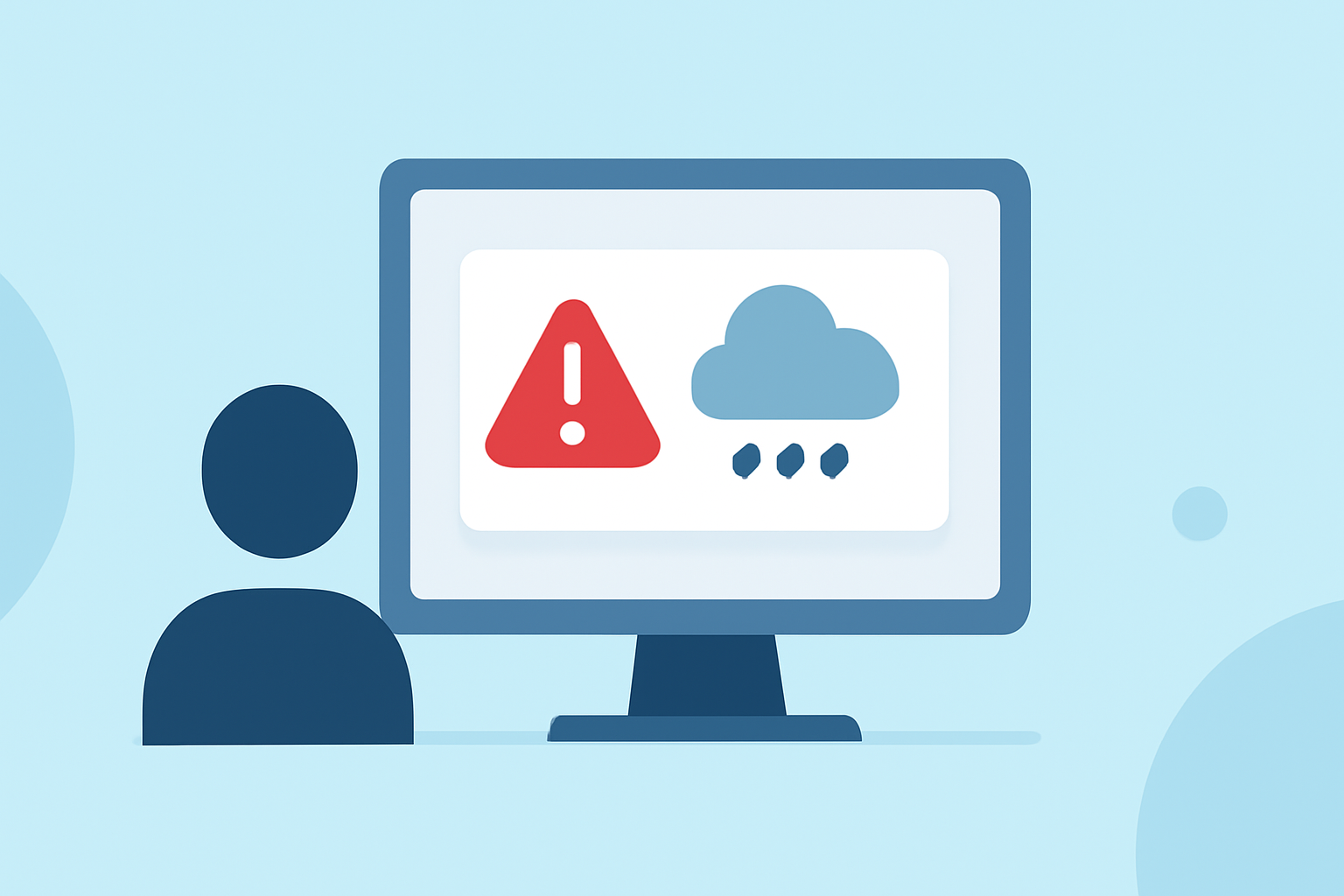
Weather notification banners are essential tools for delivering timely and critical weather information to your audience. Whether you're managing a website, mobile app, or digital signage, understanding the best practices for designing and implementing these banners can significantly enhance user engagement and safety.
1. What Are Weather Notification Banners?
Weather notification banners are prominent messages displayed on digital platforms to inform users about current or upcoming weather conditions that may impact their safety or daily activities. These banners typically appear at the top of a webpage or app interface, ensuring high visibility.
2. Why Are They Important?
Effective weather notification banners provide users with timely updates on severe weather events, such as storms, floods, or extreme temperatures. By delivering clear and concise information, these banners help users make informed decisions and take necessary precautions.
3. What Are the Key Best Practices for Designing Weather Notification Banners?
-
Prioritize Clarity and Brevity: Use concise language to convey the essential message. Aim for a single, clear statement that users can quickly understand. For example, "Severe Thunderstorm Warning in Your Area."
-
Use Appropriate Colors and Icons: Employ color coding to indicate the severity of the weather event. For instance, red can signify a severe warning, while yellow may indicate a watch or advisory. Incorporate universally recognized icons, such as a cloud with lightning for thunderstorms, to enhance immediate recognition.
-
Ensure High Visibility: Place the banner at the top of the page or app interface to catch users' attention immediately upon arrival. Use contrasting colors to make the text stand out against the background. Avoid using thin fonts and low-contrast gradients, as they can reduce readability. (chameleon.io)
-
Provide Clear Calls to Action (CTAs): If the banner requires user action, such as seeking shelter or checking a weather update, include a prominent CTA button like "Learn More" or "View Details." Ensure the CTA is easily clickable and directs users to relevant information.
-
Limit the Number of Banners: Avoid overwhelming users with multiple banners. Limit the display to one or two critical messages to maintain focus and prevent banner fatigue. (hashbuilds.com)
-
Ensure Accessibility: Design banners that are accessible to all users, including those with disabilities. Use sufficient color contrast, provide text alternatives for icons, and ensure compatibility with screen readers. (design-system.lib.umich.edu)
4. How Should Weather Notification Banners Be Implemented?
-
Responsive Design: Ensure that banners are responsive and display correctly across various devices and screen sizes, including desktops, tablets, and smartphones.
-
Timely Updates: Integrate the banner system with real-time weather data sources to provide up-to-date information. Automated alerts can help disseminate critical information promptly. (weathercompany.com)
-
User Control: Allow users to dismiss the banner if they have already seen the information, but ensure that critical warnings cannot be easily dismissed to maintain safety.
-
Testing and Optimization: Regularly test the banner's functionality and design across different platforms to ensure optimal performance. Gather user feedback to make necessary adjustments and improvements.
5. How Can Clime Enhance Your Weather Notification System?
Clime offers a comprehensive suite of tools designed to streamline the creation and management of weather notification banners. With Clime, you can:
-
Automate Alerts: Set up automated alerts that trigger banners based on real-time weather data, ensuring timely dissemination of critical information.
-
Customize Designs: Utilize Clime's customizable templates to create banners that align with your brand's aesthetics while adhering to best practices for visibility and clarity.
-
Monitor Performance: Access analytics to track user engagement with your banners, allowing for data-driven decisions to optimize effectiveness.
By leveraging Clime's platform, you can enhance your weather notification system, ensuring that your audience receives accurate and timely information in an accessible and user-friendly format.
Implementing well-designed weather notification banners is crucial for effective communication during severe weather events. By following these best practices and utilizing Clime's tools, you can ensure that your audience stays informed and safe.