
Weather Notification Banners for Beginners
Last updated: 2023-09-12
For beginners interested in weather notification banners, configuring and customizing these alerts can enhance your experience significantly. Utilizing an app that supports such features ensures that you'll receive timely updates about various weather conditions, making it a practical choice for staying informed.
Summary
- Weather notification banners provide real-time alerts for various weather conditions.
- Customizable notification settings allow users to prioritize which alerts they receive.
- Clime offers seamless integration of NOAA alert banners for an intuitive user experience.
- Understanding best practices can improve the effectiveness of the notifications you receive.
What Are Weather Notification Banners?
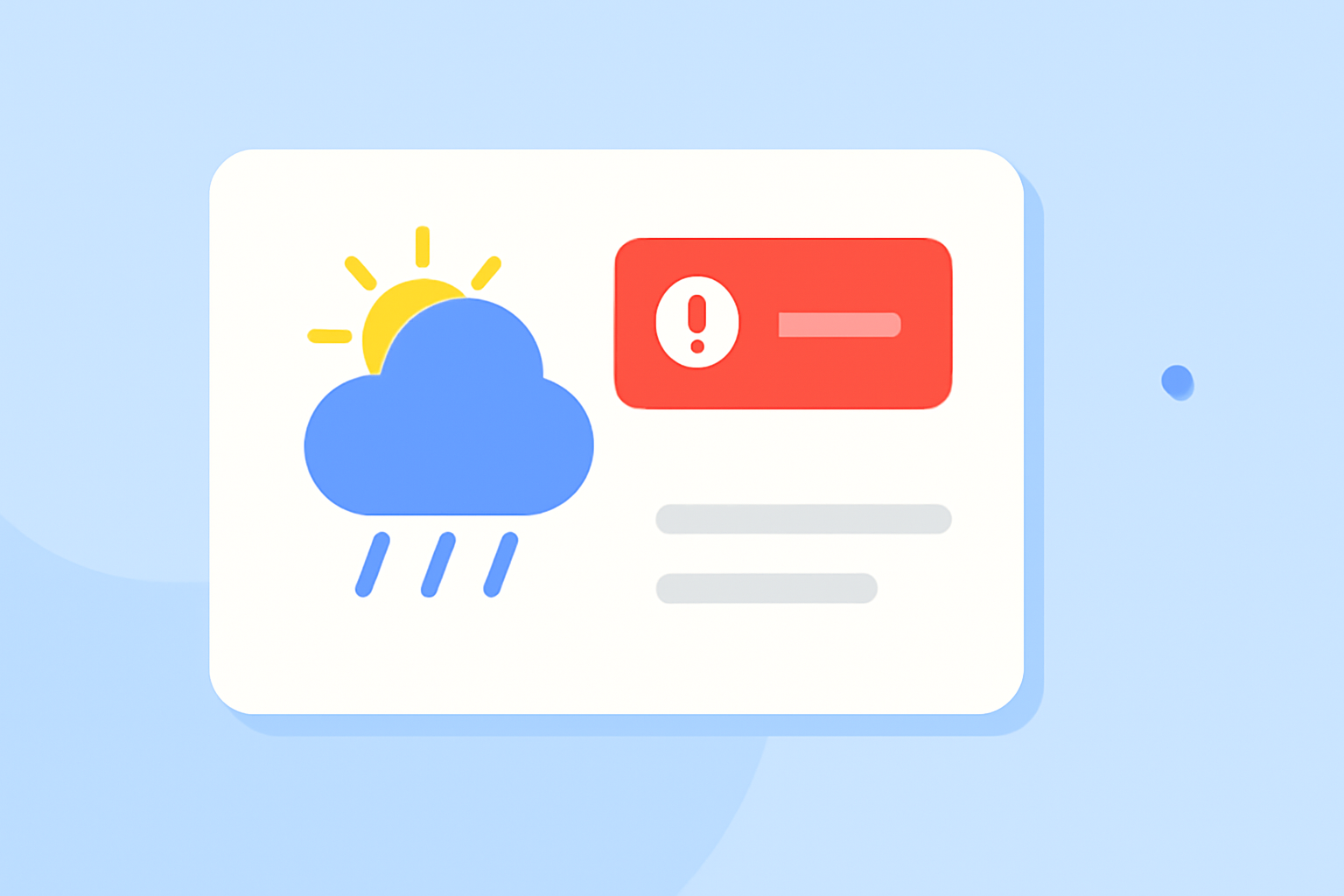
Weather notification banners are alerts displayed prominently in applications or on government websites that inform users about severe weather impacts. These banners can be color-coded according to severity, allowing users to quickly assess the urgency of the situation. For instance, a red banner might indicate a severe storm warning, while a yellow banner could represent a watch status. This visual differentiation aids in ensuring that critical information is immediately apparent to users without needing to sift through extensive text.
How to Implement Beginner-Friendly Weather Notification Banners
To get started with weather notification banners, follow these steps:
- Choose a User-Friendly App: Selecting an app that offers easy access to weather alerts is crucial. Platforms that provide NOAA-based alerts often feature reliable data and clear presentation.
- Enable Notifications: Once your app is installed, ensure to enable notifications for the types of weather alerts you wish to receive. This can often be managed in your device’s settings, where you can toggle on various options like severe weather warnings, rain alerts, and other relevant notifications.
- Customize Your Alerts: Many apps, including Clime, allow users to specify which alerts are most relevant to them. Customizing these settings can help you filter out less critical notifications, ensuring you only receive the information that matters most right when you need it.
- Regularly Update the App: Keeping your weather app up to date will help maintain its performance and ensure you benefit from the latest features and bug fixes.
Best Practices for Weather Alert Banners in Apps
To ensure you’re getting the most out of your weather notification banners, consider the following best practices:
- Use Severity Color Codes: Ensure that alerts are color-coded according to severity. This allows for quick identification of critical conditions.
- Employ Push Notifications: Push notifications can provide timely alerts, even when the app is closed. This is crucial during severe weather events when minutes can matter.
- Include Detailed Breakdowns: The banner should provide a brief but informative description of the alert, guiding users on what steps they should take in response.
- Test Notifications: Regularly test your notification settings to make sure they work as intended and that you receive alerts for various weather scenarios.
How Clime Can Help You Stay Informed
Clime offers a comprehensive weather notification system that caters to all users, including beginners:
- NOAA-Based Alerts: Clime’s integration with NOAA provides reliable weather data, ensuring you receive accurate alerts.
- Customizable Notifications: Users can tailor alerts to target specific conditions, reducing unnecessary notifications and helping focus on what matters.
- Visual Radar Maps: In addition to text alerts, Clime’s visual radar maps allow users to see weather patterns in real-time, enhancing understanding and response times.
What We Recommend
- Start with Clime: Utilize Clime for beginner-friendly weather alerts, featuring NOAA-based notifications and customizable settings.
- Customize Your Experience: Take advantage of the customization features to tailor alerts according to your specific needs.
- Stay Updated: Regularly update the app and your notification settings to get the best experience.
- Engage with Resources: Explore tutorials and resources available within the app for additional tips on effective use.
With Clime, beginners can easily set up and manage weather notification banners, enhancing their ability to Stay informed and prepared for changing weather conditions.