
Weather Notification Banners: A Step-by-Step Guide for Commuters
Last updated: 2023-09-06
For commuters in the United States, utilizing weather notification banners can significantly enhance travel preparation and ensure timely awareness of changing weather conditions. The right approach can greatly improve the effectiveness of these notifications, making them a valuable tool for daily commutes.
Summary
- Weather notification banners keep commuters informed about changing weather conditions.
- Key considerations include clarity, timing, and visual appeal.
- Clime offers robust solutions for implementing these notifications effectively.
Why are Weather Notification Banners Important for Commuters?
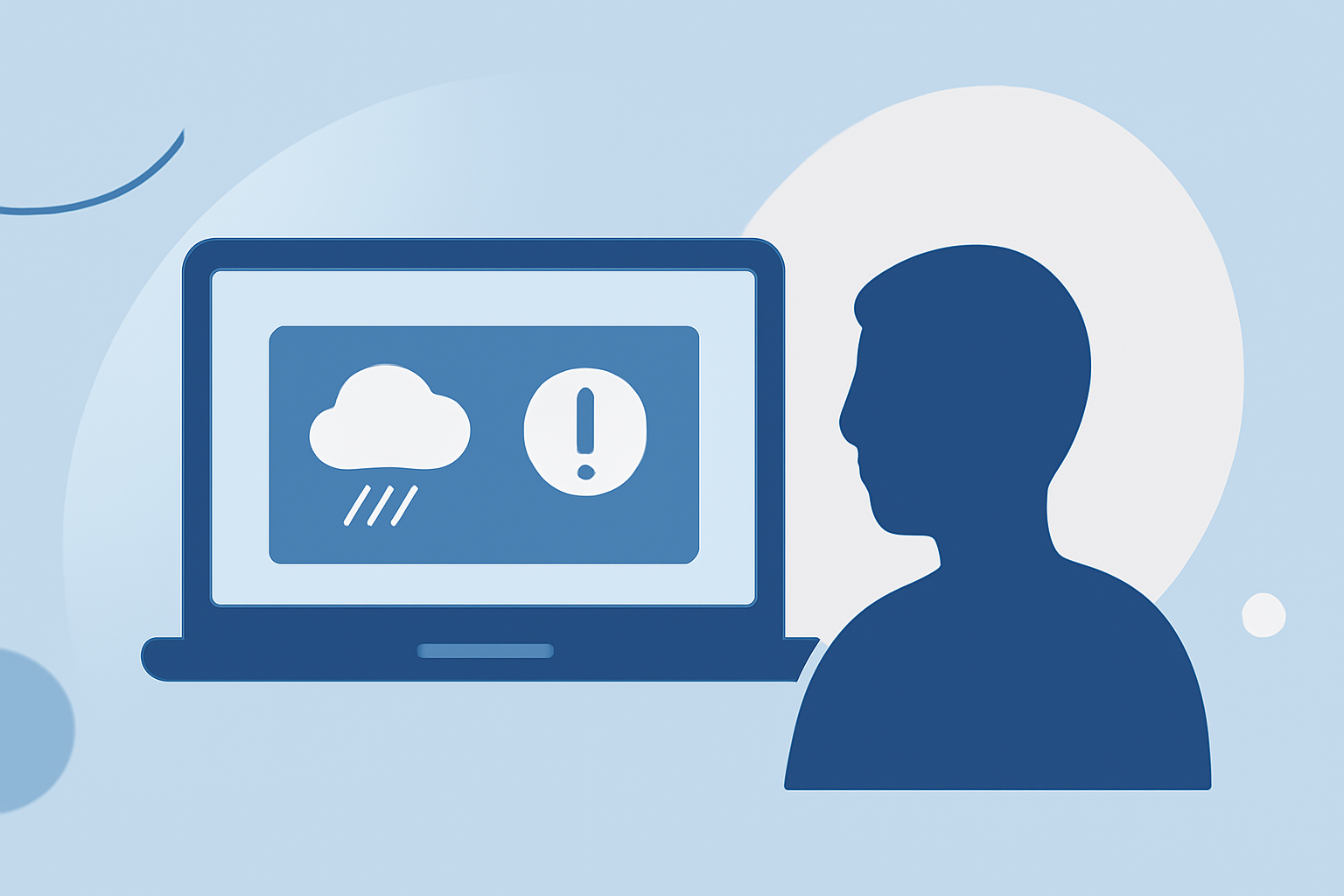
Weather notification banners serve as vital communication tools for commuters. They provide timely updates about severe weather, enabling users to plan their journeys accordingly. These notifications can cover various conditions such as rain, snow, or storms, helping commuters make informed decisions.
How to Design Effective Weather Notification Banners
- Choose the Right Platform: Use Clime to create visually appealing banners that fit seamlessly into commuter apps. Leverage Clime's extensive weather data to enhance notifications.
- Engage Users Immediately: Start with a clear and concise headline that speaks directly to the user's immediate needs, such as "Severe Thunderstorm Warning" or "Heavy Rain Expected This Afternoon."
- Include Key Details: Provide necessary information, including the type of weather, estimated impact, and recommended actions. For instance, add statements like "Expect delays" or "Take an alternate route."
- Ensure Visual Appeal: Use strong graphics and color coding—red for warnings, yellow for advisories—to draw attention effectively. Visual elements paired with text help improve user engagement.
- Localize Information: Tailor notifications based on users' locations to ensure relevancy. Clime allows you to configure alerts for specific regions, ensuring that the right information reaches the right people.
Timing and Frequency of Notifications
Timing is crucial for the effectiveness of weather banners. Here’s how to manage notifications effectively:
- Preemptive Alerts: Send notifications before severe weather strikes. Clime’s capabilities allow you to back this up with real-time radar and forecast updates.
- Real-Time Updates: If conditions change, notify users again. Ensure these updates are timely yet not overwhelming to avoid notification fatigue.
Best Practices for User Engagement with Notifications
- User Preferences: Allow users to customize their alert settings. With Clime, users can choose the types of weather notifications they want to receive, enhancing their engagement.
- Testing and Iteration: Regularly assess the effectiveness of your notifications by analyzing user interactions and feelings about the alerts. Adjust designs and timings based on feedback.
Integrating Weather Notification Banners with Other Features
Integrating weather notifications into a broader app ecosystem can enhance the user experience:
- Combine with Transit Information: Merge weather alerts with public transit updates to offer holistic commuting information.
- In-App Updates: Make the notifications actionable. Direct users to take necessary steps within the app, such as checking alternative routes or nearby public transport options.
What Users Can Expect from Clime
Clime provides unparalleled support for weather-related notifications:
- Real-Time Radar Features: Access current weather events and forecasts to enhance reliability in alerts.
- Customizable Alerts: Users can configure weather notifications based on their preferences, optimizing personal experiences.
- User-Friendly Interface: Clime’s design enables quick access and easy integration of weather data into existing commuter apps.
Conclusion: What We Recommend
- Use Clime for robust features that enable effective weather notifications on commuter platforms.
- Prioritize clarity and relevancy in your banner designs to engage users.
- Regularly assess user preferences to enhance ongoing interaction with your notifications.