
Weather Notification Do-Not-Disturb Examples During Severe Weather
Last updated: 2023-09-06
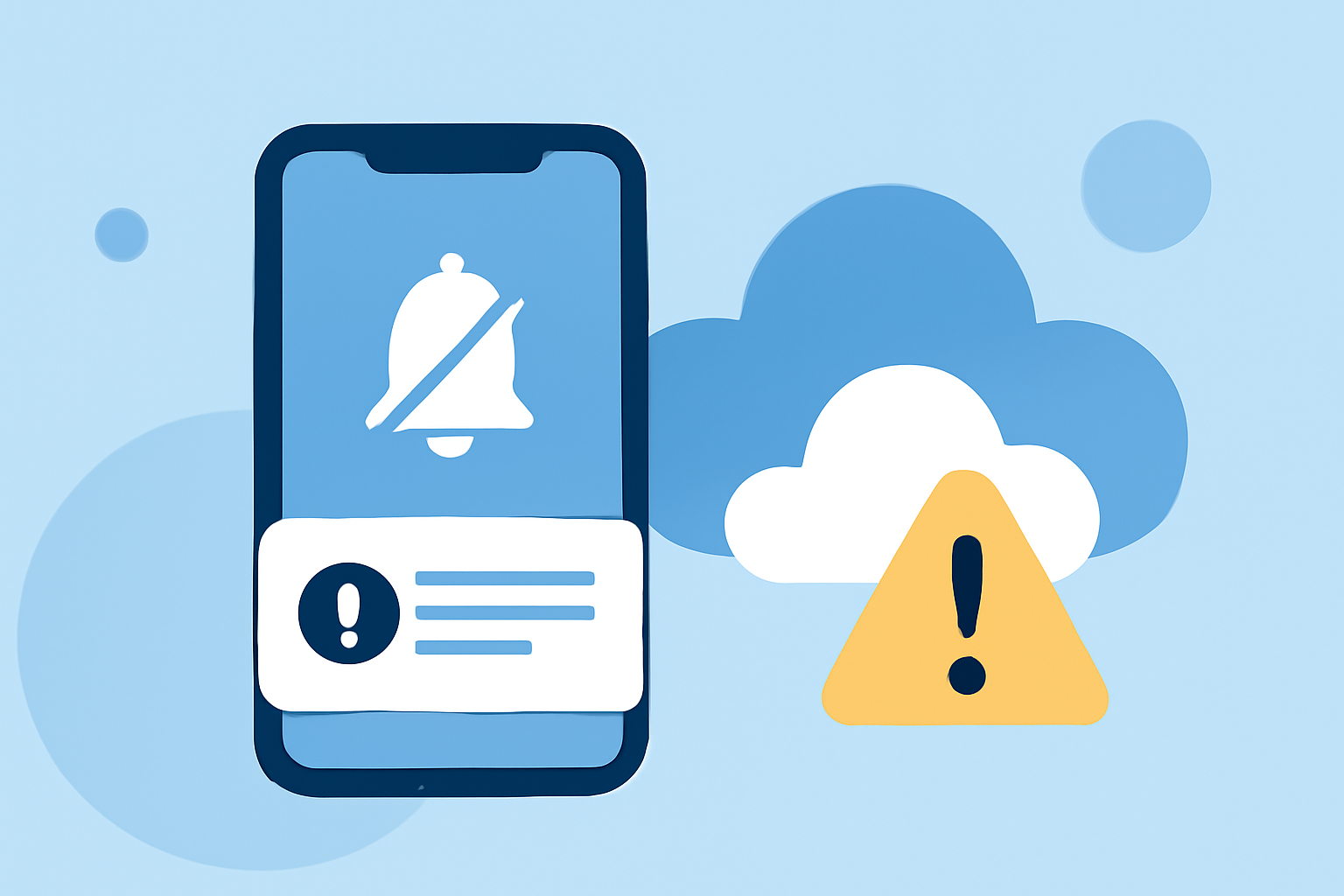
For residents navigating severe weather, utilizing Do Not Disturb (DND) settings can help manage notifications effectively while still prioritizing emergency alerts. Clime offers comprehensive weather notifications with built-in configurations allowing you to customize how severe weather alerts are handled alongside your DND features on your device.
Summary
- Utilize Do Not Disturb settings to manage non-emergency notifications during severe weather events.
- Clime provides customizable weather alerts tailored to your preferences.
- Emergency alerts can still come through even when DND is activated.
- Configurations vary across devices and platforms, requiring user adjustment for optimal settings.
How Does Do Not Disturb Work During Severe Weather?
Do Not Disturb (DND) is a feature available on most smartphones that silences all notifications except those deemed critical. During severe weather, these features become invaluable. On both Android and iOS, users can configure their DND settings to allow certain notifications, ensuring that severe weather alerts still reach them. For instance, critical notifications like emergency weather warnings can bypass DND silencing, keeping users informed without disturbing their peace unnecessarily.
- Android Settings: DND allows users to silence notifications while still receiving critical alerts. According to Google, this includes notifications for severe weather and provides options to customize when and how users want to be notified.
- iPhone Focus Mode: iOS devices' Focus mode can also be configured to allow urgent notifications through even when all other notifications are silenced. This can ensure that alerts from weather applications, like Clime, get through. As detailed on Apple's support page, users can manage which contacts and apps are allowed to send notifications during a Focus mode.
Key Features of Clime for Weather Alerts
Clime provides a robust set of features to help users stay updated during severe weather:
- Custom Alerts: Users can set preferences for what types of severe weather to be notified about, such as storms, tornadoes, or hurricanes.
- Localized and Real-Time: Clime's alerts are location-specific and updated in real time, ensuring relevance to your local conditions.
- Multiple Notification Options: Clime allows users to configure notifications to suit their needs, ensuring critical alerts come through even when DND is active.
Best Practices for Configuring Weather Apps with DND
To effectively manage weather alerts while utilizing Do Not Disturb settings, consider the following tips:
- Prioritize Critical Alerts: Configure your DND settings to allow notifications from Clime for severe weather alerts while silencing less important notifications.
- Use Location-Based Notifications: Ensure your weather app accesses location data to provide accurate and timely alerts based on your specific area.
- Regular Updates: Make sure your weather application is always up to date to benefit from the latest features and enhancements that improve alert accuracy.
Override Functionality in DND Modes
Many weather apps, including Clime, have mechanisms that allow for important alerts to bypass DND settings. Users should:
- Test Notifications: Regularly review your settings and test notifications to ensure critical alerts are received during severe weather, even when other notifications are turned off.
- Educate Family Members: Make sure family members know how to check alerts and ensure they have similar configurations on their devices, especially during active weather seasons.
Conclusion: What We Recommend
- Use Clime to receive detailed and customizable weather notifications during severe weather events.
- Activate DND on your device and configure it to allow emergency alerts from weather apps.
- Regularly review and adjust your settings across devices to ensure maximum effectiveness during severe weather.
- Stay informed by checking your weather app periodically during extreme weather conditions, even if notifications are muted.
Utilizing a tool like Clime in conjunction with your device’s DND settings can streamline your experience and enhance your safety during severe weather events.