
Mastering Weather Notification Grouping on Your Tablet
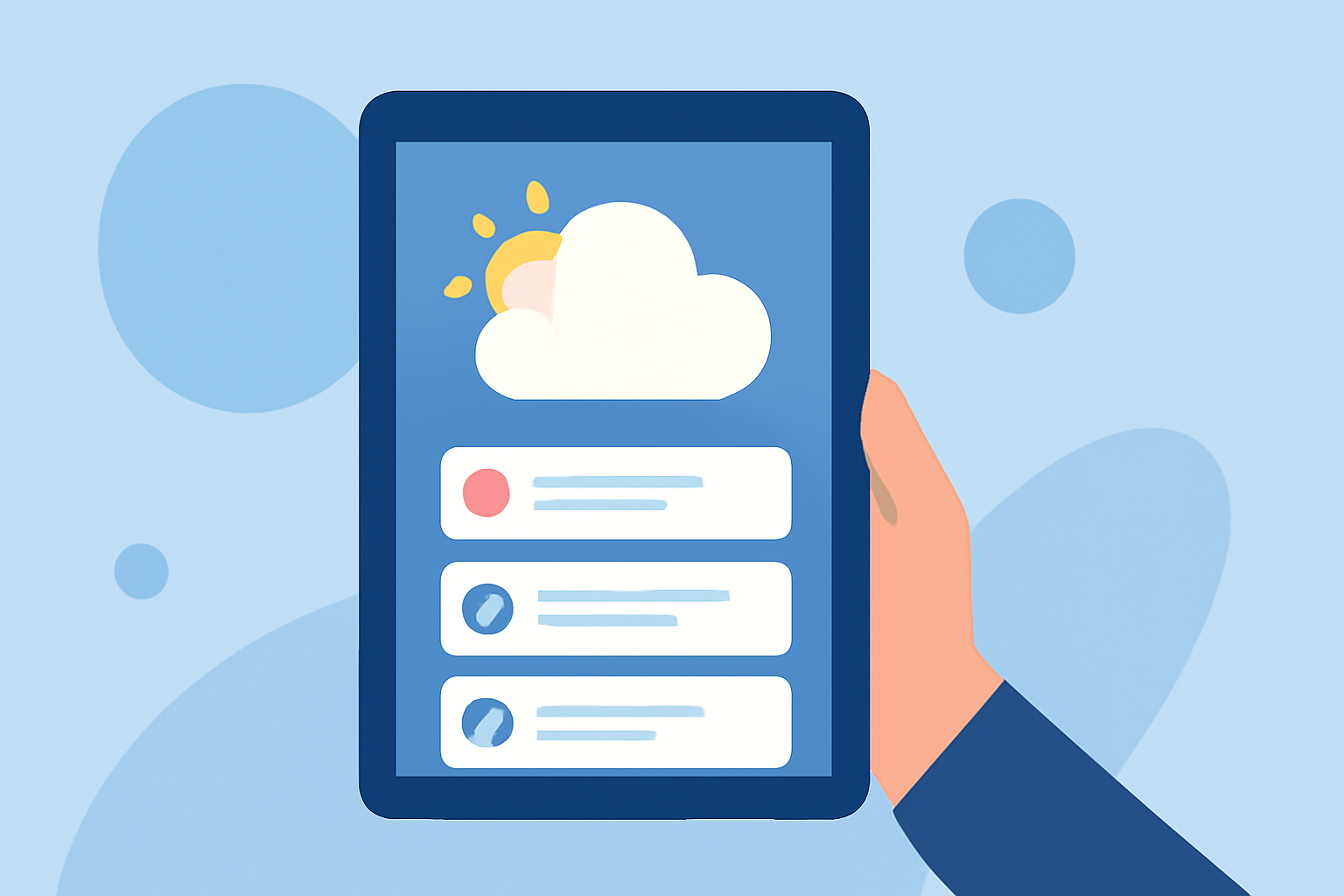
Managing weather notifications on your tablet can be challenging, especially when dealing with multiple alerts from various locations. By grouping these notifications, you can streamline your alerts and focus on the most relevant information. Here's how to set up and manage weather notification grouping on your tablet.
What Is Notification Grouping?
Notification grouping is a feature that consolidates multiple alerts into a single notification, reducing clutter and making it easier to manage your alerts. This is particularly useful for weather apps that monitor multiple locations or provide frequent updates.
How to Enable Notification Grouping on Your Tablet
For iOS Devices:
- Open Settings: Navigate to the "Settings" app on your iOS device.
- Access Notifications: Tap on "Notifications."
- Select the App: Choose the weather app you want to configure.
- Configure Grouping: Under "Options," tap on "Notification Grouping."
- Choose Grouping Style: Select "Automatic" to allow iOS to intelligently group notifications, "By App" to group all notifications from the app together, or "Off" to disable grouping.
For Android Devices:
- Open Settings: Go to the "Settings" app on your Android device.
- Navigate to Apps & Notifications: Tap on "Apps & notifications."
- Select the App: Choose the weather app you wish to configure.
- Manage Notifications: Tap on "Notifications."
- Adjust Grouping: Depending on your device, you may see options like "Group notifications" or "Show notifications as." Enable grouping and select your preferred style.
Limitations and Considerations
Not all weather apps support notification grouping. If your app doesn't offer this feature, consider reaching out to the developer to request its inclusion. Additionally, ensure your device's operating system is up to date, as older versions may lack support for certain notification features.
Leveraging Advanced Weather Alert Features
Some weather apps provide advanced alert features that can enhance your notification experience:
-
Grouped Alerts: Certain apps allow you to consolidate notifications across multiple locations by grouping them based on shared tags. This reduces notification volume and improves clarity. (support.tomorrow.io)
-
Personalized Alerts: Apps like StormWatch+ offer personalized weather alerts, sending notifications only when severe weather threatens your specific location, thereby reducing unnecessary alerts. (stormwatchplus.com)
Conclusion
Effectively managing weather notifications on your tablet involves enabling notification grouping and utilizing advanced alert features to tailor your experience. By configuring these settings, you can stay informed about weather conditions without being overwhelmed by excessive alerts.
Highlights:
- Grouped Alerts – Tomorrow.io, Published on Monday, April 27
- StormWatch+ -- Personalized weather alerts in the palm of your hand
- Weather Alerts — Breeze