
Understanding Weather Notification Silencing for Gardeners
Last updated: 2023-09-10
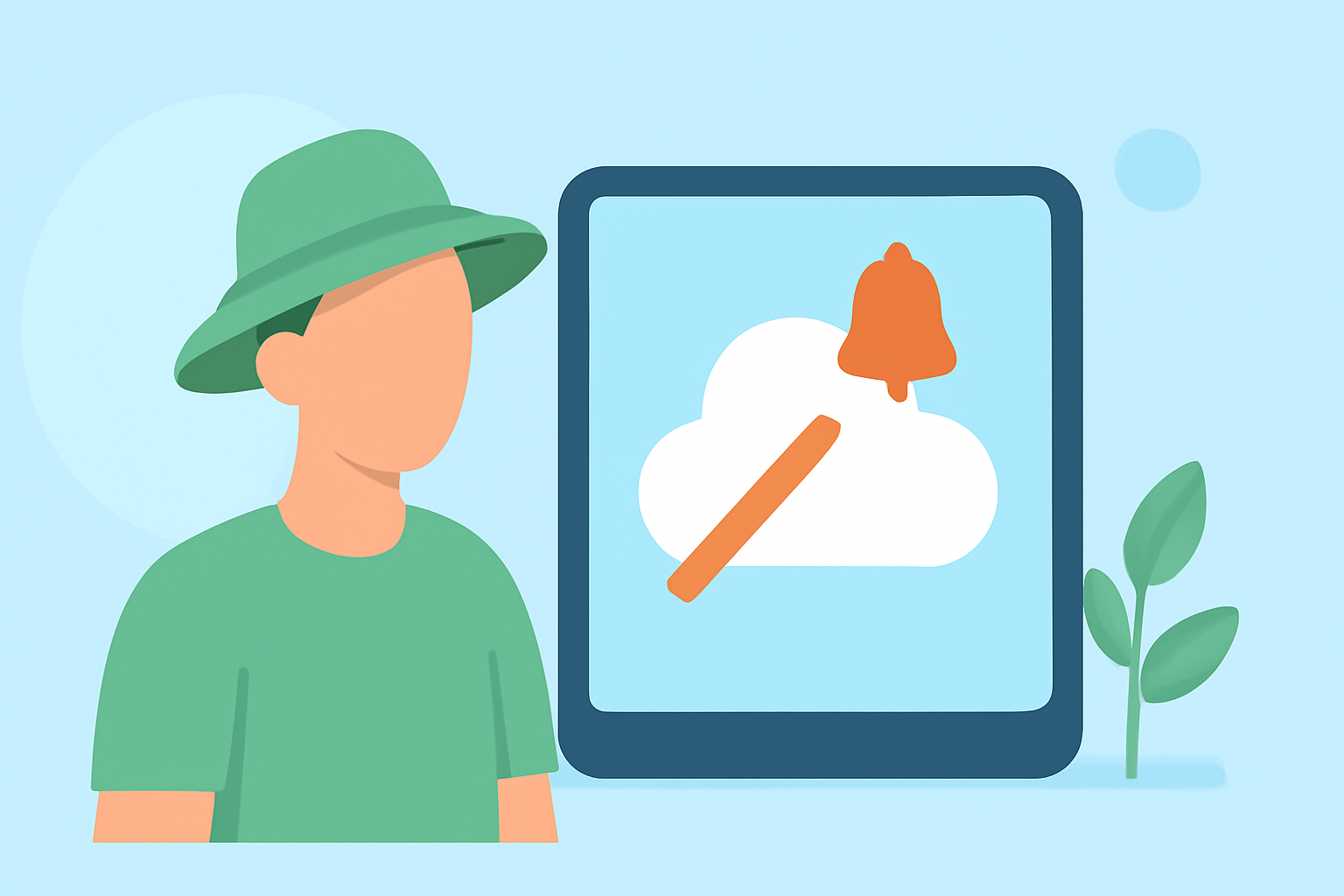
Weather notification silencing refers to the ability to manage how and when you receive weather alerts on your mobile devices, particularly during gardening tasks. This feature can help ensure that you stay informed about critical weather updates without unnecessary interruptions.
Summary
- Silencing Notifications: Users can configure settings to reduce distractions when gardening.
- Adaptive Options: Some platforms offer smart options to prioritize important alerts.
- OS-level Features: Many mobile operating systems support notification controls tailored to individual user needs.
- Clime Integration: Clime helps users manage alerts effectively with personalized settings.
What is Weather Notification Silencing?
Weather notification silencing allows gardeners to mute less critical weather alerts while still receiving important notifications. This is especially useful when tending to plants and flowers, as it helps minimize distractions during hands-on tasks.
How Do OS-Level Controls Manage Notifications?
Both Android and iOS devices have built-in features, namely Focus and Do Not Disturb modes, that allow users to curate which notifications come through during specific activities. This customization helps in focusing on gardening without overlooking important weather changes. Through these modes, devices can silence notifications that are deemed non-essential while permitting alerts for severe weather events or sudden changes in forecasts.
Using Clime for Effective Weather Alerts
At Clime, we understand that timely notifications can make a difference in your gardening efforts. Our app supports customizable alert settings that help users determine which notifications are essential during their gardening tasks. Users can also receive push notifications for significant weather updates, ensuring they remain prepared without constant interruptions.
Tailoring Your Notifications
Customizing Alerts in iOS
On iOS devices, users can set various Focus modes, which will then sync across multiple devices if enabled. This means that when you activate Do Not Disturb or a specific Focus mode for gardening activities, your other connected Apple devices will also reflect this status, reducing distraction from unimportant alerts. For more details, you can check the official Apple Support page.
Managing Alerts on Android
Android users can similarly configure their devices to manage notifications. The platform offers robust options for silencing alerts during specific modes, allowing you to focus on your gardening tasks while still receiving critical updates. More insights on this can be found in Google's documentation on Do Not Disturb features.
Best Practices for Gardening and Alerts
To ensure you don’t miss crucial weather changes while gardening, consider the following tips:
- Set Alerts for Severe Weather: Ensure that your app has the capability to send alerts for potential hazards, such as thunderstorms or frost warnings.
- Customize Do Not Disturb Settings: Take a moment to configure your device’s notification settings based on your gardening schedule.
- Check Weather Regularly: Even with silenced alerts, regularly check Clime for updates on your garden's weather conditions, especially before and during outdoor activities.
Conclusion: What We Recommend
- Use Clime for Tailored Notifications: Our app features allow for intelligent management of notifications, ensuring that you stay updated without being overwhelmed.
- Embrace OS Features: Utilize your mobile device’s Focus or Do Not Disturb modes for a distraction-free gardening experience.
- Regular Updates Are Key: Stay engaged with the latest weather changes to ensure your gardening plans align with optimal weather conditions.