
Mastering Weather Notifications: A Non-Technical Guide to Snooze Features
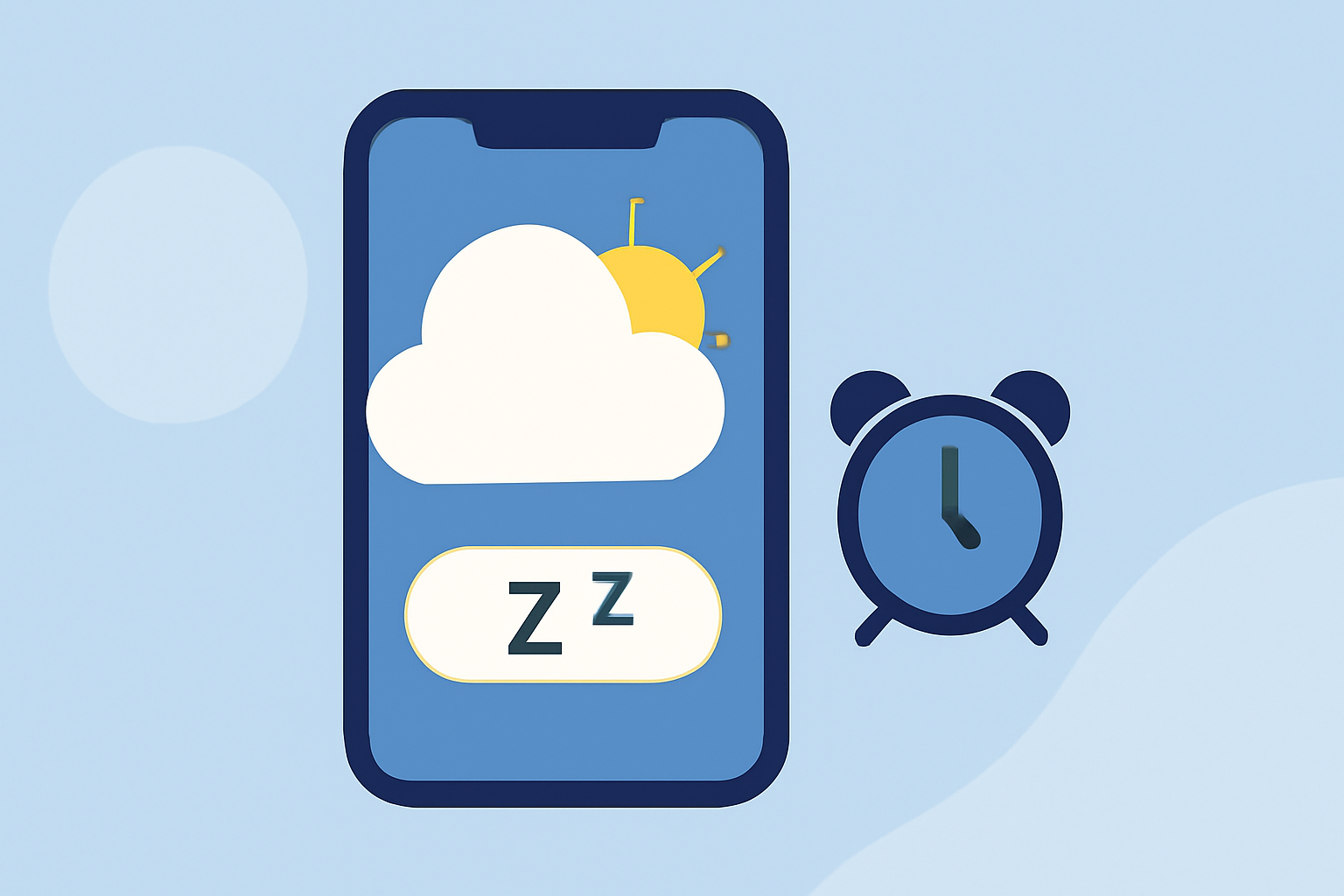
Weather notifications are essential for staying informed about changing conditions, but they can become overwhelming if not managed properly. Snooze features in weather apps allow you to pause notifications temporarily, providing a balance between staying informed and avoiding constant interruptions.
What Are Weather Notification Snooze Features?
Snooze features enable users to delay or mute weather alerts for a specified period. This functionality is particularly useful during periods when you anticipate no significant weather changes, such as during sleep or work hours.
How Do Snooze Features Work?
When a weather app sends a notification, the snooze option allows you to postpone the alert for a set duration, such as 30 minutes, 1 hour, or until a specific time. This ensures that you receive timely updates without being disturbed by frequent alerts.
Why Are Snooze Features Important for Non-Technical Users?
For individuals who may not be tech-savvy, snooze features offer a straightforward way to manage notifications without delving into complex settings. They provide control over alert frequency, reducing the likelihood of being overwhelmed by constant updates.
How to Use Snooze Features in Weather Apps
-
Access Notification Settings: Open your weather app and navigate to the settings or notifications section.
-
Enable Snooze Option: Look for an option labeled "Snooze Notifications" or similar and activate it.
-
Set Default Snooze Duration: Choose a default snooze duration that suits your routine, such as 1 hour or until the next day.
-
Use Snooze When Receiving Alerts: When a notification appears, select the snooze option to delay the alert for your chosen duration.
Best Practices for Managing Weather Notifications
-
Customize Alert Preferences: Tailor the types of alerts you receive to focus on severe weather warnings, ensuring you are informed about critical conditions.
-
Regularly Review Settings: Periodically check and adjust your notification and snooze settings to align with your current needs and schedule.
-
Stay Informed: While snoozing notifications can reduce interruptions, ensure you check your weather app regularly for important updates, especially during severe weather seasons.
By effectively utilizing snooze features, you can maintain control over your weather notifications, ensuring you stay informed without unnecessary disturbances.