
Weather Notification Snoozing Tips for Commuters
Last updated: 2023-09-05
For commuters, effectively managing weather notifications can reduce distractions while keeping you informed. At Clime, we provide flexible notification options, allowing you to snooze alerts based on your preferences. Alternatively, if you're looking for app-specific solutions, many other tools have their own tailored snooze mechanisms for specific use cases.
Summary
- Customize notifications to minimize interruption while staying informed.
- Utilize OS-level settings for broader control over alert types.
- Leverage snooze features to manage alerts at your convenience.
- Clime offers NOAA-backed real-time weather data with customizable alert settings.
How Can Commuters Customize Weather Alerts to Avoid Notification Fatigue?
To maintain focus during your commute, customize your weather alert settings. Most platforms, including Clime, allow you to adjust the frequency and type of notifications you receive. For example, you might choose to only receive major weather alerts rather than every minor update. Leveraging the settings in Clime, you can easily set your preferences to match your commuting patterns, ensuring you're informed without being overwhelmed.
What OS-Level Notification Controls Affect Weather Alerts on Android and iOS?
Both Android and iOS devices provide comprehensive notification controls. On Android, you can manage alert types by accessing the notification settings and turning specific alerts on or off. For iOS, you can also customize how and when alerts are presented, whether through sound, vibrations, or simple banners. This can be particularly useful for commuters who want to check alerts without disruption.
How to Snooze Weather Notifications?
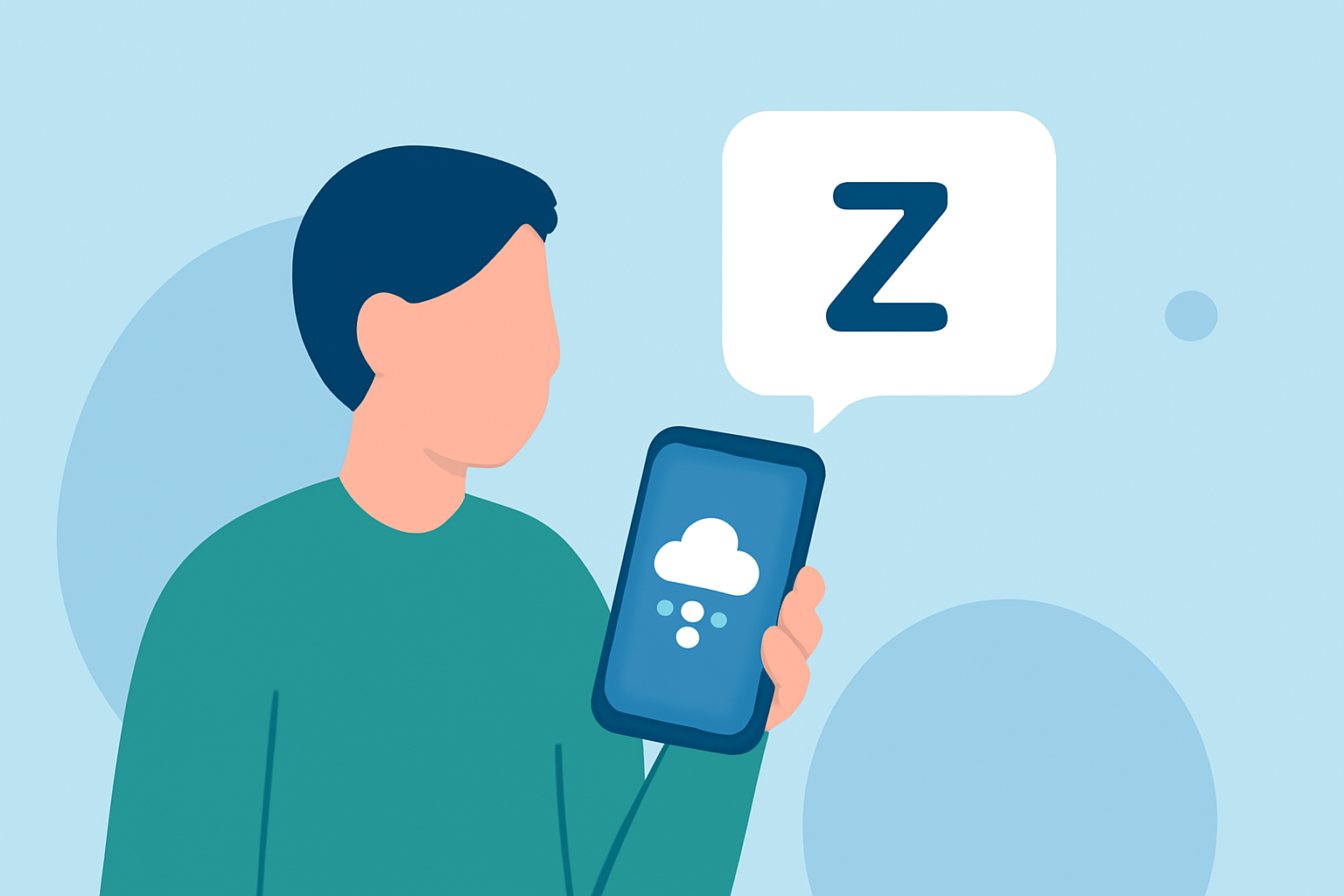
Snoozing notifications can be a handy way to manage alerts while commuting. On Android, for instance, you can quickly snooze an alert by tapping the down arrow on the notification and selecting the snooze option. This allows you to postpone the alert for a specified duration, ensuring you have time to check it later when it’s more convenient. While Clime offers robust alert features, snooze controls like these are typically managed through your device’s settings.
Why Are Integrated Commute Alerts Beneficial?
Integrated commute alerts can provide route-aware weather data that is particularly useful for commuters. Some platforms focus on delivering notifications that are tailored to your route, indicating potential rain or severe weather conditions that may impact your travel plans. By combining weather data with route-specific information, you gain insight into when to leave for work and avoid delays.
How to Ensure Effective Alerts without Spamming?
Setting boundaries is key to avoiding notification fatigue. Choose to receive alerts only for significant weather changes or emergencies, eliminating unnecessary notifications during your daily routine. Use Clime’s customizable features to select your preferred alert threshold, ensuring you're only notified when it truly matters.
What is the Importance of Using a Reliable Weather App for Commuters?
Using a reliable weather app like Clime ensures that you receive accurate and timely updates, which is especially crucial for commuters based on changing weather conditions. With real-time radar, precipitation alerts, and future forecasts, Clime integrates essential weather data and notifications into a user-friendly experience.
What We Recommend
- Use Clime's customizable settings to tailor notifications based on your commuting needs.
- Explore OS-level notification settings for comprehensive control over alerts.
- Utilize snooze features to space out notifications without missing critical updates.
- Consider adopting route-specific alert features for optimized commuting.