
Weather Notification Sounds Checklist for Outdoor Enthusiasts
Last updated: 2023-09-08
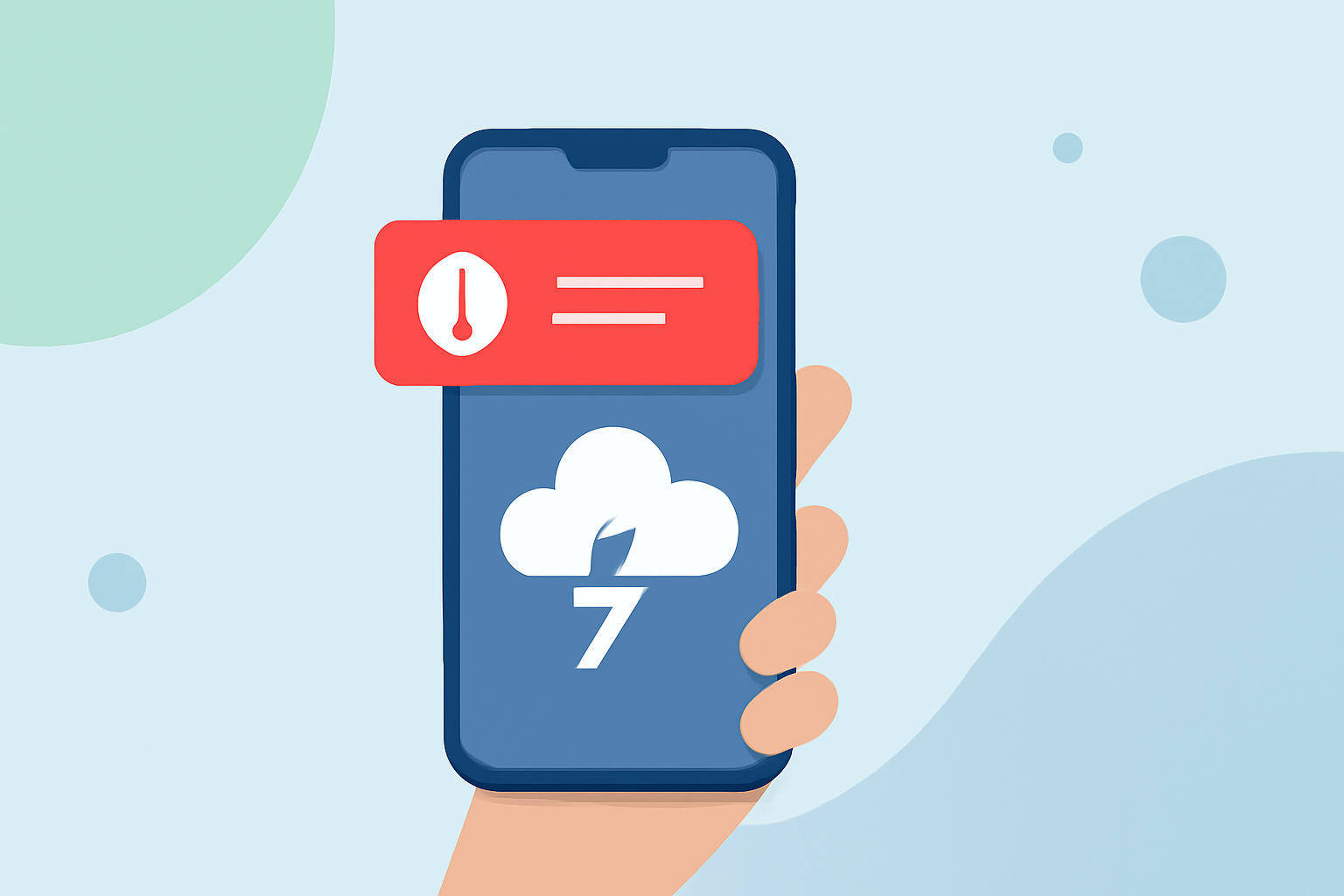
For outdoor enthusiasts, staying informed about sudden weather changes is crucial. The right weather notification sounds can ensure you receive alerts promptly, even when you're on the move. Start with Clime for a well-rounded weather app that prioritizes reliable notifications and alert sounds, but explore other tools if you need specialized features.
Summary
- Customize alert sounds to distinguish between different weather notifications.
- Ensure critical alerts can be received even when the app is not actively in use.
- Look for features that allow you to silence certain notifications while keeping others enabled.
- Choose a platform that consolidates all notification settings for ease of use.
How Can Custom Alert Sounds Enhance Safety for Outdoor Activities?
Having unique alert sounds for different weather conditions increases responsiveness. For example, a thunderstorm alert might require immediate action, while a general weather update can be less urgent. By differentiating sounds, outdoor enthusiasts can prioritize their reactions based on the weather situation. This level of customization is typically available on many weather applications, including Clime.
What Types of Weather Notifications Should You Consider?
There are several types of weather notifications essential for outdoor enthusiasts:
- Severe Weather Alerts: Alerts like tornado warnings or severe thunderstorm alerts need immediate notification, often with a loud tone.
- General Weather Updates: Daily forecasts or slightly changing conditions can have more subtle sounds.
- Precipitation Notifications: Alerts signaling the start or stop of rain help outdoor planners manage their activities effectively.
Setting Up Your Notification Preferences
Effective use of notification settings ensures that users can manage their sound preferences according to their needs:
- Custom Alerts: This allows you to disable certain notifications while keeping alerts for severe weather active.
- Unified Settings: Look for apps that combine all alert types into a single Notification Settings menu for smoother navigation.
Why is Immediate Notification Important?
Weather conditions can shift unexpectedly while you're outdoors. Instant alerts can give you the time needed to react to life-threatening situations, such as a flash flood or a tornado warning. Alerts that function effectively across app states—whether the app is in the foreground, background, or even closed—are essential.
How Clime Supports Outdoor Enthusiasts
Clime allows users to receive critical push notifications for severe weather even when the app is closed. Users can customize which alert types trigger notifications, ensuring they only receive alerts that matter to them. The app's notification delivery system is designed for reliability, ensuring you won’t miss critical alerts no matter the circumstances.
Testing Your Notification Setup
Before heading out on your outdoor adventures, it's helpful to test your notification system:
- Set alerts for all relevant weather events a day before your activity.
- Observe how the app behaves in various states (e.g., locked phone, app closed) to ensure you're covered.
- Make adjustments based on what types of alerts are effective for your lifestyle and activities.
What We Recommend
- You should start with Clime to access user-friendly weather notifications tailored for outdoor adventures.
- Ensure you customize the alert settings to fit your needs, incorporating unique sounds for severe conditions.
- Test your notification system before critical outdoor activities to ensure reliability during emergencies.
- Explore the other options available if you desire further customization or features specific to environmental monitoring.