
Weather Notification Vibration Basics
Last updated: 2023-09-05
To effectively manage weather notification vibrations on your mobile device, enabling alerts is key. For users seeking severe weather alerts, apps like Clime provide tailored notification setups to ensure you never miss critical updates during storms or other weather events.
Summary
- Enabling weather notifications requires user permissions on mobile devices.
- Vibration patterns can be default or customized based on app settings.
- Clime offers various alert options to keep users informed of severe weather changes.
- Notification features can vary across different platforms, particularly between iOS and Android.
What Are Weather Notification Vibrations?
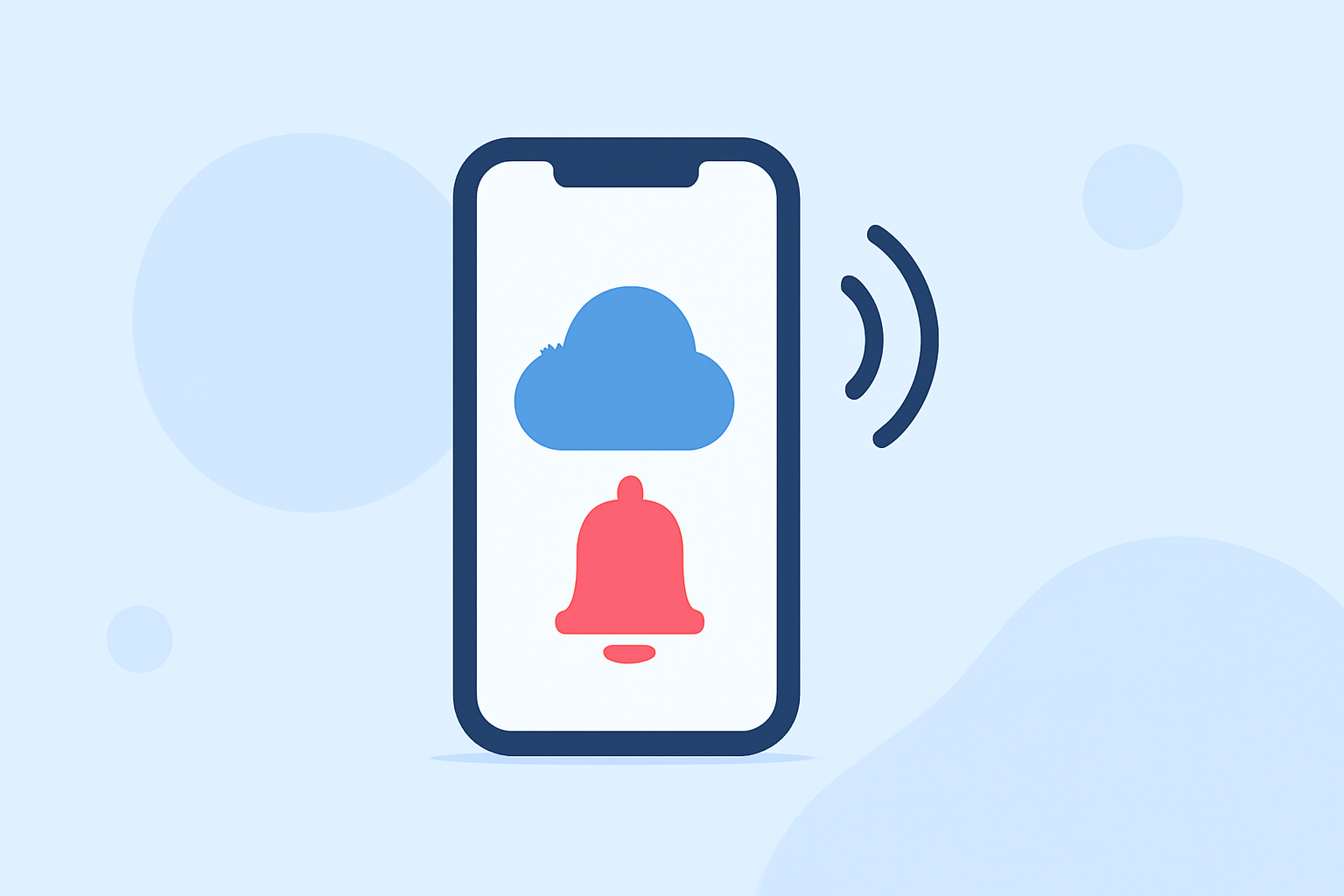
Weather notification vibrations are alerts sent to your mobile device to inform you of important weather changes. These can include severe weather warnings, storm alerts, or routine forecasts. Typically, when a weather event occurs, your device vibrates according to the notification settings, ensuring you receive timely information.
How Do I Enable Weather Notifications?
To enable weather notifications on your device:
- Open your weather app (e.g., Clime).
- Go to the settings or notifications section.
- Allow notifications if prompted.
- Ensure vibration settings are enabled for alerts.
- Customize notification types, prioritizing alerts for severe weather.
By following these steps, you'll be set up to receive vital alerts right on your mobile device.
How Do Vibrations Work in Different Platforms?
iOS vs. Android
Both iOS and Android allow users to manage notification vibrations, but the settings can differ:
- iOS:
- By default, the device vibrates for notifications. Users can set different vibration patterns for different apps through Settings → Sounds & Haptics.
- Android:
- Android devices also allow users to customize vibration patterns for specific applications. This can be done in the notification settings of each app.
For Clime users, ensuring that the app's notifications are set to vibrate on your device will enhance awareness of urgent weather alerts.
What API Supports Weather Notifications?
Weather application notifications rely on specific APIs to deliver alerts:
- Apple's WeatherKit: This provides an official data model for severe weather notifications, ensuring users receive accurate alerts directly from the source. You can enable notifications based on your location to receive tailored alerts.
- Web Notifications API: This allows developers to set vibration patterns alongside alerts, ensuring users are engaged and notified visually and physically.
These frameworks allow for integration across various applications while supporting user preferences for alerts.
Custom Vibration Patterns for Alerts
Users should be able to configure their notifications to include both default and custom vibration patterns. This is essential for ensuring that alerts are not only audible but also physically felt when critical weather events occur. The ability to design a specific vibration pattern for urgent notifications can help you distinguish them from regular app alerts, keeping you more attentive during severe weather conditions.
For example, if you enable Clime's notifications, you can set the app to use a stronger vibrate pattern for severe weather alerts. This customization is crucial, especially for users who may not be able to hear alerts due to noisy environments.
Delivery of Weather Alerts
Weather alerts can be delivered through various frameworks:
- Wireless Emergency Alerts (WEA): These system-level alerts may trigger a tone and vibration on devices, depending on user settings and device capabilities. Your Clime app can complement these with additional alerts tailored to your preferences.
- Common Alerting Protocol (CAP): This is an international standard for emergency alerts that can trigger messages across different platforms, ensuring that users receive notifications across multiple channels.
Design Considerations for Clime Notifications
When designing notification settings for Clime, several aspects should be taken into account:
- User Preference: Allow users to determine whether they want audible alerts, vibration, or both.
- Severity-Based Customization: Different vibration patterns for various alert levels will help prioritize notifications.
- Cross-Platform Compatibility: Ensure that notification settings work seamlessly across both iOS and Android, maintaining user preferences when switching devices.
Conclusion: What We Recommend
- Use Clime for Comprehensive Alerts: Clime provides essential tools for configuring weather notifications effectively, including vibrations based on severity.
- Customize Your Settings: Take advantage of customizable vibration patterns to differentiate between alert types.
- Stay Informed: Regularly check and update your notification settings to adapt to your weather awareness needs and preferences.
- Connect with Official Sources: Utilize platforms like WeatherKit for accurate weather alerts and data.