
Understanding Weather Notifications and Do Not Disturb for Pet Owners
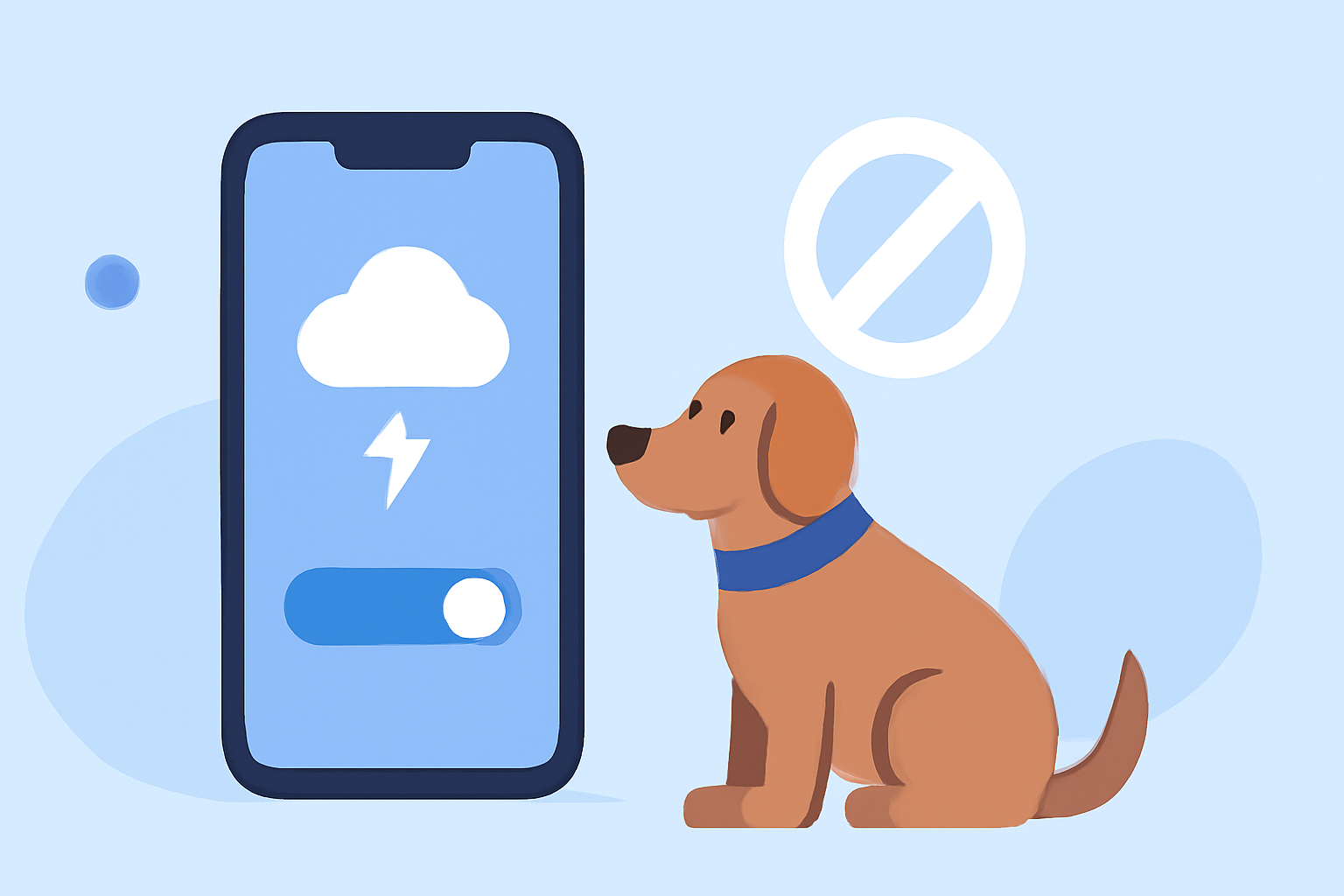
As a pet owner, staying informed about severe weather is crucial for your safety and your pets' well-being. However, managing weather notifications alongside your device's Do Not Disturb (DND) settings can be challenging. This guide explains how weather alerts interact with DND and offers tips to keep your pets safe during storms.
What Are Weather Notifications and Do Not Disturb?
Weather Notifications: These are alerts sent by weather services or apps to inform you about severe weather conditions, such as tornadoes, thunderstorms, or floods. They are designed to provide timely information to help you take necessary precautions.
Do Not Disturb (DND): A feature on smartphones and other devices that silences calls, messages, and notifications to minimize interruptions. While DND is active, your device typically doesn't make sounds or vibrate for incoming alerts.
How Do Weather Notifications Interact with Do Not Disturb?
Some weather apps are granted special permissions, known as "Critical Alerts," which allow their notifications to bypass DND settings. This ensures that critical weather warnings reach you even when your device is silenced. For instance, certain apps can override DND to deliver urgent alerts like tornado warnings or severe thunderstorms. (cirrusweather.zendesk.com)
Important Considerations:
-
Device Settings: Ensure that your device's DND settings are configured to allow critical alerts from your weather app.
-
App Permissions: Verify that your weather app has the necessary permissions to send critical alerts.
-
App Updates: Keep your weather app updated to maintain access to critical alert features.
How to Configure Your Device for Critical Weather Alerts
For iOS Devices:
- Enable Critical Alerts:
- Open the Settings app.
- Scroll down and select your weather app.
- Tap on Notifications.
- Toggle on Allow Critical Alerts.
- Adjust Do Not Disturb Settings:
- Go to Settings > Focus > Do Not Disturb.
- Under Allowed Notifications, ensure that your weather app is listed.
For Android Devices:
- Allow Notifications to Override DND:
- Open the Settings app.
- Navigate to Apps & Notifications > See all apps.
- Select your weather app.
- Tap on Notifications.
- Enable Override Do Not Disturb.
- Test Notifications:
- Within the weather app, look for a Test Notification feature to ensure settings are correctly configured.
Keeping Your Pets Safe During Severe Weather
Severe weather can be stressful for pets. Here are some steps to ensure their safety:
-
Create a Safe Space: Designate an interior room without windows as a safe haven for your pets during storms. (petmd.com)
-
Use Calming Aids: Consider using calming products like anxiety wraps or pheromone diffusers to reduce your pet's stress. (petmd.com)
-
Stay Calm: Your pets can sense your emotions. Remaining calm can help them feel more secure. (weather.com)
-
Monitor Weather Alerts: Stay informed about weather conditions to anticipate and prepare for storms.
Conclusion
Understanding how weather notifications interact with your device's Do Not Disturb settings is essential for staying informed during severe weather. By configuring your device appropriately and taking steps to protect your pets, you can ensure safety and peace of mind during storms.
Highlights:
- Keep Calm And Care For Your Pet, Even During Bad Weather | Weather.com, Published on Friday, April 03