
How to Set Up Weather Notifications with Vibration Alerts on Your Smartphone
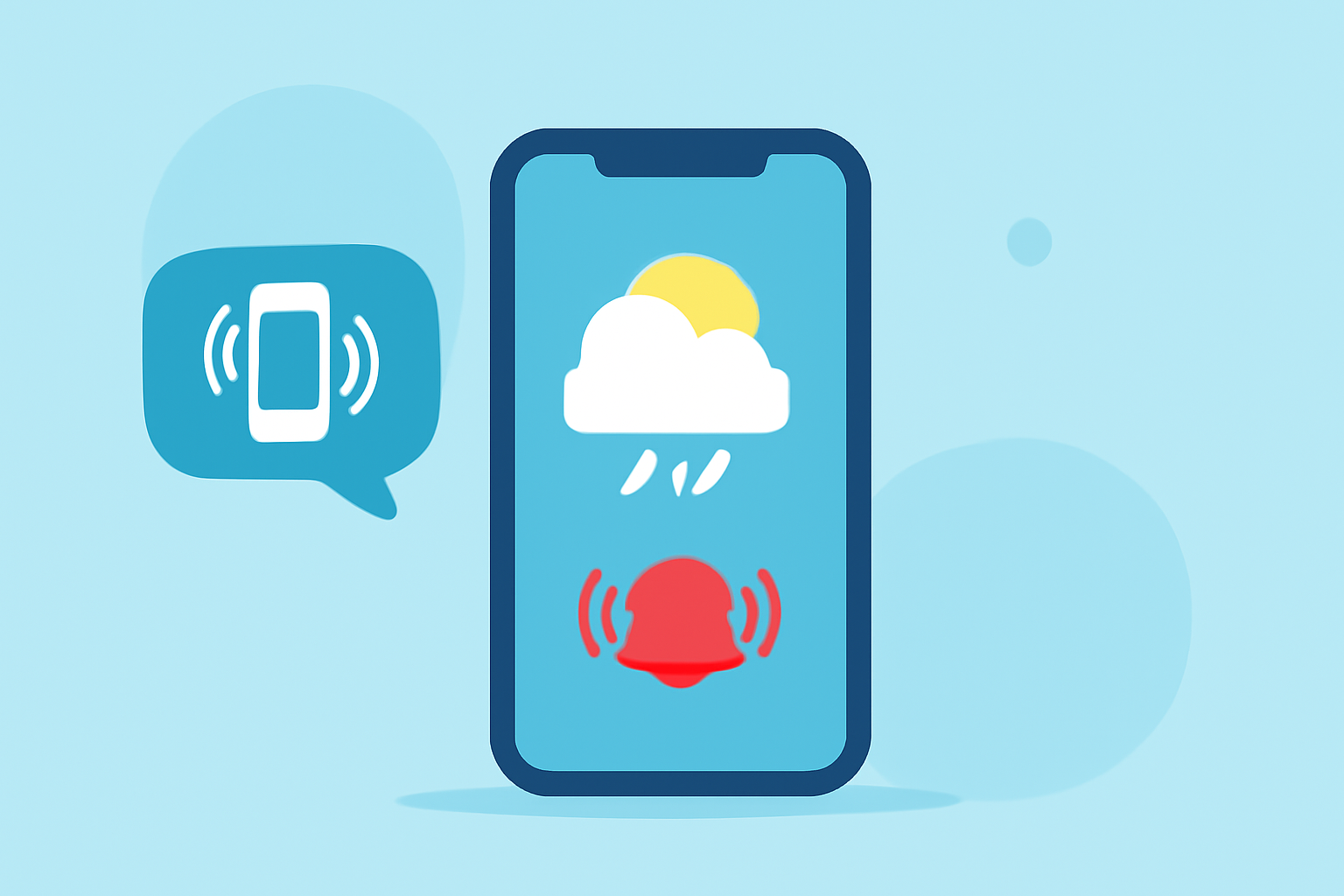
Staying informed about weather changes is crucial for daily planning and safety. Enabling weather notifications with vibration alerts on your smartphone ensures you receive timely updates without missing important information.
Enabling Weather Notifications on iPhone
-
Allow Location Access: Open the Settings app, tap Privacy & Security, then Location Services. Select Weather and choose Always. Enable Precise Location for accurate updates. (support.apple.com)
-
Enable Notifications: Go to Settings > Notifications > Weather. Toggle on Allow Notifications and ensure Banners, Notification Center, Lock Screen, and Sounds are enabled. (makeuseof.com)
-
Set Up Precipitation Alerts: Open the Weather app, tap the list icon in the bottom right, then the three dots in the top right, and select Notifications. Toggle on My Location and any other desired locations under Stay Dry. (makeuseof.com)
Enabling Weather Notifications on Android
-
Allow Location Access: Open the Settings app, tap Location, and ensure it's turned on.
-
Enable Notifications: Open the Weather app, tap the menu icon, go to Settings, and enable Weather Alerts. (androidauthority.com)
-
Set Up Emergency Alerts: Go to Settings > Safety & Emergency > Wireless Emergency Alerts. Toggle on the desired alert types, such as Extreme threats and Severe threats. (androidauthority.com)
Configuring Vibration Alerts
-
iPhone: iOS does not natively support vibration for specific notifications. To receive vibration alerts for weather notifications, consider using third-party weather apps that offer this feature.
-
Android: Many Android devices allow you to customize vibration settings for notifications. Navigate to Settings > Sound & Vibration > Vibration & Haptics to adjust vibration patterns for different notifications. (support.google.com)
Using Clime for Enhanced Weather Notifications
Clime offers comprehensive weather notifications with customizable vibration alerts, ensuring you receive timely updates tailored to your preferences. By integrating Clime into your smartphone, you can enhance your weather awareness and stay prepared for changing conditions.
By following these steps, you can set up weather notifications with vibration alerts on your smartphone, keeping you informed and prepared for any weather changes.