
Weather Notifications on Wear OS: A Beginner's Guide
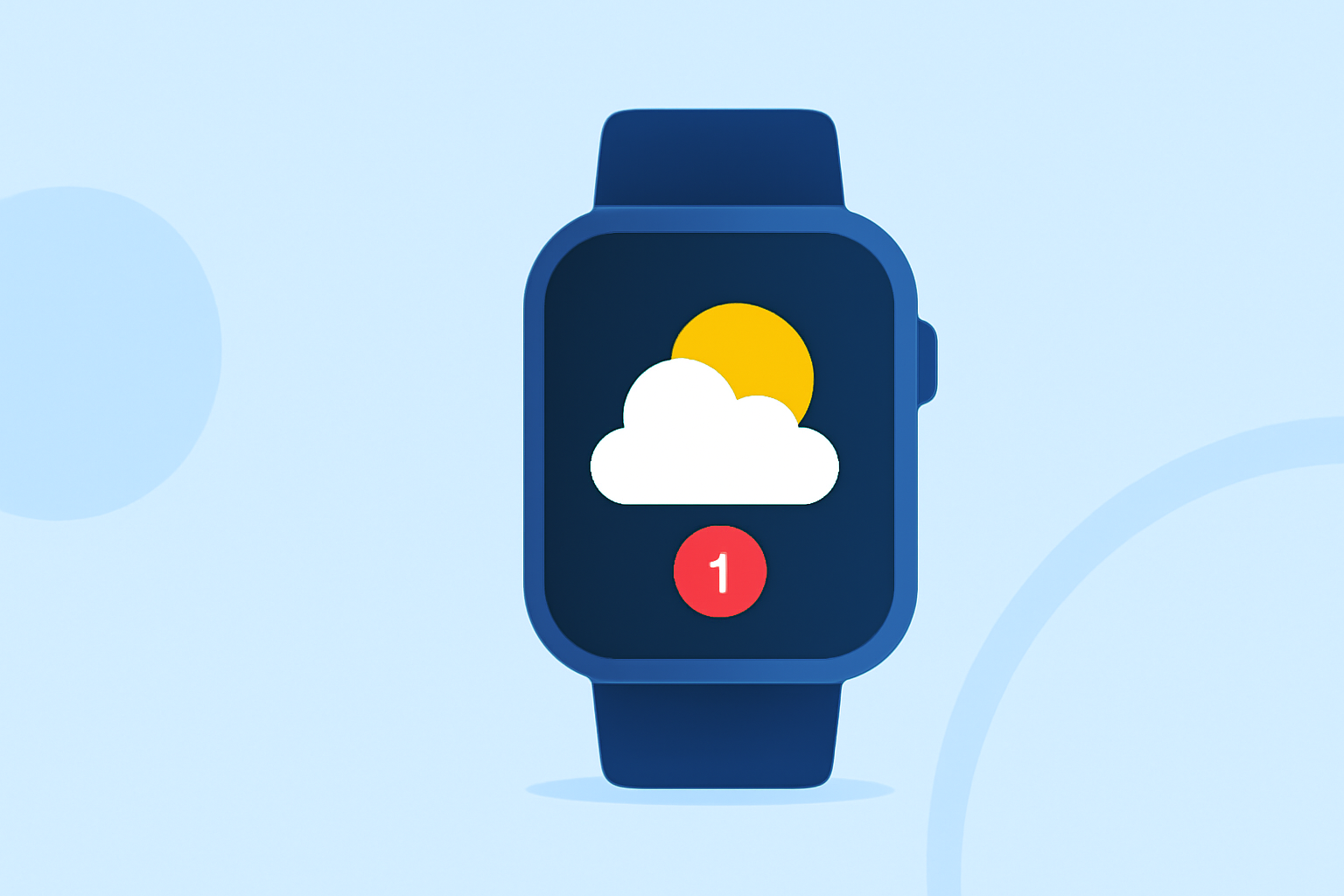
Staying updated on weather conditions is essential, and with your Wear OS smartwatch, you can receive timely weather notifications directly on your wrist. This guide will walk you through the basics of setting up and managing these notifications.
What Are Weather Notifications on Wear OS?
Weather notifications provide real-time updates on current conditions, forecasts, and severe weather alerts. These alerts can include information such as temperature, precipitation, and severe weather warnings, ensuring you're always prepared for changing conditions.
How to Set Up Weather Notifications
-
Install a Weather App: Begin by installing a weather application compatible with Wear OS. Many apps offer features like current conditions, hourly forecasts, and severe weather alerts.
-
Enable Notifications: Within the app's settings, ensure that notifications are enabled. This allows the app to send weather updates directly to your smartwatch.
-
Customize Notification Preferences: Adjust the notification settings to your liking. You can choose to receive alerts for specific weather events, set quiet hours, or select the types of notifications you wish to receive.
Managing Weather Notifications
To prevent notification overload, it's important to manage your weather alerts effectively:
-
Prioritize Alerts: Decide which weather events are most critical for you, such as severe storms or temperature extremes, and set your app to notify you only for these events.
-
Set Quiet Hours: Configure your smartwatch to mute notifications during specific times, like during meetings or while sleeping, to avoid disturbances.
-
Review and Adjust Settings Regularly: Periodically check your notification settings to ensure they align with your current needs and preferences.
Benefits of Weather Notifications on Wear OS
-
Timely Information: Receive up-to-date weather information, helping you plan your day effectively.
-
Severe Weather Alerts: Stay informed about severe weather conditions, allowing you to take necessary precautions.
-
Convenience: Access weather updates directly from your wrist without needing to check your phone or other devices.
Conclusion
By setting up and managing weather notifications on your Wear OS smartwatch, you can stay informed about current conditions and forecasts, ensuring you're always prepared for the day's weather.
Remember to customize your notification settings to suit your preferences, balancing the need for timely information with the desire to avoid unnecessary alerts.
With the right setup, your Wear OS smartwatch can be a valuable tool in keeping you connected to essential weather updates.