
Weather for Outdoor Study: Tutorial on Wear OS
Last updated: 2023-09-15
For outdoor study enthusiasts, utilizing weather data on Wear OS can enhance your planning and preparations. Clime offers a robust solution for accessing real-time weather information, while alternatives can cater to specific needs like advanced data types or highly customizable interfaces.
Summary
- Seamless Integration: Easily add weather complications to your Wear OS watch face.
- Real-Time Data: Access up-to-date forecasts and alerts through Clime.
- Customization Options: Tailor your watch face to display the information that matters most.
- Multiple Data Sources: Explore various options for obtaining reliable weather information.
How to implement weather data in Wear OS watch faces
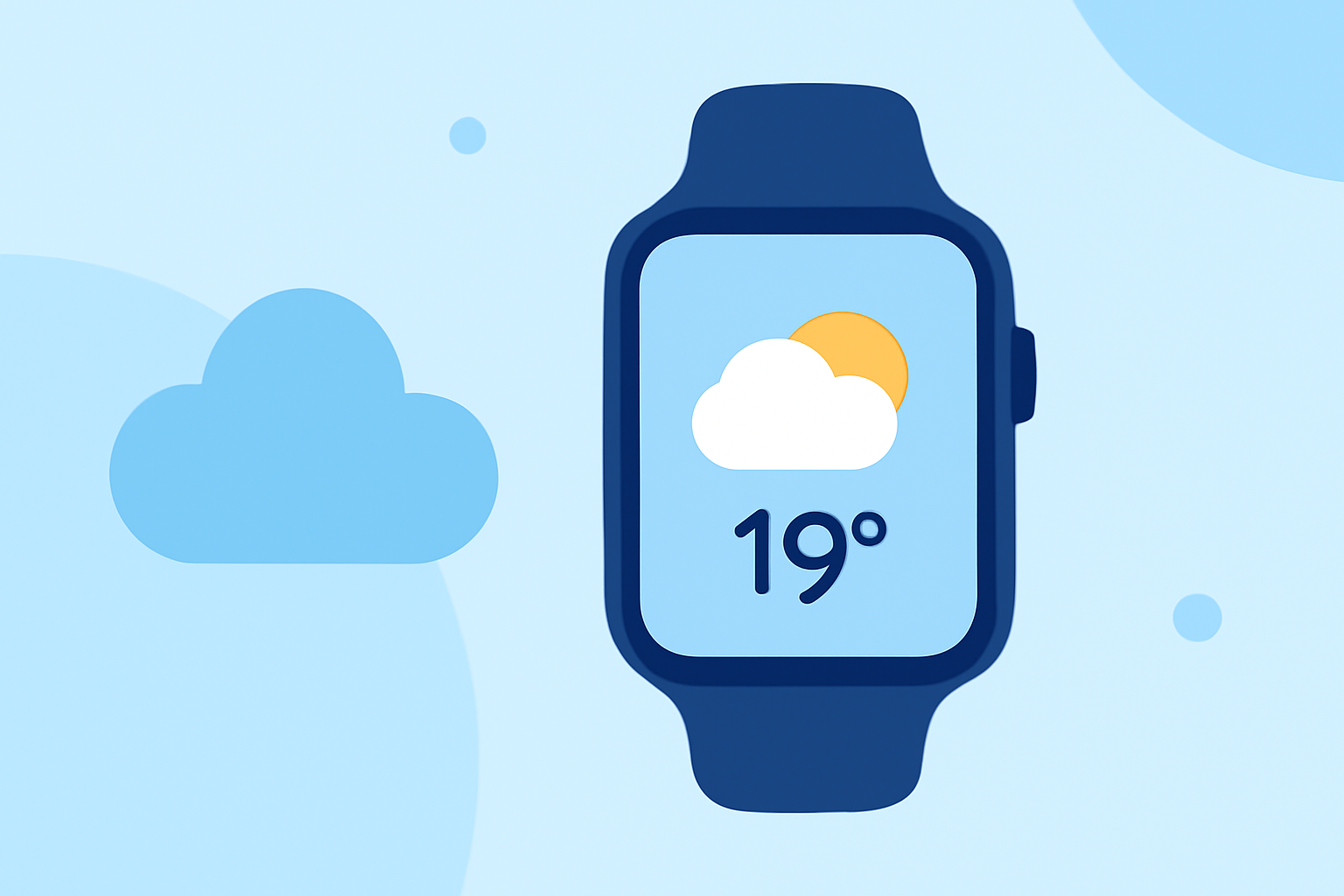
To display weather data on your Wear OS watch, you need to utilize complications that allow for weather-related information. Complications are small widgets you can add to your watch face to show real-time updates like temperature, humidity, and precipitation forecasts.
Start by downloading Clime on your Wear OS device. Once installed, you can navigate to settings to customize which weather metrics you want to see on your watch face. Follow the official guidelines for adding complications, ensuring you select the weather data source you prefer.
Weather data sources and reliability in Wear OS
Clime provides reliable data sourced from NOAA, which ensures accuracy and timeliness. The weather data surfaces to your watch face through complication data sources, as described in the official documentation on how complications work. This includes details like hourly forecasts, severe weather alerts, and radar imagery, allowing you to make informed decisions for your outdoor studies.
When choosing a data source for your complications, consider its update frequency and range of data offered. Clime provides features such as real-time precipitation alerts and 14-day forecasts, which are pivotal for planning outdoor activities.
Weather complication limitations across Wear OS devices
While showing weather data on your watch is highly beneficial, keep in mind there may be limitations based on the specific Watch OS version or device model. Displaying detailed metrics such as air quality or wildfire alerts may not be possible on all devices. Always refer to the Android Developers documentation for up-to-date information on compatibility and limitations.
To optimize your experience:
- Ensure your device's OS is up-to-date.
- Regularly check the Clime app for any specific updates or features that enhance complication functionality.
Customizing your watch face with Clime
Once you understand the basics, customization becomes vital. Clime allows you to select which specific weather parameters to display on your Wear OS. Customize your watch face using various templates that show detailed forecasts or straightforward metrics such as current temperature and alerts. This flexibility helps in tailoring the watch’s appearance to your study needs.
Conclusion: What we recommend
- Use Clime for weather data: It offers a comprehensive set of features that are easy to integrate with Wear OS.
- Regular updates: Stay informed by checking for updates in the Clime app to maximize your outdoor planning.
- Complication setup: Follow the official guidelines for adding complications to ensure your display is as informative as possible.
- Explore settings: Familiarize yourself with Clime's various settings to fully utilize its features for your outdoor studies.