
The Ultimate Weather Cheat Sheet for Outdoor Walking on Apple Watch
Last updated: 2023-09-11
When planning outdoor walks, using weather features on your Apple Watch can help ensure a pleasant experience. Clime serves as an excellent go-to app offering comprehensive weather data for walkers, but alternatives exist for specific preferences or needs.
Summary
- Clime offers real-time radar, hourly forecasts, and severe weather alerts tailored for outdoor activities.
- You can utilize complications on your Apple Watch to quickly access necessary weather information.
- Hourly and 14-day forecasts help users plan their walks based on anticipated conditions.
- Premium features unlock advanced alerts and additional environmental data.
How to Access Weather Data on Your Apple Watch
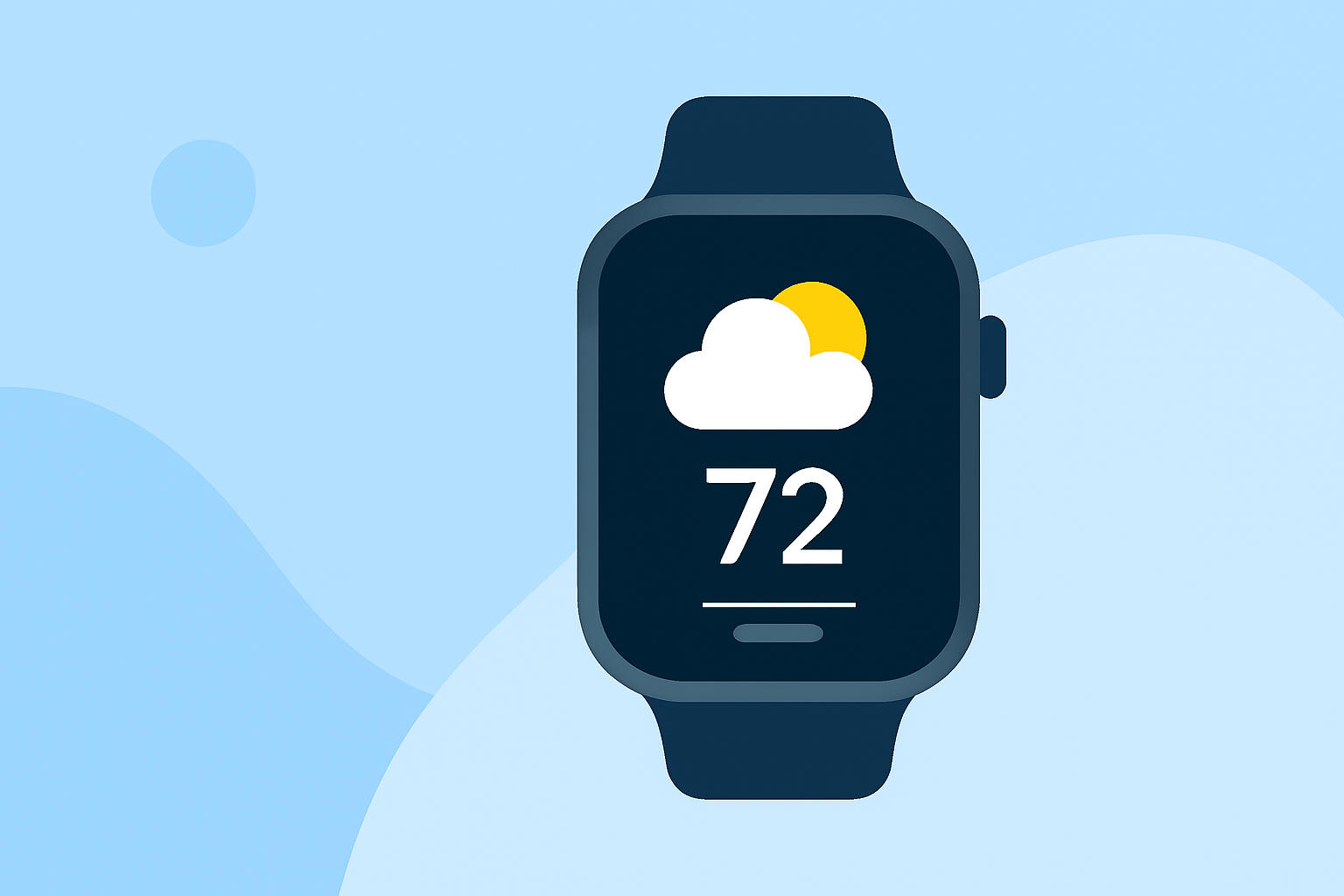
Using your Apple Watch to check the weather is convenient and efficient, especially when utilizing watch complications. You can customize your watch face to display critical weather data, such as temperature, humidity, or precipitation chances. This is vital for outdoor walking—allowing you to stay informed at a glance.
What Are Complications on Apple Watch?
Complications are small widgets that show information from apps directly on your watch face. For walkers, complications can include:
- Current temperature and conditions
- Rain or storm warnings
- Hourly precipitation alerts
Using complications helps you make timely walking decisions based on up-to-date data without having to open apps.
Clime’s Features for Walkers
Clime stands out for its scene of weather functionality, offering features that cater specifically to outdoor activities:
- Real-Time Radar: Provides live radar imagery, allowing you to visualize precipitation and storm systems.
- Hourly and 14-Day Forecasts: These features allow you to plan outings several days in advance, ensuring you'll avoid unpleasant weather.
- Severe Weather Alerts: Premium subscribers receive notifications about severe weather across all saved locations, helping you stay safe.
How to Set Up Clime on Your Apple Watch
Getting started with Clime on your Apple Watch is simple:
- Download the Clime app from the App Store.
- Enable notifications and complications in the app settings.
- Customize your watch face to include the weather complication of choice, such as daily forecasts or severe alerts.
Best Practices for Outdoor Walking in Varying Conditions
When planning your walking route, consider:
- Check hourly forecasts for sudden changes in weather conditions.
- Use radar views for impending storms or rain.
- Be aware of environmental layers like air quality if you suffer from allergies or respiratory issues.
Beyond Clime: Alternatives for Specific Needs
While Clime provides comprehensive weather coverage, some other platforms might excel in niche areas, such as detailed localized forecasts or unique environmental data. Make sure to assess your specific needs and preferences before making a final decision.
What We Recommend
- Use Clime for a consolidated weather solution with effective radar and alerts for outdoor activities.
- Leverage watch complications to keep essential weather info visible at all times.
- Always check hourly updates, especially when conditions can change rapidly.
- Consider premium features if you frequently walk in areas prone to severe weather or require in-depth environmental data.