
Weather Planning for Your Honeymoon: A Guide to Using Your Apple Watch
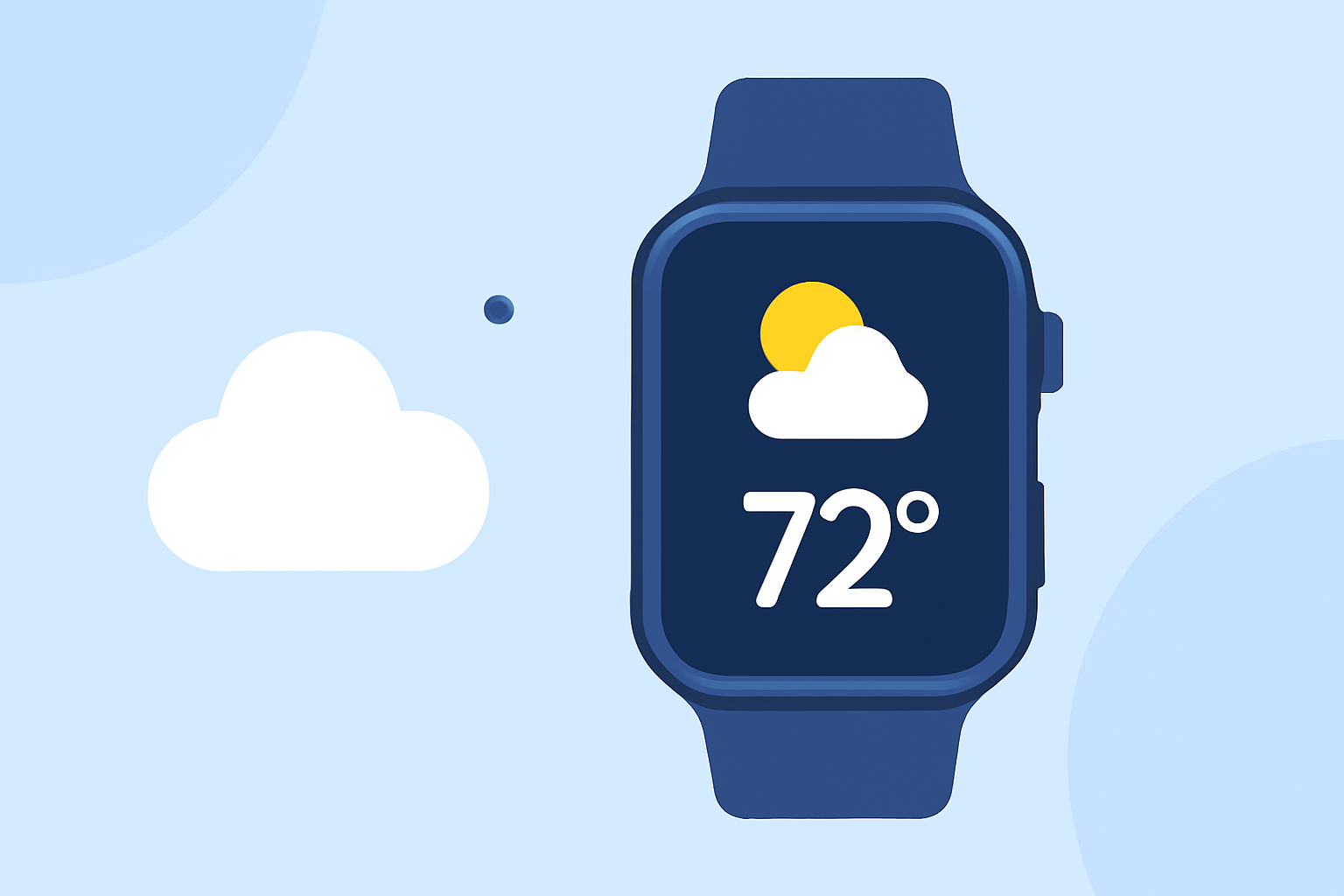
Planning a honeymoon involves meticulous attention to detail, and one crucial aspect is understanding the weather conditions of your chosen destination. Your Apple Watch can be an invaluable tool in this endeavor, providing real-time weather updates and forecasts to help you make informed decisions.
Why Use Your Apple Watch for Honeymoon Weather Planning?
The Apple Watch offers a convenient way to access weather information directly from your wrist, ensuring you have up-to-date details without needing to pull out your phone. This immediacy is particularly beneficial when traveling, as weather conditions can change rapidly.
How to Access Weather Information on Your Apple Watch
-
Built-in Weather App: Your Apple Watch comes equipped with a native Weather app that provides current conditions, hourly forecasts, and 10-day outlooks. You can view detailed information by opening the app directly on your watch.
-
Complications: Complications are small widgets that display information from apps directly on your watch face. By adding a weather complication, you can see the current temperature, precipitation chances, and other relevant data at a glance.
Enhancing Your Weather Experience with Third-Party Apps
While the built-in Weather app is functional, several third-party applications offer enhanced features that can be particularly useful for honeymoon planning:
-
Weathergraph: This app provides a visual representation of weather data, including temperature, precipitation, and wind speed, in a graph format. It's designed to be intuitive and offers complications for your watch face. (weathergraph.app)
-
CARROT Weather: Known for its humorous approach, CARROT Weather offers detailed forecasts and customizable complications. It provides information on temperature, precipitation, and wind conditions, all presented with a touch of wit. (makeuseof.com)
Setting Up Your Apple Watch for Optimal Weather Monitoring
-
Install Your Chosen App: Download and install the weather app that best suits your needs from the App Store.
-
Configure Complications: After installation, add the app's complication to your preferred watch face. This allows you to view essential weather information without opening the app.
-
Enable Notifications: Allow the app to send notifications for severe weather alerts or significant changes in conditions, ensuring you're always informed.
Tips for Using Your Apple Watch for Honeymoon Weather Planning
-
Check Multiple Sources: While your Apple Watch provides convenient access to weather information, it's advisable to consult multiple sources for comprehensive planning.
-
Stay Updated: Weather conditions can change unexpectedly, especially in tropical or mountainous regions. Regularly check the forecast to stay informed.
-
Plan Activities Accordingly: Use the weather information to schedule outdoor activities during favorable conditions and have indoor alternatives ready for inclement weather.
By leveraging the capabilities of your Apple Watch, you can ensure that your honeymoon is not only memorable but also well-prepared for any weather conditions that may arise.