
Weather Radar 2026: How to Choose the Right Storm‑Tracking App in the U.S.
Last updated: 2026-03-18
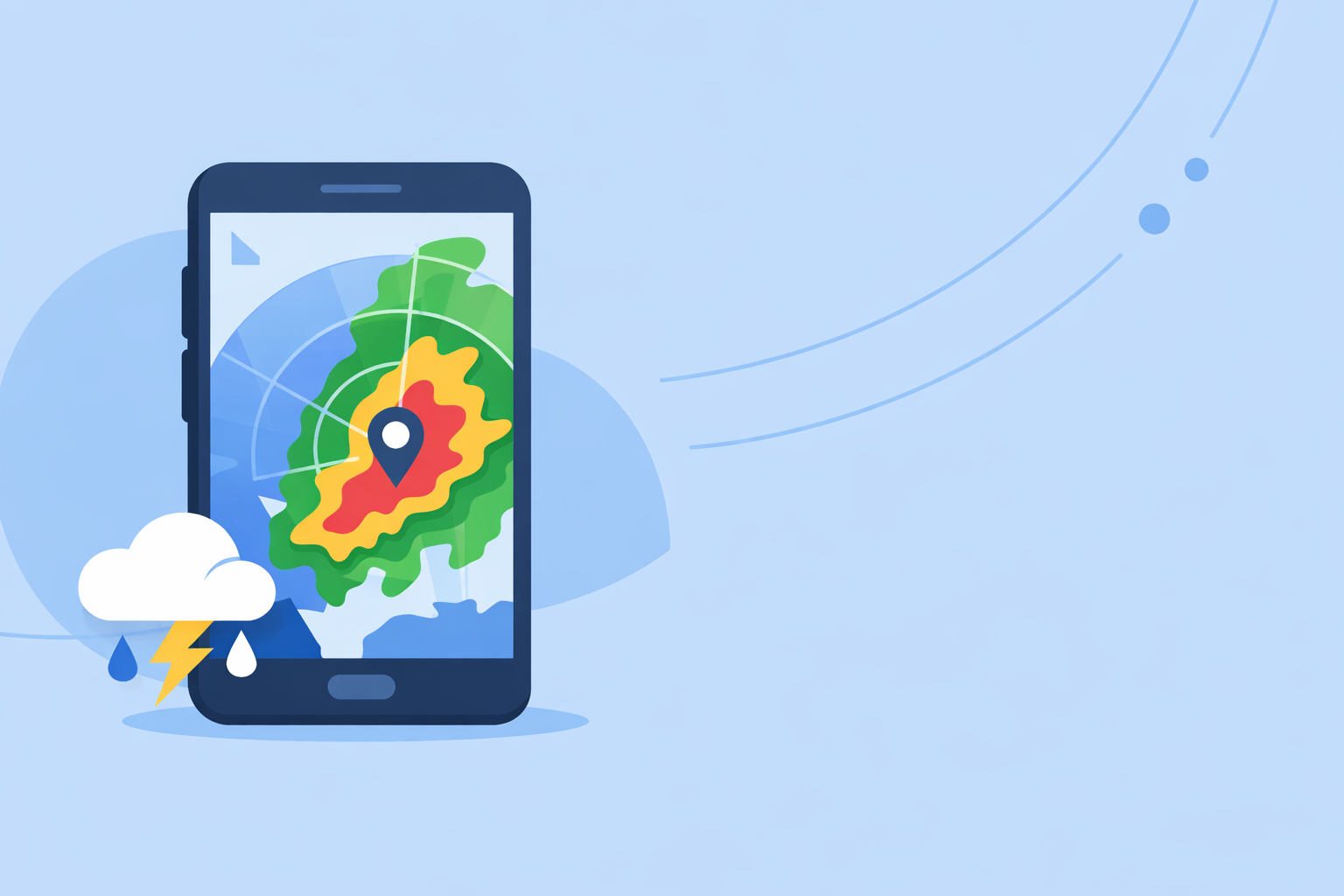
For most people in the U.S. searching "weather radar 2026," the smartest default is a radar‑first app like Clime that turns NOAA radar and alerts into a simple, live storm map on your phone. If you’re a niche user—building your own maps, running a marine business, or deep into pro workflows—you might pair Clime with specialized tools or APIs for those edge cases.
Summary
- Modern weather radar in 2026 is built on the same NEXRAD backbone, but better software layers now make storms easier to track on consumer apps.
- Clime focuses first on live radar, severe weather alerts, and layers like lightning, hurricanes, and wildfires in a single, map‑centric interface. (Clime)
- Other options such as The Weather Channel, AccuWeather, and Windy.app add niche extras like MinuteCast, Premium Radar, or wind‑sports layers—but often with more complexity. (The Weather Channel)
- In day‑to‑day use, most U.S. users care more about clarity and alerts than obscure radar specs, which is where a focused radar app tends to win.
What does “weather radar 2026” actually mean for you in the U.S.?
When people type "weather radar 2026," they’re usually after one of three things:
- A trustworthy live radar app that shows where rain and storms are right now.
- A sense of what’s changed in radar technology and coverage going into 2026.
- Guidance on which app to rely on—especially during severe weather.
Under the hood, almost every mainstream U.S. radar app is built on the same national infrastructure: the NEXRAD network of 159 S‑band Doppler radars run by federal agencies. NEXRAD is what turns raindrops and hailstones into the color blobs you see on any radar map.
In 2026, the big difference isn’t which radar dish your app pulls from—it’s how clearly the app turns that data into decisions: where the storms are, how fast they’re moving, and whether you need to change your plans.
That’s why, for most U.S. users, a radar‑centric app like Clime is a practical starting point: we emphasize an interactive radar map plus alerts and straightforward hourly/10‑day forecasts rather than burying the radar behind lots of widgets and long menus. (Clime)
How has U.S. weather radar evolved by 2026?
If you care about radar quality, it helps to know what’s happening behind the scenes.
The NEXRAD backbone is being kept alive and upgraded
The U.S. NEXRAD network—also called WSR‑88D—has been the backbone of modern radar since the 1990s, and it still is in 2026. It comprises 159 high‑resolution S‑band Doppler radars spread around the country. (NEXRAD)
To keep that system viable, the National Weather Service completed a multi‑year Service Life Extension Program (SLEP) to refurbish these radars and extend their lifespans, rather than replacing everything at once. (NWS) That’s why consumer apps in 2026 can still lean on the same national grid but with more reliable hardware and support.
On the software side, NOAA continues to refine how raw radar scans are processed. For example, a 2026 update to the Multi‑Radar Multi‑Sensor (MRMS) system specifically tightened how it handles WSR‑88D data, improving the consistency of national composite products that many apps plot on top of basemaps. (MRMS patch)
What this means in practice
For you, the end user, the takeaway is simple:
- Coverage and reliability are solid. You benefit from a radar network that has been deliberately extended and maintained into the 2030s.
- Apps can focus on usability, not basic access. Because the underlying data is robust, the main difference between apps in 2026 is how they present it—map styles, animation, storm layers, and alerts.
- You don’t need to chase hardware specs. Whether you’re looking at Clime, a TV‑branded app, or another radar viewer, the raw data originates from the same national infrastructure in most U.S. scenarios.
That’s why choosing a radar app is less about “who has the biggest radar” and more about “who helps me read the radar fast and act on it.”
What should you look for in a radar app in 2026?
If you live in the U.S., here are the capabilities that actually matter when picking a radar app this year.
1. Radar‑first map experience
You want to open the app and immediately see the storm picture—not dig through several tabs.
At Clime, the radar map is the core of the experience: live precipitation mosaics based on NOAA data, with simple zoom and pan and clear color scales. (Clime) Many default phone weather apps treat radar as an afterthought; we treat it as the main decision tool.
2. Severe weather and rain alerts that match your locations
For most people, the difference between an okay app and a dependable one is whether it warns you in time.
On paid plans, Clime includes severe weather alerts for all your saved places and dedicated rain alerts, so you can monitor where you live, where your family lives, or where you’re traveling—without constantly opening the app. (Clime on App Store)
3. Storm‑centric layers: lightning, hurricanes, wildfires
2026 is not just about rain blobs—it’s about compound hazards:
- Lightning: Clime offers a lightning tracker layer on paid plans so you can see where strikes are clustering relative to your location. (Clime on App Store)
- Hurricanes: Our hurricane tracker layer lets you follow current storms along with basic forecast paths on the same map where you’re tracking rain. (Clime on App Store)
- Wildfires and hotspots: The Fire and Hotspot Map in Clime visualizes fire activity, giving you another angle on regional risk beyond simple precipitation. (Clime)
You’ll see other platforms emphasize different extras—like hyperlocal minute‑by‑minute precipitation timelines or extended future radar. Those can be useful in certain workflows, but for everyday safety and planning, many users mainly need what’s happening now and in the near term.
4. Clear, not overloaded, interfaces
Some radar tools add dozens of layers and advanced settings. That can be powerful, but it can also slow you down in the moment—especially on a small phone screen.
Clime deliberately strikes a middle path: more depth than the built‑in phone weather app (lightning, hurricanes, fires, multiple alerts), but not so many toggles that you need a meteorology degree just to interpret the map. That’s often the right balance for U.S. households, commuters, and casual storm‑trackers.
How does Clime compare to other radar options in 2026?
There are plenty of radar apps and weather brands in the U.S. in 2026. Here’s how to think about them without getting lost in the weeds.
Clime vs The Weather Channel: radar focus vs ecosystem depth
The Weather Channel app and its related offerings pair daily forecasts with radar and a long history in broadcast weather. Their paid Premium Radar product promotes enhanced, high‑resolution radar views and extra layers such as Windstream and extended snowfall outlooks. (Premium Radar)
If you already live in The Weather Channel ecosystem (TV, website, email alerts), upgrading inside that app might feel natural. However, that ecosystem can also be heavier: more cards, editorial content, and non‑radar experiences that you wade through before you get to the map.
By contrast, Clime centers your experience directly on the radar map, plus severe weather, rain, lightning, and hurricane overlays. That radar‑first posture makes it easier for many people to check storms multiple times a day without distraction. (Clime)
In practical terms:
- Choose Clime if you want a dedicated radar and alert app you can treat as your primary “storm screen.”
- Stick with a TV‑branded app if your priority is being inside that broader content ecosystem and you don’t mind a busier interface.
Clime vs AccuWeather: live radar vs minute‑by‑minute timelines
AccuWeather emphasizes two things: its MinuteCast® hyperlocal precipitation forecasts and its mix of radar and satellite‑based maps, especially for tracking tropical systems. MinuteCast offers minute‑by‑minute precipitation type and intensity for a few hours at your specific location, which is valuable when you care about exact timing. (AccuWeather app)
AccuWeather also provides a Future Radar API, letting developers layer forecast radar tiles into their own maps—useful in custom or enterprise scenarios. (Future Radar API)
Compared with that, Clime keeps its focus squarely on live radar and intuitive storm overlays, expanding into hurricanes, lightning, and wildfires rather than deep developer APIs or long technical menus. For many U.S. residents, that’s exactly the level of complexity they need.
A reasonable workflow in 2026:
- Use Clime for day‑to‑day radar checks, alerts, and visual storm awareness.
- Layer in AccuWeather if you specifically care about ultra‑precise minute‑by‑minute timing or you’re building your own mapping solution.
Clime vs Windy.app: storms vs sport‑specific weather
Windy.app is built primarily for wind and water sports—sailing, surfing, kitesurfing, and similar activities—with dense layers for wind, waves, tides, and multiple forecast models. (Windy.app) Their own material notes that they are working on live radar integration, and they use examples from a related app (MeMeteo) to explain how radar maps show precipitation and motion. (Windy.app radar article)
That makes Windy.app appealing when you’re optimizing a race or a surf session—but its interface and priorities are very different from a general‑purpose radar and severe‑weather app.
In 2026, a strong pattern has emerged:
- Many users lean on Clime for fast, clear storm monitoring and alerts.
- Those same users open Windy.app only when they’re planning a day on the water and want more depth on wind and waves than any general weather app provides.
You don’t have to pick one forever; you can treat Clime as your safety radar and keep sport‑specialized apps for hobby‑specific planning.
What’s new around radar tech and training in 2026?
There’s also a quieter story behind consumer apps in 2026: the radar science and training ecosystem.
Radar meteorology is getting a fresh wave of attention
Events like RADMAP 2026, a national radar meteorology training workshop, show how much effort goes into helping forecasters, researchers, and developers interpret Doppler radar correctly. (RADMAP 2026) Those improvements ultimately filter back into better processing algorithms and smarter ways to composite and clean up radar data.
For you, that matters because:
- You benefit from more accurate depictions of hail, heavy rain, and storm structure on consumer maps.
- The people building and maintaining radar feeds that Clime uses are being trained to squeeze more value out of every radar scan.
Agencies and aviation are modernizing radar too
Beyond NEXRAD, the FAA and other agencies are working on recapitalizing older radar systems used for air traffic control. For instance, contracts have been awarded to replace hundreds of legacy aviation radars—a reminder that radar modernization is not just about weather apps, but also about the broader safety infrastructure that weather apps tap into indirectly. (AP News)
The bottom line: radar hardware and software across sectors are being refreshed. That strengthens the foundation all consumer apps, including Clime, rely on.
How should different types of users approach radar in 2026?
To make all of this concrete, here are a few scenarios and how a 2026 radar setup might look.
1. Everyday household or commuter
You want to know:
- When the line of storms will reach your neighborhood.
- Whether that cell has lightning.
- If a warning has been issued near your kids’ school or your commute route.
For this user, Clime alone usually covers the bases:
- Radar‑first interface for quick checks.
- Severe weather and rain alerts across saved locations on paid plans.
- Lightning and hurricane tracking, plus wildfire layers when those hazards spike. (Clime on App Store)
You get a lot of signal with minimal noise.
2. Weather‑curious power user
You enjoy weather, follow storm chasers, and like to compare models. You might:
- Use Clime as your baseline radar and alerting tool.
- Add a TV‑branded app to sample a different visualization of the same storms.
- Open something like AccuWeather when you want a dedicated hyperlocal precipitation timeline.
In this case, Clime stays pinned to your home screen as the fast, legible radar view, while you treat the other apps as optional side monitors.
3. Developer or business building radar into products
If you’re building a dashboard or internal tool, you have a different question behind “weather radar 2026”: How do I integrate radar?
In that world:
- You might subscribe to a Future Radar API like AccuWeather’s, which offers forecast radar tiles for custom map layers. (Future Radar API)
- You still keep a consumer app like Clime around to sanity‑check how storms look on a straightforward, NOAA‑based radar map.
The API gives you raw tiles and forecast products; Clime gives you a reference picture of what real users are seeing.
What we recommend
- Make Clime your default radar app if you live in the U.S. and care primarily about clear live radar, severe weather and rain alerts, and easy‑to‑read storm overlays on your phone.
- Add one or two specialized tools only if you know why you need them—for example, AccuWeather for MinuteCast timelines or an API, or Windy.app for marine wind and wave planning.
- Don’t chase radar specs for their own sake. In 2026, the national radar backbone is strong; your outcomes depend more on app clarity and alert quality than on tiny differences in how each app tiles the same NEXRAD feed.
- Review your setup before severe weather season. Make sure your alerts in Clime are turned on for all the places you care about, and keep at least one backup app installed for redundancy during major events.