
Mastering Weather Radar on Your Apple Watch: Essential Tips
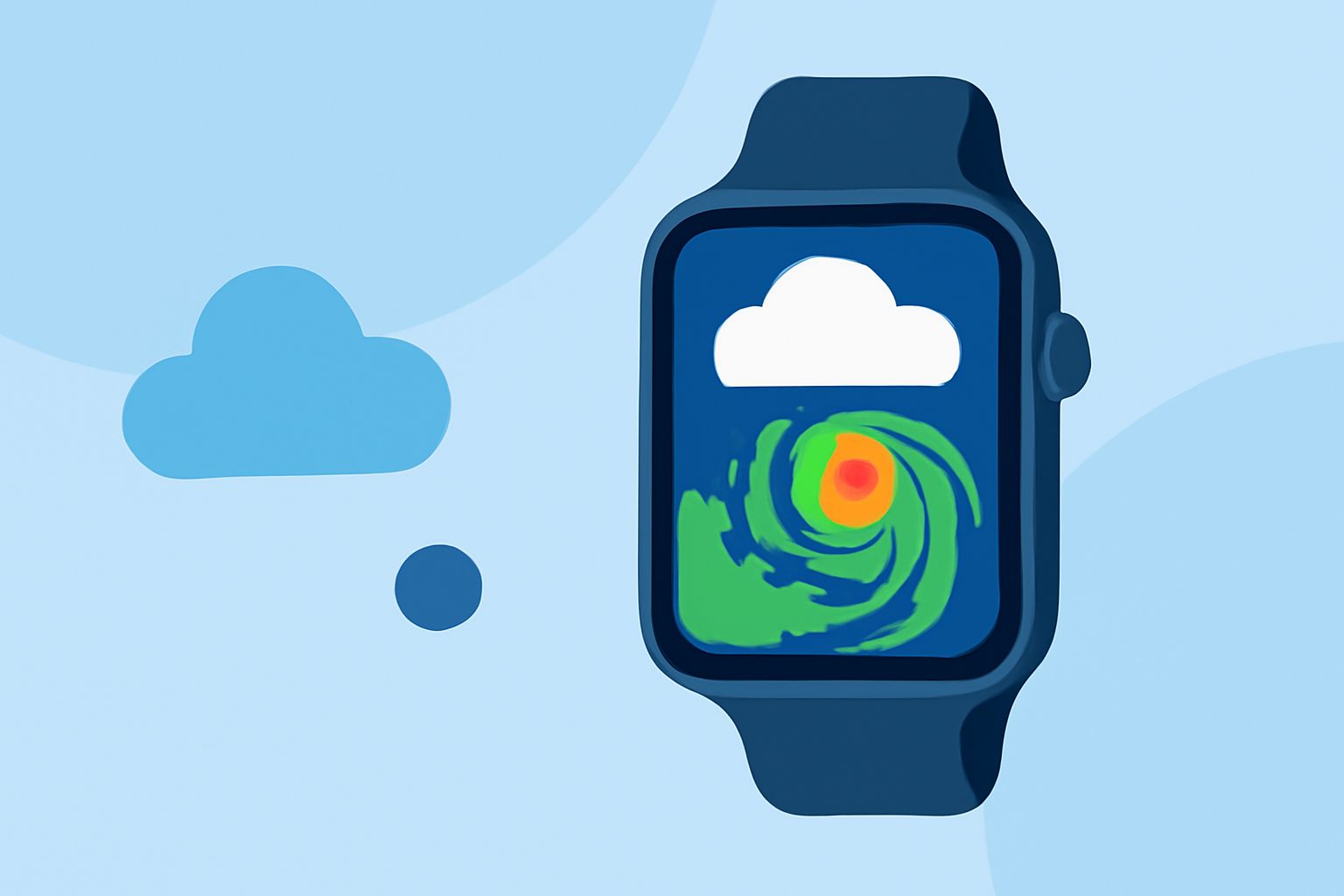
Your Apple Watch is a powerful tool for staying updated on weather conditions, including real-time radar information. Here's how to make the most of its capabilities:
1. Accessing Weather Radar on Your Apple Watch
To view weather radar on your Apple Watch, you'll need to install a compatible app that offers this feature. One such app is RainViewer, which provides live weather radar with rain alerts, local forecasts, and hurricane tracking. RainViewer delivers precise and immediate short-term rain predictions directly from raw radar data, ensuring you receive the most accurate information. (apps.apple.com)
2. Installing and Setting Up RainViewer
-
Download the App: Open the App Store on your iPhone, search for "RainViewer: NOAA Weather Radar," and install it.
-
Enable Apple Watch Integration: During the installation process, ensure that the app is set up to work with your Apple Watch.
-
Configure Notifications: Set up rain alerts and severe weather notifications to stay informed about changing conditions.
3. Navigating the Weather Radar Features
-
Viewing Radar Maps: Open the RainViewer app on your Apple Watch to access the radar map. You can tap on the map to see rain intensity at any point. (apps.apple.com)
-
Understanding Radar Data: The app provides various radar products, including reflectivity, velocity, and spectrum width, offering detailed insights into weather patterns.
-
Utilizing Forecasts: RainViewer offers a 48-hour radar history and a 2-hour forecast with 5-minute updates, helping you plan your activities accordingly.
4. Customizing Your Experience
-
Setting Up Complications: Add RainViewer complications to your watch face for quick access to weather information.
-
Adjusting Settings: Customize alert thresholds and map layers to focus on the weather details that matter most to you.
5. Staying Informed with Severe Weather Alerts
RainViewer provides national severe weather alerts, including warnings for hurricanes and storms, ensuring you're always prepared for changing conditions. (apps.apple.com)
6. Exploring Additional Features
-
Live Activity: RainViewer offers Live Activity, displaying rain intensity as it changes, so you can monitor weather patterns in real-time.
-
Widgets: The app provides widgets for your Home Screen and Lock Screen, offering quick access to weather information without opening the app.
Conclusion
By integrating RainViewer with your Apple Watch, you can access detailed and up-to-date weather radar information, keeping you informed and prepared for any weather conditions.
Remember to regularly update the app to benefit from the latest features and improvements.
For more information, visit the RainViewer App Store page.
By following these steps, you can effectively utilize weather radar features on your Apple Watch, ensuring you're always prepared for changing weather conditions.