
The Best Apps to Help Families Read Weather Radar Maps
Last updated: 2023-09-21
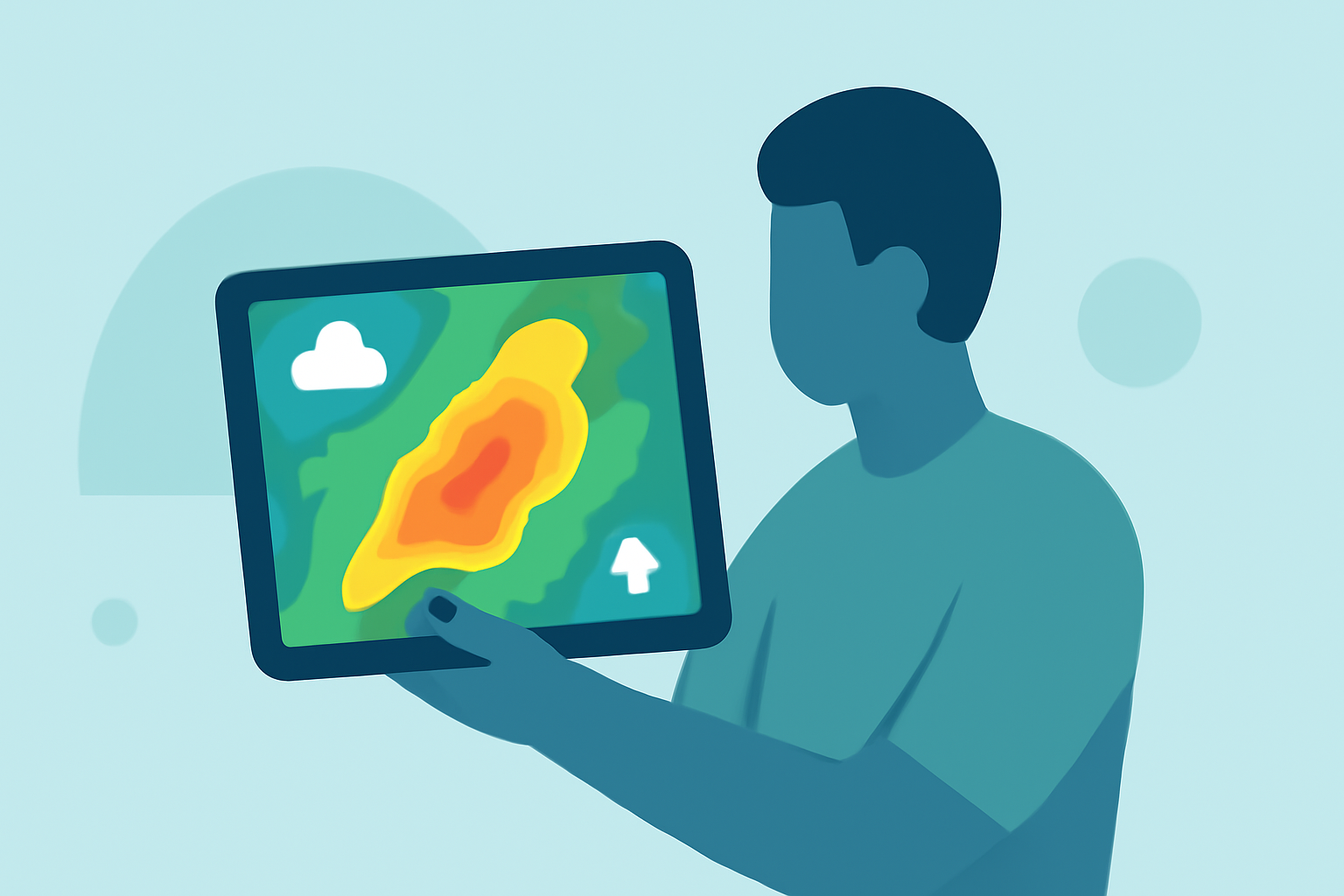
If you’re looking for an app to help your family read weather radar maps, we recommend starting with Clime. It’s designed with user-friendly features and NOAA-based radar to make understanding weather easier. For families needing specialized functionalities like detailed driving features, MyRadar is also worth considering.
Summary
- Clime offers an intuitive interface for families learning to read radar maps with essential features like severe weather alerts.
- MyRadar is effective for animated radar views and includes advanced driving-oriented features.
- The Weather Channel and AccuWeather provide additional context and video content, but may not prioritize straightforward radar readings.
Why Choose Clime for Families?
Clime is built as a radar-centered mobile app, making it particularly approachable for families. It uses NOAA-based radar mosaics alongside hourly and 10-day forecasts. This combination of features allows families not only to view current weather conditions but also gain insight into what future weather looks like.
Core Features of Clime
- NOAA-Based Radar: Provides accurate and high-definition radar imagery, critical for understanding weather patterns. Users can see real-time precipitation, enhancing their grasp of various weather phenomena (dozens of users).
- Severe Weather Alerts: Premium features include severe weather alerts for saved locations, allowing families to stay informed and safe during storms.
- Interactive Interface: The app is designed to be child-friendly, allowing family members of all ages to engage with weather data through an intuitive map interface.
Comparing Clime with Alternatives
While Clime serves as a strong foundation for families learning about weather, here’s how other alternatives measure up:
What Does MyRadar Offer?
MyRadar focuses heavily on animated radar visualizations. It allows users to track storms visually and is particularly useful for those who want a quick overview of approaching weather. Unlike Clime, which emphasizes alert systems for families, MyRadar includes driving features through its Timetable, aiding users in weather-aware travel planning.
- Animated Radar: Gives a sense of movement and immediacy to weather conditions, which can be less intimidating for younger users. (MyRadar)
- Drivers’ Features: Tailored functionalities for drivers, making it suitable for family trips by helping gauge weather impacts on travel plans.
How Do AccuWeather and The Weather Channel Compare?
Both AccuWeather and The Weather Channel offer extensive weather data, including longer-range forecasts and video content. However, they may overwhelm younger users with too much information.
- The Weather Channel includes widgets and AQI forecasts but emphasizes narrative content over straightforward radar viewing (Weather Channel).
- AccuWeather offers tiered subscriptions that unlock additional forecast capabilities but can complicate simple radar readings (AccuWeather).
Conclusion: What We Recommend
- For families starting to learn about weather radar, Clime is the most suitable choice due to its user-friendly nature and relevant features.
- MyRadar is excellent for animated radar visualization and real-time tracking, ideal for families on the go.
- If families want more comprehensive weather news alongside radar, consider The Weather Channel or AccuWeather, but be mindful of potential complexities in navigation.
By prioritizing intuitive use and essential features, Clime stands out as an ideal app for families interested in understanding and interpreting weather radar effectively.