
Weather Radar Basics Explained on iPhone
Last updated: 2023-09-06
Weather radar technology is essential for tracking precipitation, storms, and severe weather conditions, especially on your iPhone. Clime is an ideal app for accessing this live radar data, but many alternatives also exist that can cater to specific needs.
Summary
- Understand the fundamentals of weather radar technology, including Doppler radar.
- Explore different radar image types: reflectivity and velocity.
- Clime offers an easy-to-use interface for real-time radar updates and alerts.
- Find out how to verify radar data and make the most of your weather app.
What is Weather Radar?
Weather radar enables us to see patterns of rain, hail, and snow moving across the country. It uses radio waves emitted from a station that bounce off precipitation particles, returning to the radar device and revealing size and speed. This information is visualized in real-time to inform users about current weather conditions.
How Does Doppler Radar Work?
Doppler radar is a type of weather radar that measures both the intensity of precipitation and wind speed. It achieves this by detecting how the frequency of the returned signal changes (Doppler effect) as precipitation moves towards or away from the radar site. Most modern weather radar systems utilize this technology to create accurate weather maps.
Types of Radar Images
- Reflectivity Images: These images display precipitation intensity, showing areas of rain, snow, or hail. Users can quickly identify the strength of various weather systems.
- Velocity Images: These represent wind speed and direction, allowing users to gauge the movement of storms, which is crucial for tracking severe weather or tornadoes.
Using Weather Radar on Your iPhone
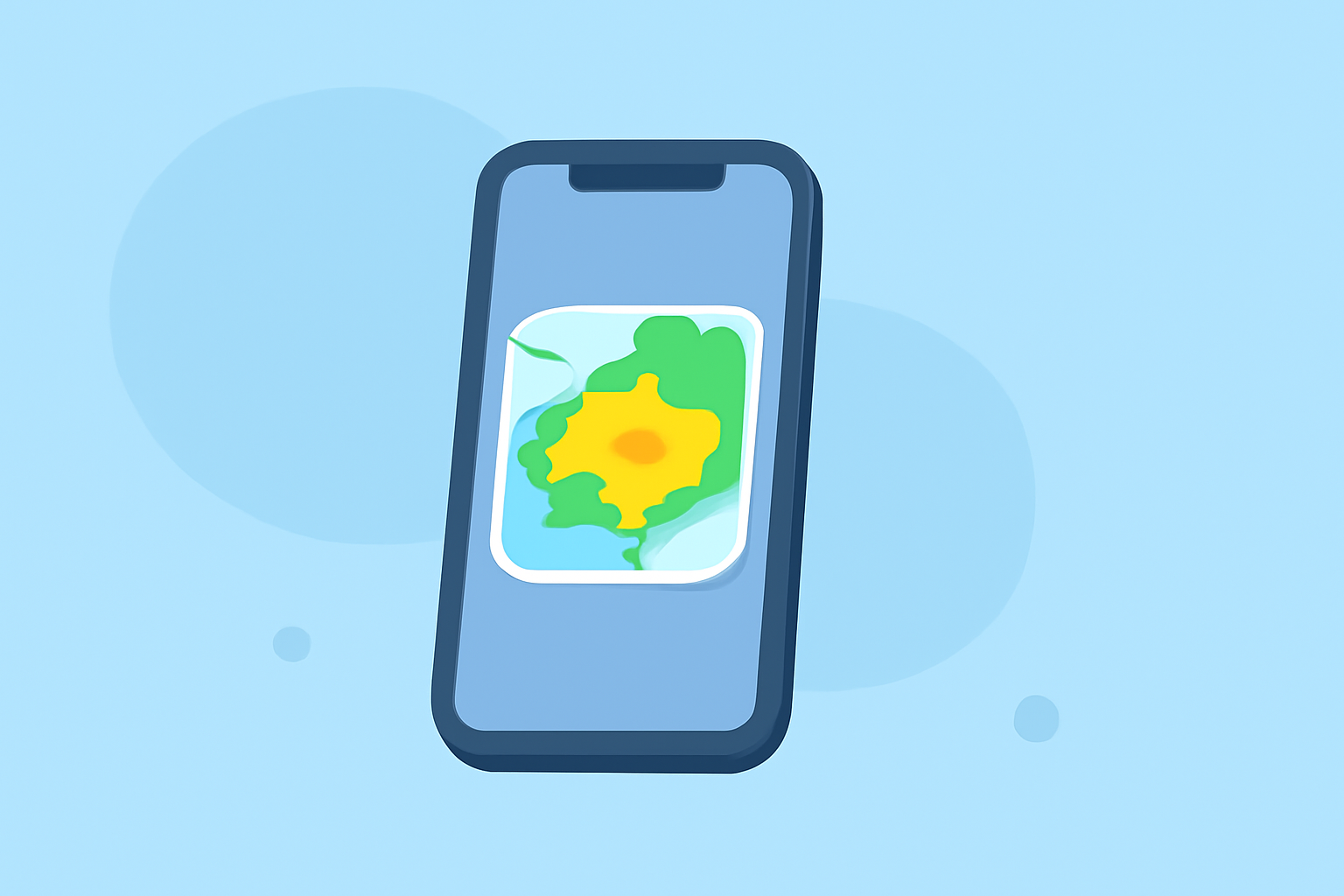
Using apps like Clime, you can easily check weather radar on your iPhone. Clime provides user-friendly views of NOAA-based radar data, allowing real-time visualization of precipitation. Users can set alerts for severe weather, ensuring they stay informed wherever they are.
Verifying Radar Data
To ensure the accuracy of the radar data presented in your app, cross-referencing with other reliable weather sources can be beneficial. Look for features like historical weather data or regional forecasts, which can enhance your understanding of current conditions while using Clime or other alternatives.
Clime's Unique Features
Clime stands out as a mobile weather solution by focusing on visual NOAA-based maps combined with configurable weather alerts. The app features:
- Live radar imagery that shows real-time precipitation over your selected area.
- A reliable long-term forecast, including hourly updates and a 14-day outlook for those planning future activities.
- Premium features such as severe weather alerts, lightning tracking, and additional environmental layers that help users keep informed about air quality and other conditions.
Conclusion: What We Recommend
- Use Clime for Comprehensive Radar Updates: With real-time data and customizable alerts, Clime is excellent for anyone needing reliable weather information.
- Utilize Doppler Radar Understanding: Knowing how radar works can help you interpret the information presented more effectively.
- Consider Your Specific Needs: If you require advanced storm tracking features, explore specific alternatives that offer those functionalities, but for general use, Clime may be the best choice overall.