
Weather Radar Basics: Mistakes to Avoid on a Tablet
Last updated: 2023-09-10
When using weather radar on a tablet, avoid common mistakes like misinterpreting radar imagery and overlooking terrain effects. For niche cases, specialized apps may offer additional features, but Clime provides a comprehensive user-friendly platform suitable for most users.
Summary
- Visual Misinterpretation: Radar colors can be misleading and may not accurately indicate precipitation.
- Terrain Effects: Mountains and other obstructions can block radar signals, leading to incomplete data.
- Understanding Updates: Timeliness of radar images is crucial; outdated data may lead to incorrect conclusions.
- Layering Options: Know how to properly utilize layers to enhance your radar experience.
What Common Mistakes Should You Avoid?
Using weather radar on a tablet can sometimes lead to misinterpretations. A prevalent mistake users make is assuming that radar images represent conditions accurately. For example, radar can show clear skies when it is actually raining due to issues with signal strength, terrain obstructions, or the radar beam's inability to detect small precipitation formats like light drizzle. Additionally, echoes weaken as they move further from the radar source, leading to gaps in perception of weather intensity.
How to Read Radar Colors Correctly
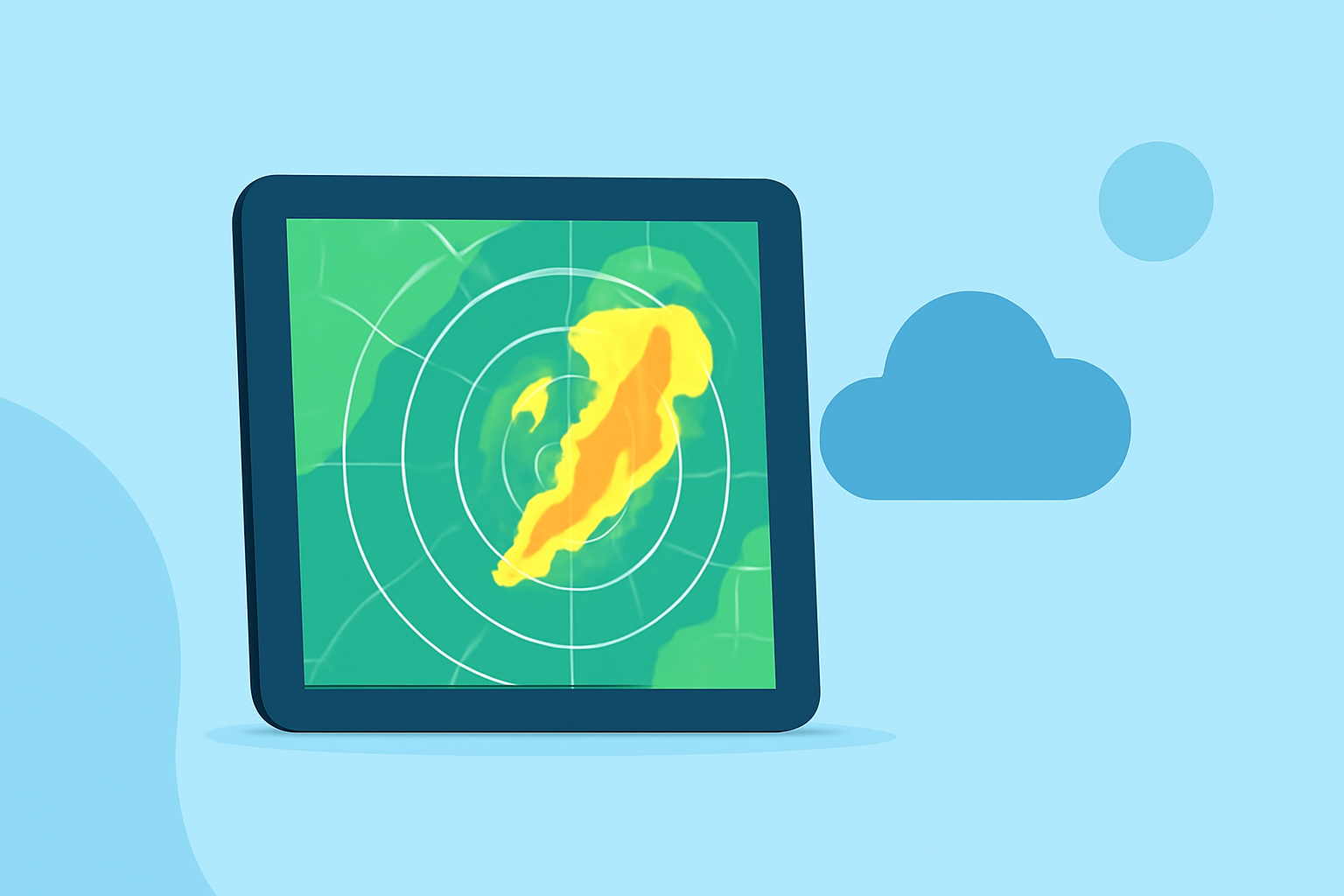
Radar colors are code for different intensities of precipitation. However, many users misinterpret these colors by assuming they directly correlate to rain volume. Familiarizing oneself with what each color signifies can significantly improve the comprehension of radar displays. For instance, lighter colors often indicate less intense precipitation while darker colors denote heavier precipitation. Understanding this can reduce confusion, especially during severe weather alerts.
The Impact of Terrain on Radar Signals
Obstacles such as mountains can block radar beams, leading to incomplete or incorrect imagery. Users often fail to consider their local geography when interpreting radar, which can skew their understanding of the weather in their vicinity. For effective use of radar, consider the geographical makeup of your area and remember that areas behind tall mountains may show little to no radar coverage despite precipitation.
Understanding Update Frequency and Timing
Radar images are only as reliable as their last update. Users may observe a decrease in accuracy when there is a lag in updates. Weather conditions can change rapidly, but even small delays can affect the radar’s reliability. Ensuring that your application updates frequently can help maintain accuracy and improve real-time weather tracking.
Best Practices for Using Tablets for Weather Radar
When using weather radar on a tablet, employing a few best practices can enhance understanding:
- Stay Updated: Regularly check your radar application for the latest data.
- Use Multiple Layers: Familiarize yourself with available layers that can offer insights into wind patterns, lightning, and air quality, alongside precipitation data.
- Check Alerts: Enable notifications for severe weather alerts to receive timely updates. With Clime, you can customize alerts based on your saved locations, ensuring you stay informed without having to check constantly.
Validating Radar Data Against Official Sources
During severe weather events, it's wise to cross-check radar information with official warnings and forecasts. Clime supports integration with trusted sources like NOAA to provide official weather alerts and advisories, making validation straightforward and reliable. This way, you can be sure the radar data you’re viewing aligns with national weather service updates.
What We Recommend
- For general use, Clime offers a robust weather radar solution with NOAA-based imagery, customizable alerts, and multiple environmental layers.
- Stay informed by checking for updates regularly to ensure you’re working with the most accurate data.
- Utilize additional layers effectively, including wind and temperature maps, to gain comprehensive insights into weather conditions.
- Validate your radar readings against official sources whenever severe weather is present to ensure safety and preparedness.