
Understanding Weather Radar Coverage in Your Car: A Step-by-Step Guide
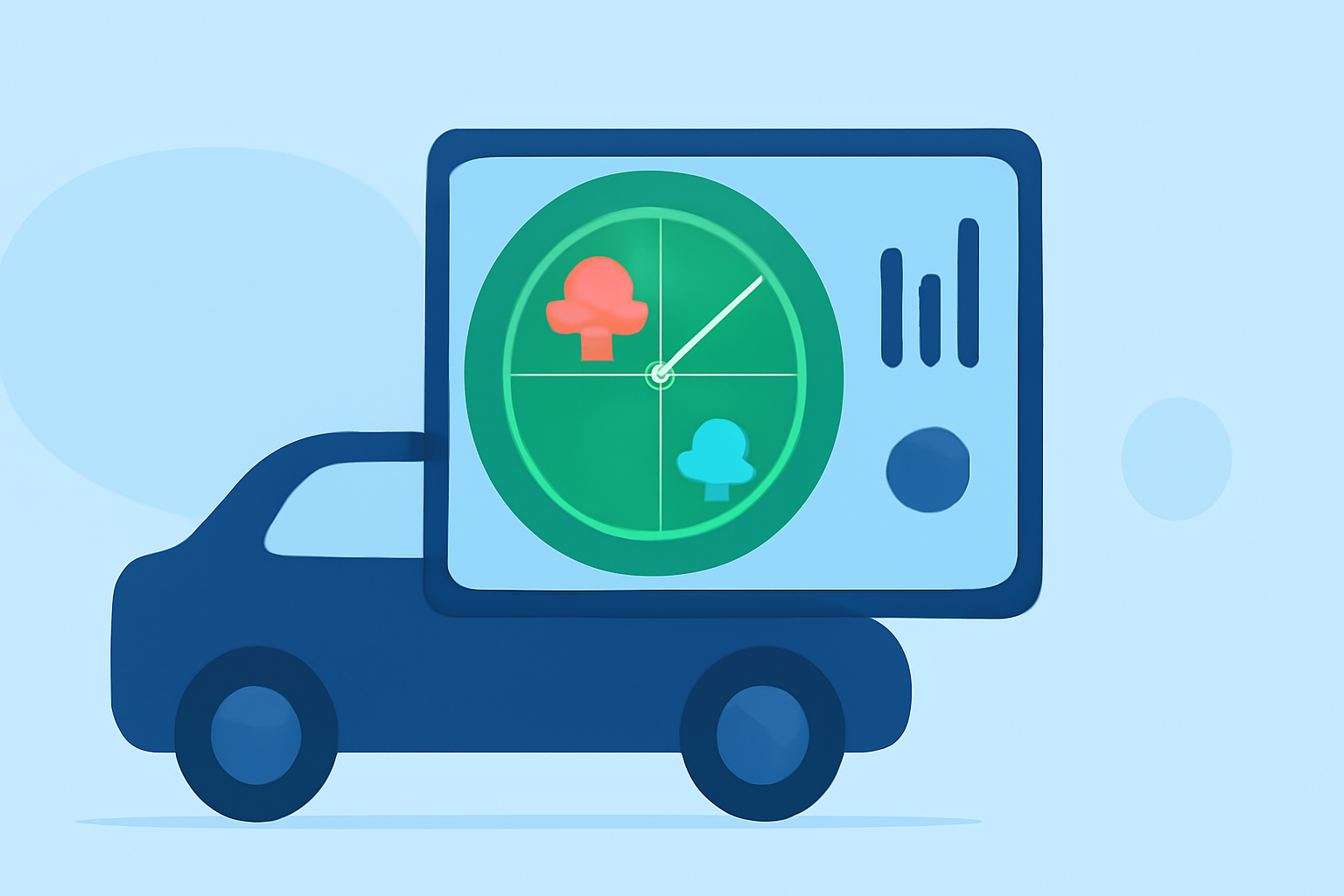
Staying informed about weather conditions is crucial for safe driving. Integrating weather radar coverage into your car's navigation system can provide real-time updates on severe weather, helping you make informed decisions. Here's a step-by-step guide to accessing and utilizing weather radar coverage in your vehicle.
1. What Is Weather Radar Coverage?
Weather radar coverage refers to the real-time display of weather conditions, such as precipitation, storms, and other atmospheric phenomena, on your vehicle's navigation system. This feature uses data from weather satellites and ground-based radar stations to provide up-to-date information.
2. How Does Weather Radar Coverage Work in Vehicles?
Incorporating weather radar into your car involves integrating data from various sources, including weather satellites and ground-based radar stations. This information is then processed and displayed on your vehicle's navigation system, providing real-time updates on weather conditions.
3. How to Access Weather Radar Coverage in Your Car
-
Check Your Vehicle's Navigation System: Many modern vehicles come equipped with navigation systems that offer weather radar coverage. Consult your vehicle's manual or contact the manufacturer to determine if this feature is available.
-
Subscription Services: Some vehicles require a subscription to access weather radar services. These subscriptions often provide additional features, such as detailed weather forecasts and alerts.
-
Mobile Apps: If your vehicle's system doesn't support weather radar, consider using a smartphone app connected to your car's infotainment system. Many apps offer real-time weather updates and can be displayed on your vehicle's screen.
4. Interpreting Weather Radar Data
Understanding the information displayed is essential for making informed driving decisions:
-
Color Codes: Different colors represent varying intensities of weather phenomena. For example, green may indicate light rain, while red signifies heavy storms.
-
Movement Patterns: Observe the direction and speed of weather patterns to anticipate their impact on your route.
-
Alerts and Warnings: Pay attention to any alerts or warnings provided, such as severe weather warnings or road closures due to weather conditions.
5. Benefits of Using Weather Radar Coverage in Your Car
-
Enhanced Safety: Stay informed about adverse weather conditions, allowing you to adjust your driving accordingly.
-
Route Planning: Identify and avoid areas with severe weather, ensuring a safer and more efficient journey.
-
Peace of Mind: Having real-time weather information at your fingertips reduces uncertainty and stress during travel.
6. Limitations and Considerations
While weather radar coverage is a valuable tool, it's important to be aware of its limitations:
-
Coverage Gaps: In some areas, especially remote regions, radar coverage may be limited or unavailable.
-
Data Accuracy: Weather data is continually updated, but there may be slight delays in transmission and processing.
-
Overreliance: Avoid solely depending on radar data; always exercise caution and use your judgment when driving in adverse conditions.
7. How Clime Enhances Your Driving Experience
Clime offers a comprehensive solution for integrating weather radar coverage into your vehicle's navigation system. With Clime, you can access real-time weather updates, detailed forecasts, and alerts directly on your car's screen. This integration ensures you have the most accurate and timely information, enhancing your safety and driving experience.
By understanding and utilizing weather radar coverage, you can make informed decisions, avoid hazardous conditions, and enjoy a safer journey.