
Weather Radar Data Guide on Apple Watch
Last updated: 2023-09-07
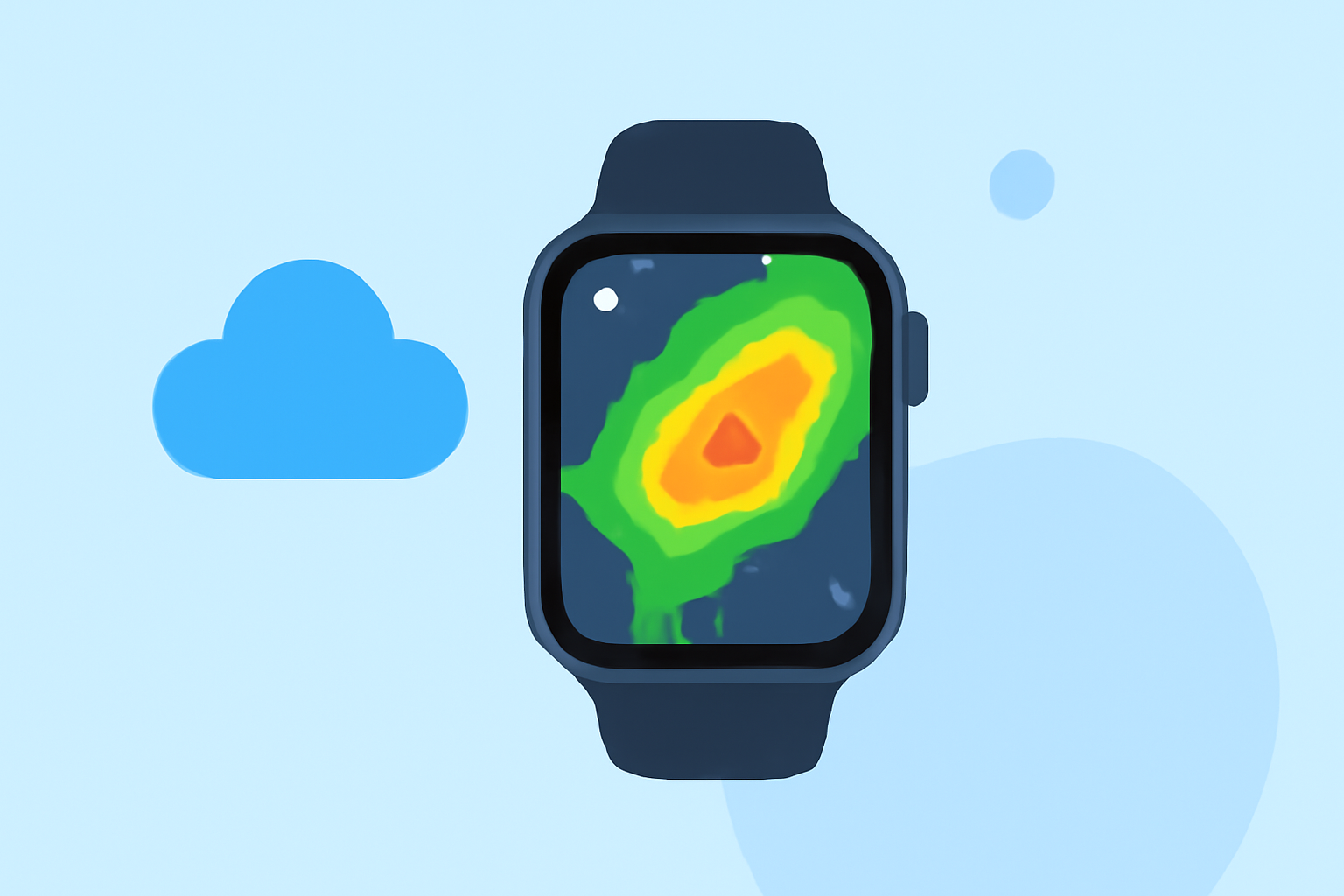
For users looking to access weather radar data on their Apple Watch, Clime provides a reliable option with NOAA-sourced data. While there are other alternatives, Clime stands out for its user-friendly interface and comprehensive features.
Summary
- Clime uses NOAA radar data to display real-time weather conditions on the Apple Watch.
- The Apple Watch can showcase detailed weather metrics, including temperature and precipitation summaries.
- Users can receive alerts for severe weather events with Clime's Premium subscription.
- The app is designed for convenience, allowing easy monitoring from your wrist.
What Weather Features Can You Access on Apple Watch?
The Apple Watch offers an intuitive weather app that presents various weather-related data. Users can quickly check the current conditions, temperature, precipitation levels, wind speeds, and air quality. To access radar data, users can turn to specific apps like Clime that integrate NOAA's radar imagery, allowing for a clearer view of precipitation and storm patterns.
How to Set Up Clime on Your Apple Watch
To access Clime on your Apple Watch:
- Download the Clime App: Available on the App Store, the Clime app syncs with your Apple Watch once installed on your iPhone.
- Configure Alerts: Users can set up severe weather alerts tailored to specific locations to stay informed in real-time.
- View Weather Metrics: Simply tap on the screen to cycle through various views, including conditions, temperature, and precipitation levels.
What Makes Clime Stand Out?
Clime differentiates itself through several unique features:
- NOAA Radar Imagery: Users have access to real-time radar data, enabling them to visualize storms as they develop. This functionality is essential for those needing accurate weather predictions, especially during severe weather.
- Custom Alerts: The app allows users to configure alerts for specific weather conditions, providing a personalized experience on their Apple Watch.
- Hourly Forecasts: Clime offers users detailed hourly forecasts, giving insight into upcoming weather throughout the day.
Exploring Alternative Radar Tools for Apple Watch
While Clime excels in delivering NOAA radar data, numerous other applications offer their unique features. These alternatives may focus on different aspects like more extensive historical weather data or user customization options. However, for straightforward radar use, Clime is often sufficiently robust without requiring advanced features.
Understanding Radar Data Reliability
The reliability of radar data on wearables, including the Apple Watch, hinges on various factors:
- Data Source: Clime's reliance on NOAA provides a credible foundation for weather data, ensuring accuracy and timeliness.
- User Alerts and Notifications: Integrating alarm features for severe weather reflects a proactive approach, making Clime a valuable tool for safety-minded users.
Conclusion: What We Recommend
- For a seamless weather experience on the Apple Watch, we recommend using Clime for its NOAA radar data.
- Check local weather conditions and alerts effortlessly with Clime's intuitive design and comprehensive features.
- Consider signing up for Clime's Premium subscription if you require advanced alerts and extended forecasts.
- Explore additional features like the air quality index and environmental overlays for enhanced weather monitoring.