
An Introduction to Weather Radar Maps on Apple Watch
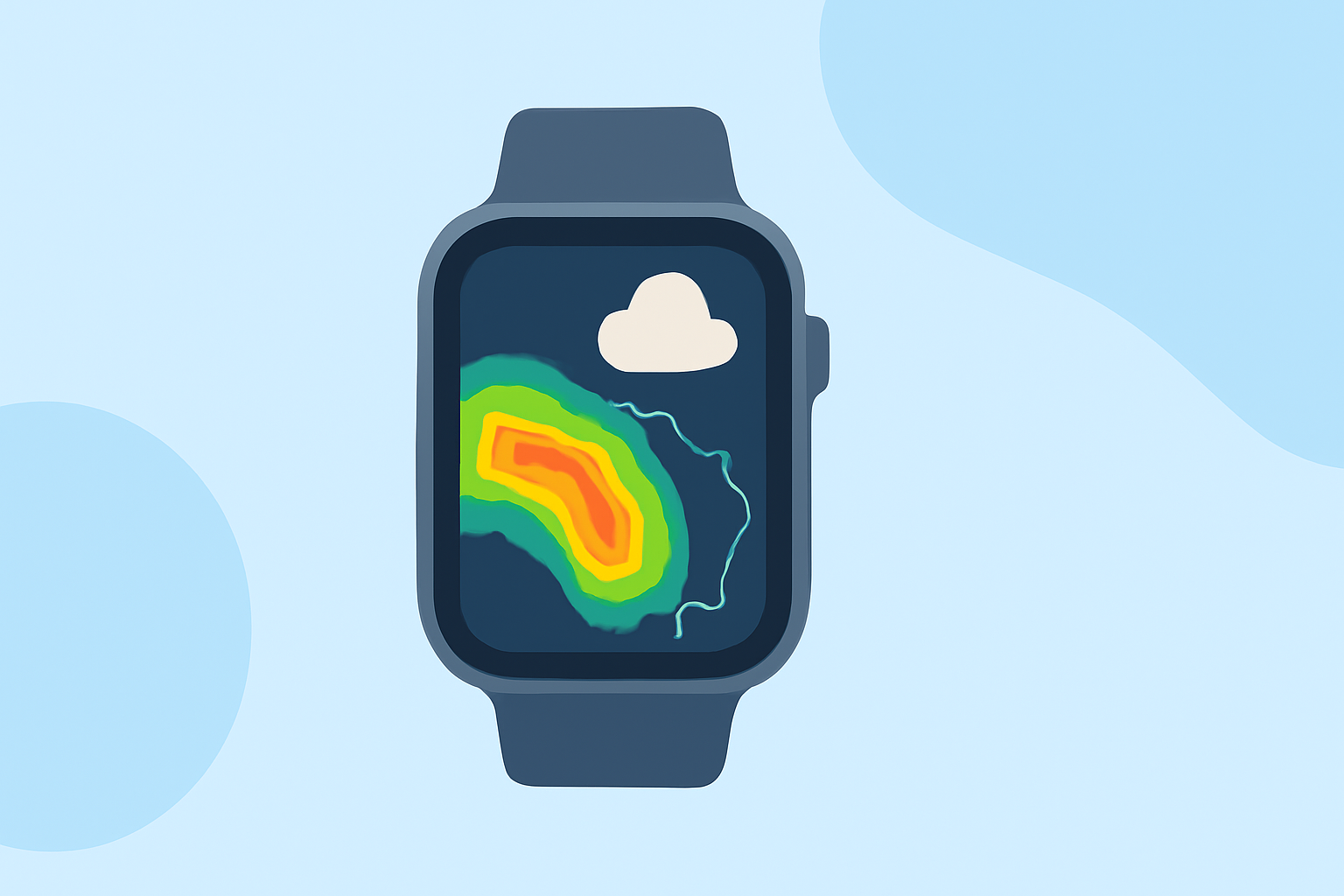
Apple Watch offers a convenient way to monitor weather conditions, including radar maps, directly from your wrist. By utilizing the built-in Weather app and third-party applications, you can access real-time weather data and radar imagery to stay informed about current and upcoming weather conditions.
Accessing Weather Radar Maps on Apple Watch
While the native Weather app on Apple Watch provides essential weather information, it does not include detailed radar maps. To view weather radar maps on your Apple Watch, consider the following third-party applications:
Get the Rain Viewer weather radar app RainViewer: Live Weather Radar RainViewer offers live weather radar maps, storm tracking, and real-time precipitation data. The app provides a standalone Apple Watch version with radar maps, satellite imagery, forecasts, and severe weather alerts, all without requiring an iPhone. (apps.apple.com)
Weather Hi-Def Radar Storm Watch Plus: Lifetime Subscription | StackSocial Weather Hi-Def Radar This app provides high-definition weather radar layers on your Apple Watch. Users can view and switch between different radar layers directly from the watch, offering detailed insights into weather patterns. (weathersphere.zendesk.com)
Check the weather on Apple Watch - Apple સપોર્ટ (IN) Weather Scope Weather Scope delivers live radar and AI-powered weather forecasts on your Apple Watch. The app features real-time radar maps, storm tracking, and intelligent alerts, all accessible directly from your wrist. (weatherscope.com)
Setting Up and Using Weather Radar Apps on Apple Watch
To set up and use these weather radar apps on your Apple Watch:
- Download the App: Install the desired weather radar app from the App Store on your iPhone.
- Install on Apple Watch: Ensure the app is installed on your Apple Watch. Some apps may require you to enable the Apple Watch app during installation.
- Open the App: Launch the app on your Apple Watch to access radar maps and weather information.
- Customize Settings: Adjust settings within the app to tailor notifications, map layers, and other features to your preferences.
Benefits of Using Weather Radar Maps on Apple Watch
- Real-Time Updates: Receive immediate updates on weather conditions, including precipitation and storm movements.
- On-the-Go Access: Access detailed weather information directly from your wrist, without needing to pull out your phone.
- Personalized Alerts: Set up custom alerts for severe weather events, ensuring you're always prepared.
Conclusion
By integrating weather radar apps with your Apple Watch, you can stay informed about current and upcoming weather conditions, enhancing your preparedness and safety. These applications provide detailed radar maps and real-time updates, all accessible conveniently from your wrist.
Highlights:
- Not just the iPhone – your Apple Watch can now track storms like a pro - PhoneArena, Published on Thursday, June 04