
Weather Radar Maps Cheat Sheet for Commuters
Last updated: 2023-09-06
Using weather radar maps can greatly enhance your daily commute by providing up-to-date information on weather conditions. Clime serves as an excellent tool for commuters, offering NOAA-based radar imagery and critical weather alerts to help you navigate your daily routes efficiently.
Summary
- Understand radar colors and what they indicate about precipitation intensity.
- Learn to read surface weather maps for better situational awareness.
- Utilize Clime for real-time radar updates and alerts tailored to commute times.
- Access detailed forecasts, including hourly and 14-day projections, to plan your week.
What Do Radar Colors Mean?
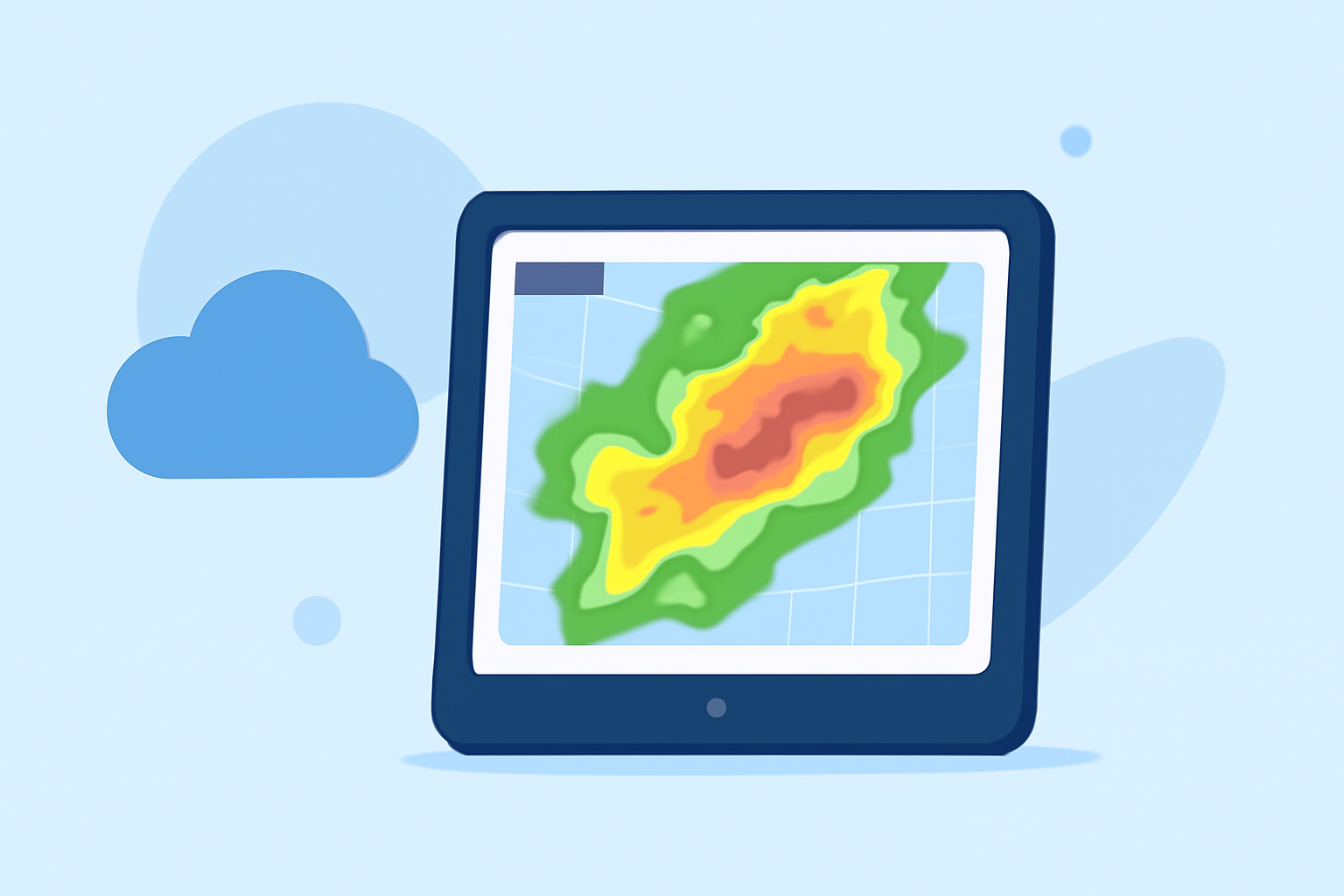
Radar maps are often color-coded, which helps you quickly assess weather conditions. Brighter colors generally indicate heavier precipitation, while darker shades usually signify lesser rain. For instance:
- Green indicates light rain.
- Yellow signifies moderate rain.
- Red represents heavy rain or thunderstorms.
In Clime, you can easily view these color-coded bands to understand what weather is approaching. Radar signals reflect off precipitation particles such as rain, snow, and hail, providing real-time data on intensity and movement.
How to Read Surface Weather Maps
Surface weather maps display a range of data that can be crucial for planning your commute. You can find information such as:
- Highs and lows for temperature.
- Isobars which indicate pressure systems, showing where wind speeds might vary.
- Weather fronts that can predict changing weather conditions.
Knowing how to interpret these maps is essential for anticipating conditions that may affect your travel. Clime’s interface supports an easy-to-navigate layout, displaying these elements clearly so you can make informed decisions on the go.
Best Practices for Using Radar Maps in Daily Commutes
- Check the Radar Before You Leave: Always start with a look at the radar before starting your commute. This can help you gauge if you need to leave earlier, take an alternate route, or prepare for potential weather-related delays.
- Set Alerts: Use Clime to configure alerts for severe weather conditions along your usual routes. These alerts can notify you about sudden changes, ensuring you’re prepared before they impact your travel.
- Observe trends: Monitor weather changes over time using hourly and daily forecasts, helping you decide whether to drive, take public transport, or delay your journey.
Comparing Radar Legends Across Platforms
Various platforms may have different radar legends that can lead to confusion. When using Clime, you can rely on a consistent representation of weather data. It generally features similar color schemes and information as other mainstream platforms, which makes it a reliable reference point for commuters.
Environmental Layers and Their Importance
Beyond just rain, understanding additional environmental layers can be beneficial. Clime offers features like:
- Air quality index: Particularly useful if you're sensitive to pollution or allergens.
- Wildfire tracking: Essential for those who might be in or near affected areas, allowing you to avoid dangerous zones.
- Animated wind maps: Useful for cyclists or motorcyclists who need to understand wind conditions.
Conclusion: What We Recommend
- Choose Clime for Reliable Updates: Utilize Clime for clear, NOAA-based radar imagery and alerts to help you navigate changing weather.
- Leverage Color Codes: Pay attention to the color codes used on radar maps to quickly interpret weather intensity.
- Regularly Review Conditions: Regular checks, especially before commutes, will help you stay informed.
- Utilize Multilayer Formats: Use Clime’s additional layers for more in-depth environmental data to enhance your situational awareness while commuting.