
Mastering Weather Radar Maps on Your iPhone
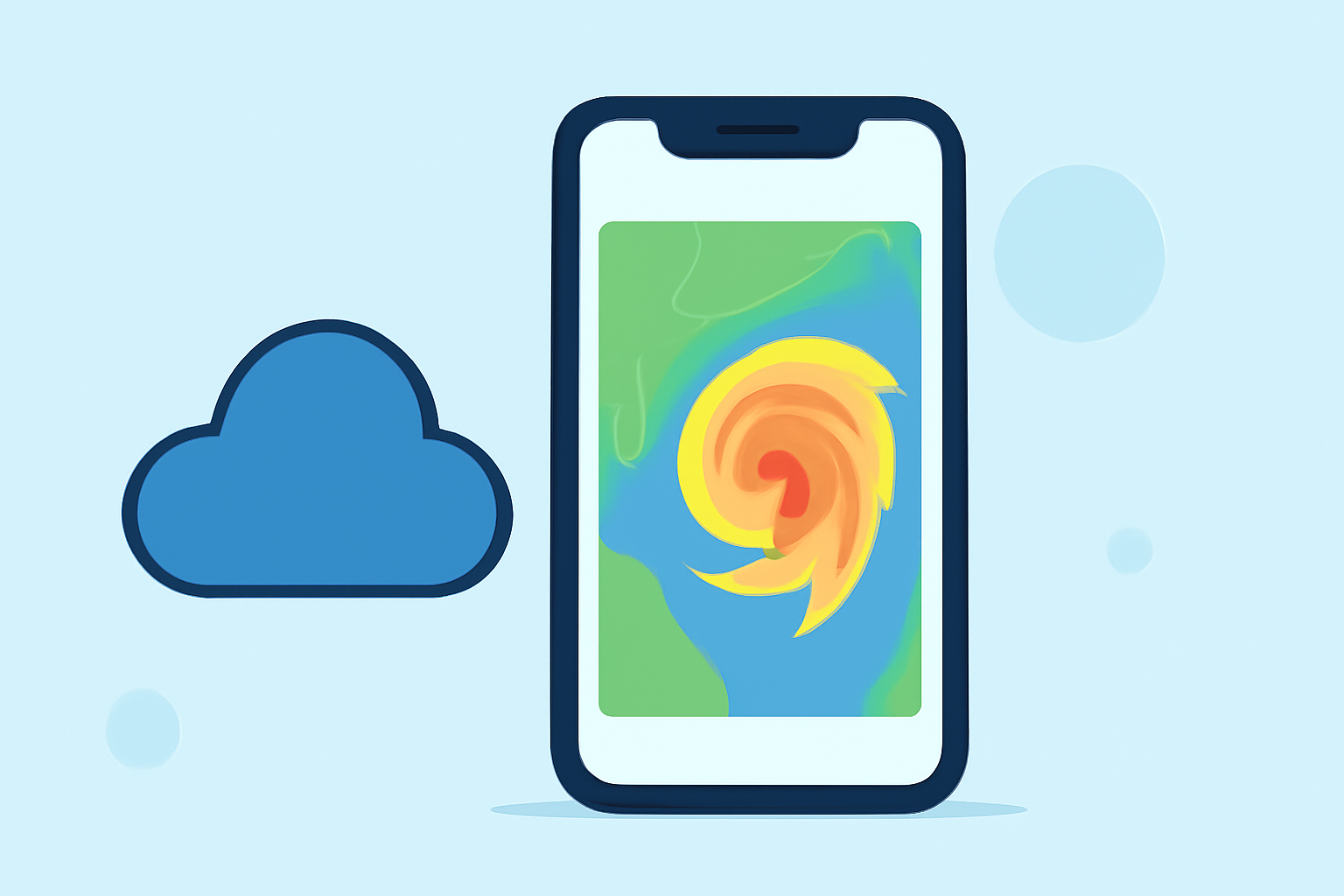
Staying informed about weather conditions is crucial, and your iPhone offers built-in tools to help you do just that. With the Weather app's interactive radar maps, you can monitor precipitation, temperature, air quality, and wind patterns in real time. Here's how to access and use these features:
Accessing the Interactive Weather Map
-
Open the Weather App: Locate and tap the Weather app on your iPhone.
-
Tap the Map Icon: In the bottom-left corner of the screen, tap the map icon to enter the interactive map view.
Navigating the Map Layers
Once in the map view, you can switch between different weather layers to get detailed information:
-
Precipitation Layer: Displays real-time rainfall and snowfall using animated radar.
-
Temperature Layer: Shows a heat map indicating temperature variations across regions.
-
Air Quality Layer: Provides information on air quality index (AQI) levels, helping you assess pollution levels.
Using the Precipitation Layer
To view precipitation forecasts:
-
Select the Precipitation Layer: In the map view, tap the stacked squares icon in the top-right corner and choose "Precipitation" from the menu.
-
Adjust the Timeline: A slider at the bottom allows you to view past and predicted rainfall or snowfall for the next 1 or 12 hours.
-
Interpret the Map: Colored areas indicate precipitation intensity, with a legend explaining the color codes.
Exploring Other Layers
-
Temperature Layer: Displays a gradient heat map, with warm areas in red or orange and cooler regions in blue or purple.
-
Air Quality Layer: Shows AQI levels, with lower numbers indicating healthier air quality.
Additional Features
-
Zoom and Pan: Use pinch gestures to zoom in and out, and drag to move the map, allowing you to focus on specific areas.
-
Current Location: Tap the location button in the lower-left corner to center the map on your current location.
By utilizing these features, you can stay informed about weather conditions in your area and plan your activities accordingly.
For a visual guide on accessing and using the precipitation map on your iPhone, you can watch the following tutorial: