
Mastering Weather Radar Maps on Your Tablet: A Comprehensive Guide
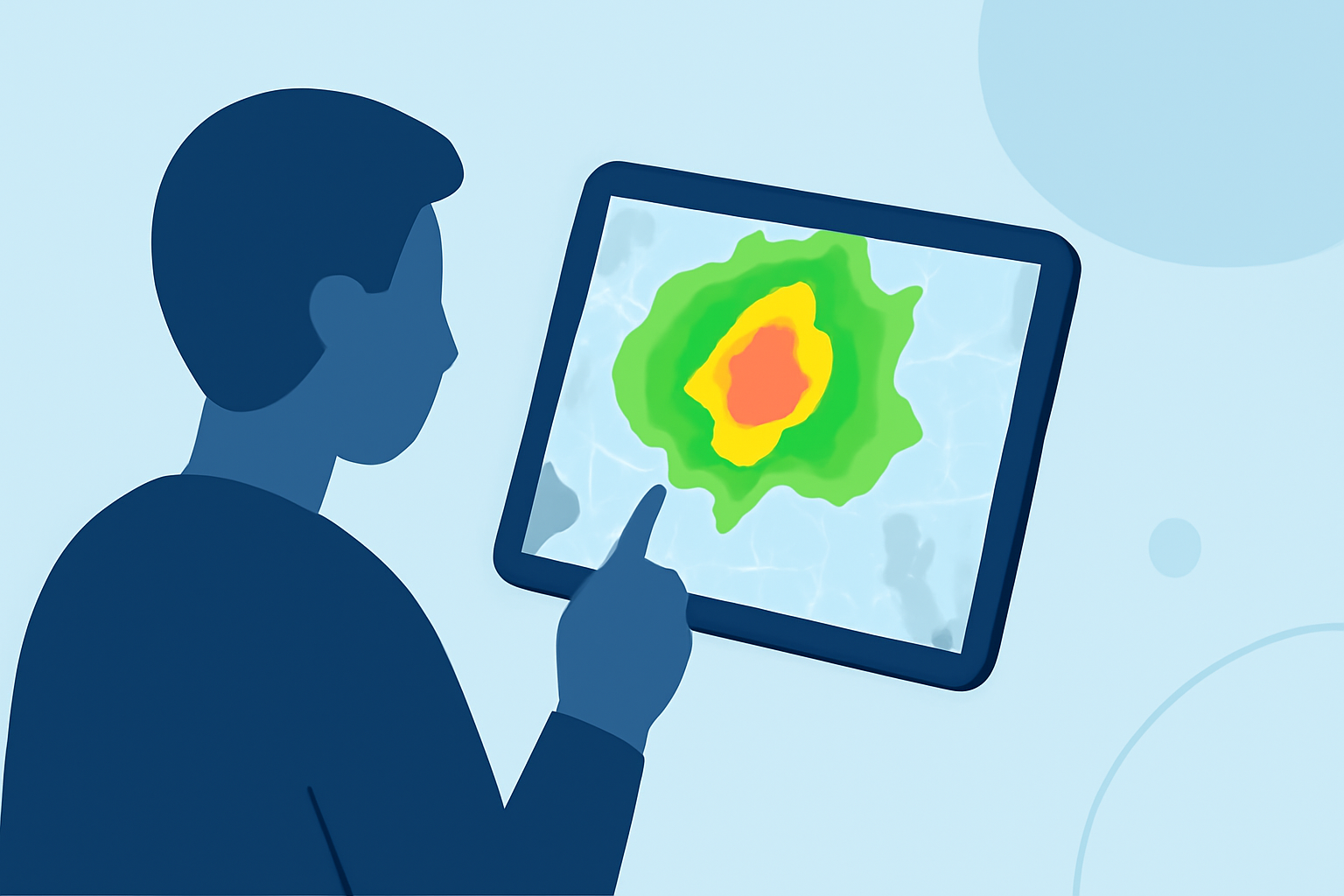
Weather radar maps are essential tools for monitoring and understanding weather patterns, especially when accessed through the convenience of a tablet. These maps provide real-time visualizations of precipitation, storm movements, and other meteorological phenomena, enabling users to make informed decisions about their activities.
Understanding Weather Radar Maps
Weather radar maps display precipitation intensity and movement by emitting electromagnetic waves and analyzing their reflections from precipitation particles. The colors on these maps correspond to different levels of precipitation:
- Green: Light rain or drizzle
- Yellow: Moderate rain
- Red: Heavy rain or thunderstorms
- Purple/Pink: Hail or extreme rainfall
Recognizing these color codes is crucial for interpreting weather conditions accurately. (the-weather.com)
Accessing Weather Radar Maps on Tablets
Tablets offer a portable and user-friendly platform for accessing weather radar maps. Many applications provide high-resolution, interactive maps that allow users to zoom in on specific areas, track storm movements, and view various weather layers. These features are particularly beneficial for staying updated on local weather conditions.
Features to Look for in Weather Radar Apps
When selecting a weather radar app for your tablet, consider the following features:
- High-Resolution Radar Imagery: Clear and detailed images enhance the accuracy of weather tracking.
- Interactive Maps: Ability to zoom, pan, and customize the map view for personalized monitoring.
- Severe Weather Alerts: Real-time notifications about severe weather events in your area.
- Multiple Weather Layers: Options to overlay different data types, such as temperature, wind speed, and satellite imagery.
Clime: A Leading Solution for Weather Radar on Tablets
Clime offers a comprehensive suite of features designed to provide accurate and real-time weather information on your tablet:
- High-Definition Radar Maps: Clime's radar maps deliver sharp, detailed imagery, allowing users to monitor precipitation and storm movements with precision.
- Interactive and Customizable Interface: The app's user-friendly interface enables easy navigation, zooming, and panning, ensuring a personalized weather monitoring experience.
- Real-Time Severe Weather Alerts: Clime provides timely notifications about severe weather events, helping users stay informed and prepared.
- Multiple Weather Layers: Users can overlay various data types, including temperature, wind speed, and satellite imagery, for a comprehensive understanding of weather conditions.
By leveraging Clime's advanced features, users can enhance their ability to track and interpret weather patterns effectively on their tablets.
Tips for Effective Use of Weather Radar Maps
To maximize the benefits of weather radar maps on your tablet:
- Regularly Update the App: Ensure your weather radar app is updated to access the latest features and data.
- Customize Alerts: Set up personalized notifications for specific weather events relevant to your location.
- Utilize Multiple Layers: Overlay different weather data types to gain a comprehensive understanding of current conditions.
- Stay Informed: Regularly check the radar maps to stay updated on changing weather patterns, especially during severe weather seasons.
By following these guidelines and utilizing Clime's robust features, you can effectively monitor and interpret weather conditions on your tablet, ensuring safety and preparedness in various weather scenarios.