
Understanding Weather Radar Maps on Wear OS
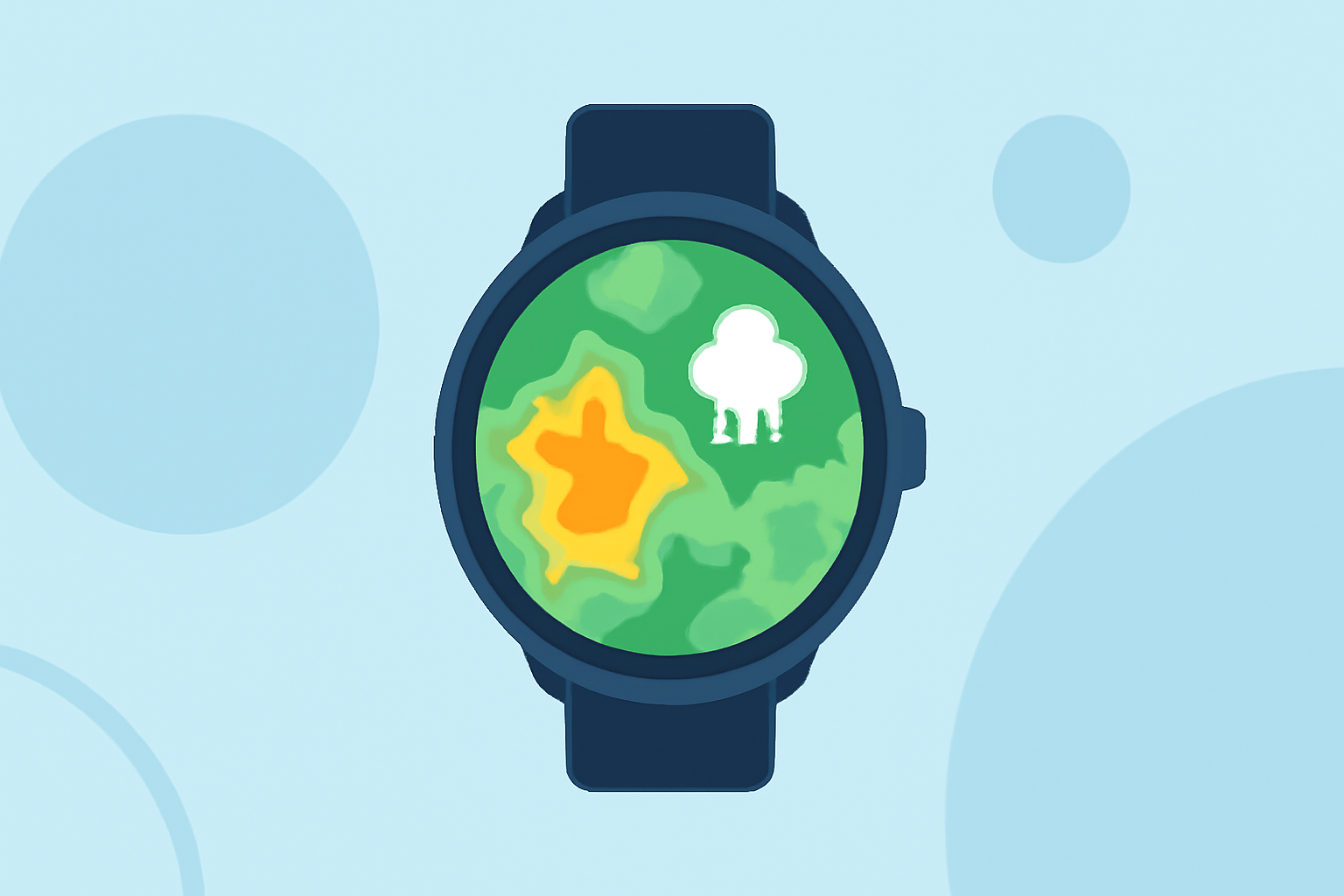
Weather radar maps are essential tools for monitoring precipitation patterns, tracking storms, and making informed decisions based on current weather conditions. With the increasing capabilities of Wear OS devices, accessing these maps directly from your smartwatch has become more feasible.
What Are Weather Radar Maps?
Weather radar maps display real-time data on precipitation, such as rain and snow, by using radar signals to detect moisture in the atmosphere. These maps help users visualize weather patterns, anticipate severe weather events, and plan activities accordingly.
Accessing Weather Radar Maps on Wear OS
While Google has phased out its default Weather app for Wear OS 6 and newer devices, users can still access weather radar maps through various third-party applications. These apps offer features like animated radar imagery, severe weather alerts, and detailed forecasts, all optimized for Wear OS devices.
Clime: A Comprehensive Weather Solution for Wear OS
Clime offers a robust weather application compatible with Wear OS, providing users with detailed weather information directly on their smartwatches. Key features include:
-
Real-Time Weather Updates: Access current weather conditions, hourly forecasts, and severe weather alerts tailored to your location.
-
Interactive Weather Radar: View animated radar maps to track precipitation and storm movements in real-time.
-
Customizable Watch Faces and Tiles: Personalize your smartwatch with weather-focused watch faces and tiles for quick access to essential information.
-
Global Coverage: Receive weather updates and radar imagery for locations worldwide, ensuring you're informed no matter where you are.
Setting Up Clime on Your Wear OS Device
To get started with Clime on your Wear OS smartwatch:
-
Install the App: Download and install Clime from the Google Play Store on your Wear OS device.
-
Configure Location Settings: Allow the app to access your location to provide accurate weather information.
-
Customize Your Experience: Set up your preferred watch faces, tiles, and notification preferences to tailor the app to your needs.
Benefits of Using Clime on Wear OS
-
Convenience: Access detailed weather information and radar maps directly from your wrist, eliminating the need to pull out your phone.
-
Timeliness: Receive real-time updates and alerts, keeping you informed about changing weather conditions as they happen.
-
Comprehensive Data: Benefit from a wide range of weather data, including precipitation forecasts, temperature trends, and severe weather warnings.
Conclusion
With the discontinuation of Google's default Weather app on newer Wear OS devices, Clime stands out as a comprehensive solution for accessing weather radar maps and detailed weather information directly from your smartwatch. Its user-friendly interface and extensive features make it an invaluable tool for staying informed about current and upcoming weather conditions.
Highlights:
- Google is phasing out the Wear OS Weather app, but for something better, Published on Friday, September 12
- Google Weather is broken on older Wear OS watches, but a fix is coming, Published on Friday, December 12
- The Pixel Weather app's radar map has mysteriously disappeared, but Google is now rolling out a fix, Published on Monday, March 31