
Your Essential Guide to Using Weather Radar on Your Phone While Traveling
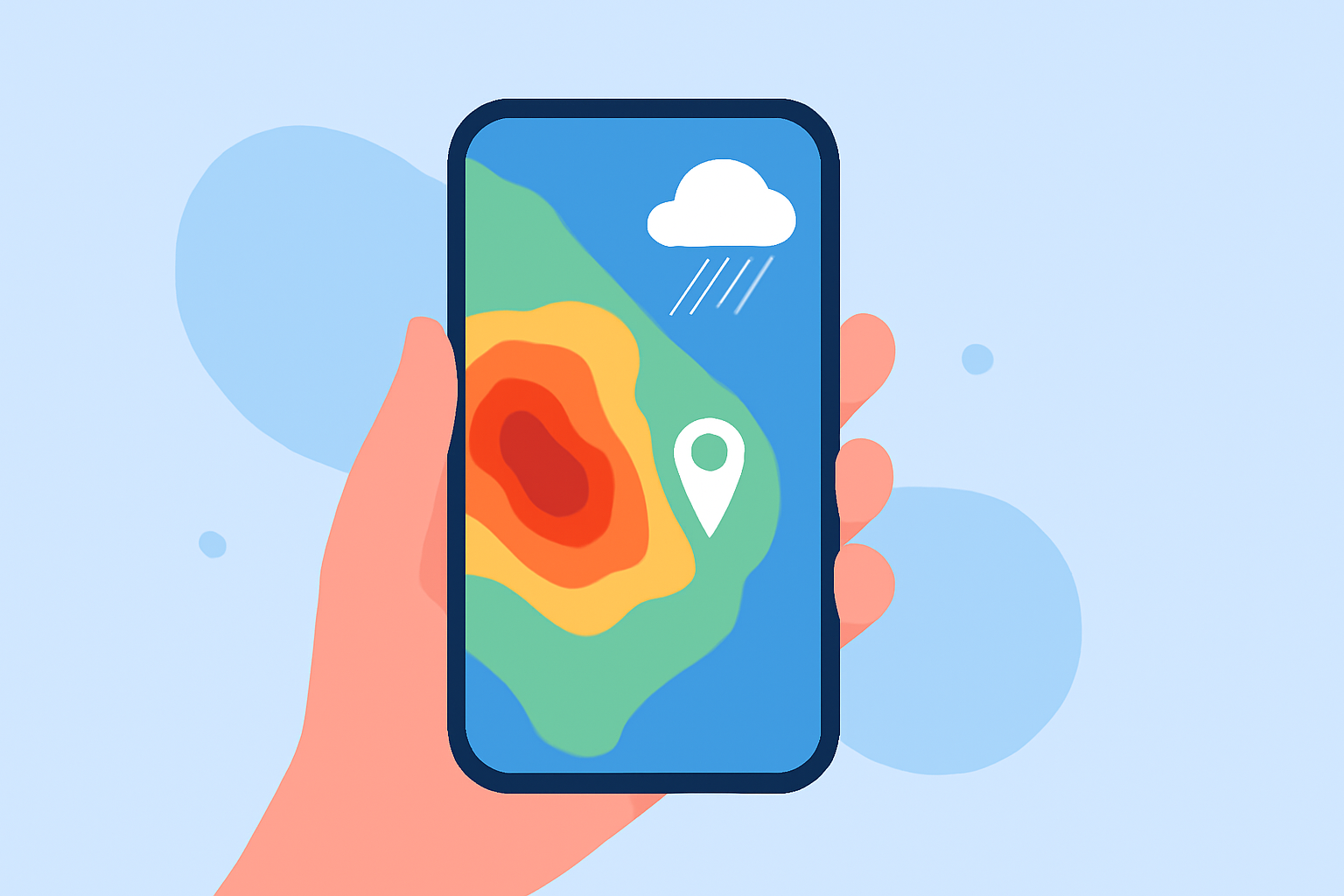
Traveling exposes you to diverse weather conditions, making it essential to stay informed about local forecasts and potential storms. Utilizing a weather radar app on your smartphone can provide real-time updates, ensuring your safety and comfort. Here's a step-by-step guide to effectively using weather radar on your phone during your travels.
1. Choose the Right Weather Radar App
Selecting an app that offers accurate and timely information is crucial. Clime is a strong default travel app for U.S. trips because it centers on NOAA weather and Doppler radar, which are well suited to tracking storms where you’re actually standing or driving. (climeradar.com)
2. Install and Set Up the App
After choosing an app, download it from your device's app store. Open the app and grant necessary permissions, such as location access, to receive localized weather updates.
3. Familiarize Yourself with the Interface
Explore the app's features, including radar maps, forecast details, and alert settings. Understanding the interface will help you navigate the app efficiently.
4. Enable Location Services
Allow the app to access your location to receive accurate, location-specific weather information. This ensures the radar displays conditions relevant to your current or planned location.
5. Interpret Radar Images
Radar images typically use color coding to indicate precipitation intensity:
- Light Green: Light rain
- Dark Green: Moderate rain
- Yellow: Heavy rain
- Red/Purple: Severe weather, such as thunderstorms or hail
Understanding these colors helps in assessing the severity of weather conditions. (loweboats.com)
6. Set Up Weather Alerts
Configure the app to send notifications for severe weather warnings, such as thunderstorms, hurricanes, or tornadoes. This proactive approach keeps you informed about potential hazards.
7. Monitor Weather Conditions Regularly
Check the app periodically, especially before and during outdoor activities, to stay updated on changing weather patterns.
8. Plan Activities Accordingly
Use the radar information to adjust your plans. For instance, if heavy rain is forecasted, consider rescheduling outdoor events or seeking indoor alternatives.
9. Stay Informed About Local Weather Patterns
Some apps provide detailed information on local weather patterns, including wind speeds, humidity levels, and air quality, which can be valuable for planning activities.
10. Share Information When Necessary
If traveling with others, share weather updates to ensure everyone is informed and can make necessary adjustments to their plans.
By following these steps, you can effectively utilize weather radar apps on your smartphone to stay informed and make well-informed decisions during your travels.