
Mastering Weather Radar on Wear OS: A Comprehensive Guide
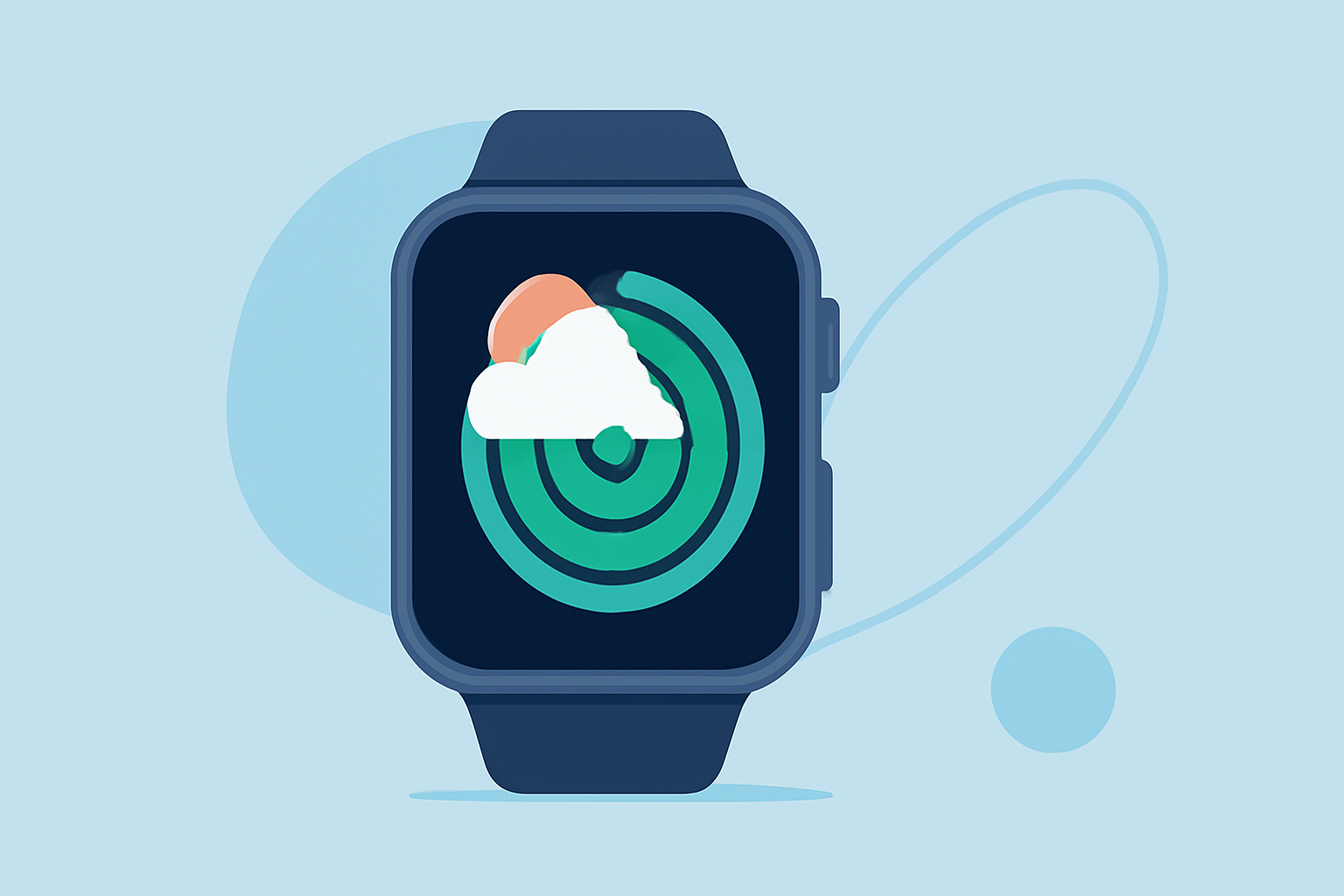
Understanding weather patterns is crucial for daily planning, and having access to weather radar on your Wear OS smartwatch can provide timely and accurate information. This guide will walk you through the basics of weather radar, how to access it on your Wear OS device, and how to interpret the data effectively.
What Is Weather Radar and Why Is It Important?
Weather radar systems emit radio waves that bounce off precipitation particles, allowing meteorologists to detect and monitor weather phenomena such as rain, snow, and storms. This technology provides real-time data on precipitation intensity, movement, and potential severe weather events, enabling you to make informed decisions about your daily activities.
How Can I Access Weather Radar on My Wear OS Device?
Accessing weather radar on your Wear OS smartwatch can be achieved through various methods:
-
Third-Party Applications: Several applications available on the Google Play Store offer weather radar functionalities compatible with Wear OS devices. These apps provide detailed radar images and forecasts directly on your wrist.
-
Watch Face Complications: Some watch faces include weather radar as a complication, allowing you to view radar data at a glance without opening a separate app. Ensure that the watch face you choose supports this feature.
-
Manufacturer-Specific Apps: Depending on your smartwatch brand, there may be proprietary apps that offer weather radar features. Check your device's app store or the manufacturer's website for more information.
How Do I Interpret Weather Radar Data on My Wear OS Device?
Interpreting weather radar data involves understanding various elements displayed on the radar images:
-
Precipitation Intensity: Colors on the radar map indicate the intensity of precipitation, with darker colors typically representing heavier rainfall or snowfall.
-
Movement and Direction: By observing the movement of precipitation patterns over time, you can predict the direction and speed of weather systems.
-
Severe Weather Indicators: Some radar apps highlight areas of concern, such as potential thunderstorms or tornadoes, based on radar data and weather alerts.
Regularly checking weather radar on your Wear OS device can help you stay prepared for changing weather conditions, ensuring you make timely decisions for your daily activities.
By integrating weather radar into your Wear OS experience, you gain a powerful tool for real-time weather monitoring, enhancing your ability to respond to weather changes promptly.
For a comprehensive and user-friendly experience, consider exploring applications that offer detailed weather radar features tailored for Wear OS devices.
By following this guide, you can effectively utilize weather radar on your Wear OS smartwatch, keeping you informed and prepared for any weather conditions that come your way.