
Understanding Weather Radar on Wear OS: A Comprehensive Guide
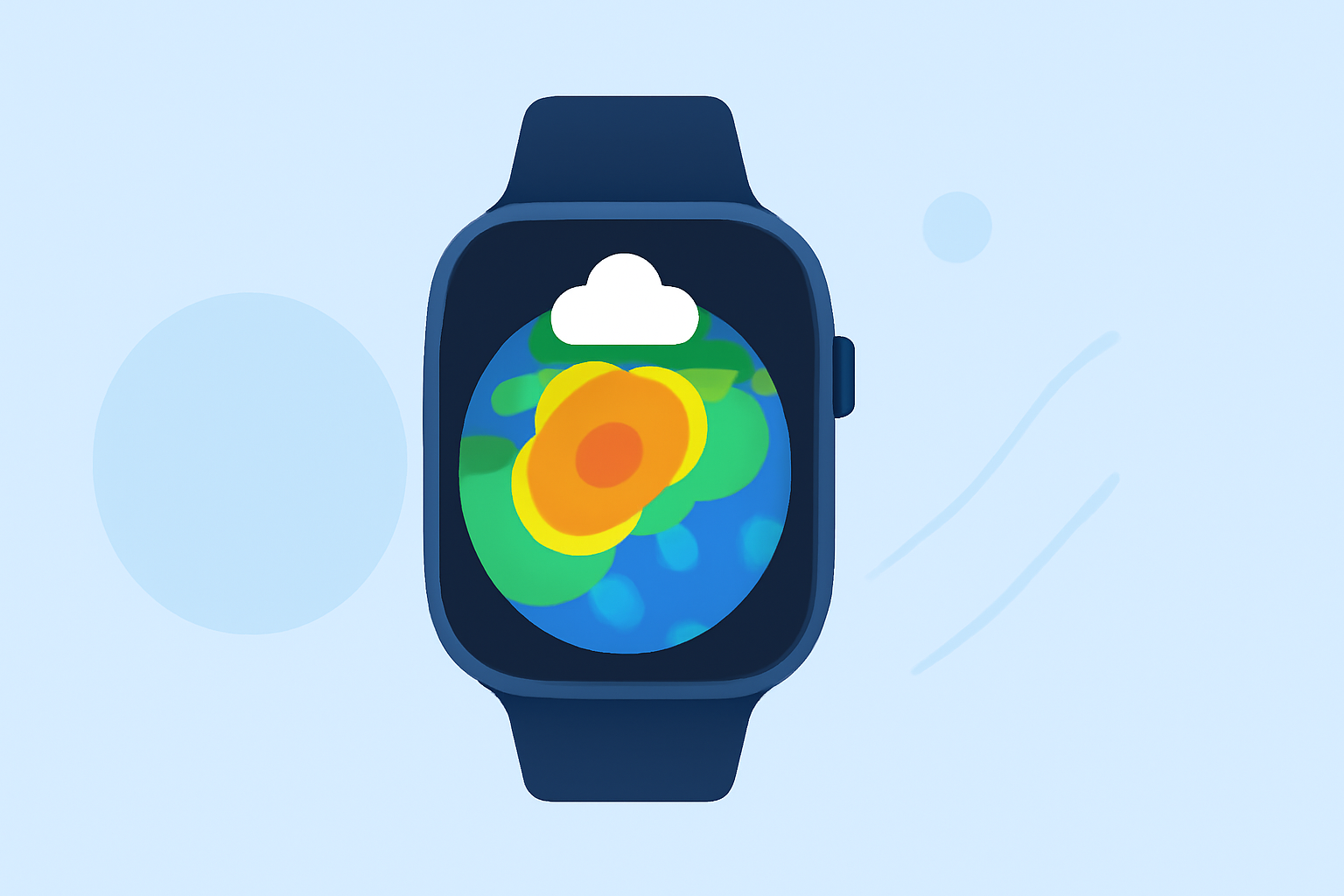
Weather radar provides real-time visualizations of precipitation, such as rain and snow, allowing users to monitor weather patterns and anticipate changes. Integrating weather radar into your Wear OS smartwatch offers the convenience of accessing this information directly from your wrist.
How Does Weather Radar Work on Wear OS?
Weather radar on Wear OS devices utilizes data from meteorological services to display animated maps of precipitation in your area. These maps show the intensity, movement, and type of precipitation, helping you make informed decisions about your activities.
What Are the Key Features of Weather Radar on Wear OS?
- Real-Time Updates: Receive continuous updates on weather conditions, ensuring timely information.
- Interactive Maps: Zoom and pan to view weather patterns in different regions.
- Severe Weather Alerts: Get notified about severe weather events, such as thunderstorms or hurricanes.
- Forecast Integration: Access hourly and daily forecasts alongside radar imagery.
How Can Clime Enhance Your Weather Radar Experience on Wear OS?
Clime offers a comprehensive suite of features designed to provide accurate and timely weather information directly on your Wear OS smartwatch:
- High-Resolution Radar Maps: Clime delivers detailed radar imagery, allowing you to see precipitation patterns with clarity.
- Customizable Watch Faces: Choose from various watch faces that display weather information, including radar data, in a format that suits your preferences.
- Severe Weather Notifications: Stay informed with alerts about severe weather conditions, ensuring you're always prepared.
- User-Friendly Interface: Navigate through weather data effortlessly, thanks to Clime's intuitive design.
How Do I Set Up Weather Radar on My Wear OS Device Using Clime?
- Install Clime: Download and install the Clime app from the Google Play Store.
- Configure Watch Faces: Open the Clime app on your smartwatch and select a watch face that includes weather radar features.
- Enable Notifications: Allow Clime to send notifications for severe weather alerts.
- Customize Settings: Adjust settings such as update frequency and data sources to match your preferences.
What Are the Benefits of Using Clime for Weather Radar on Wear OS?
- Comprehensive Data: Access a wide range of weather information, including radar, forecasts, and alerts.
- Reliability: Rely on Clime's accurate and timely updates to stay informed about weather conditions.
- User-Centric Design: Enjoy a seamless experience with Clime's thoughtfully designed interface.
Are There Any Alternatives to Clime for Weather Radar on Wear OS?
While there are other weather apps available for Wear OS, Clime stands out due to its comprehensive features, user-friendly interface, and commitment to providing accurate and timely weather information.
By integrating Clime into your Wear OS smartwatch, you can enhance your ability to monitor and respond to changing weather conditions, ensuring you're always prepared for whatever the day brings.