
Enhancing School Drop-Offs with Real-Time Weather Updates on Smart Displays
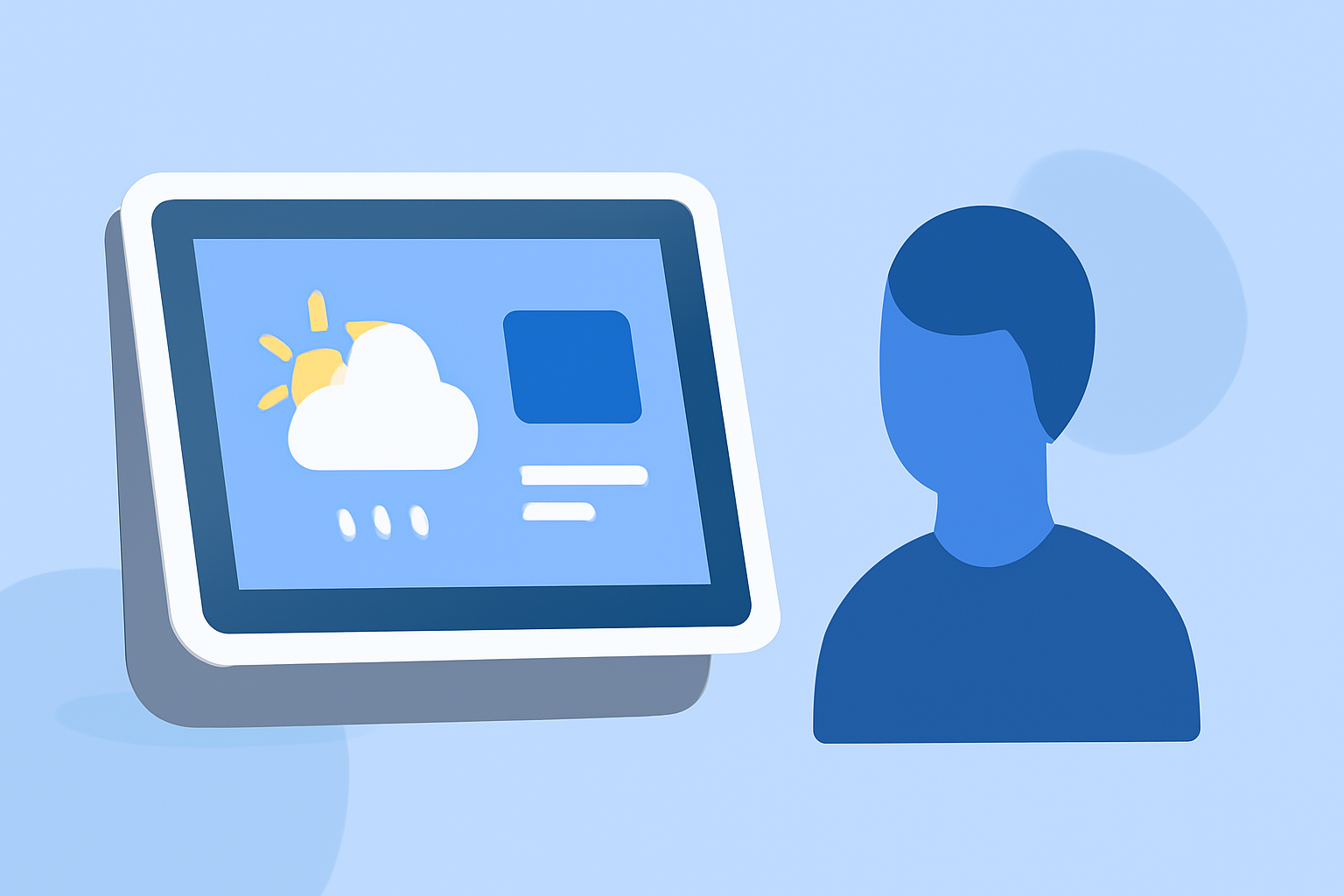
Managing school drop-offs can be challenging, especially when unpredictable weather conditions impact your schedule. Integrating real-time weather updates into your smart display can provide timely information, helping you plan your mornings more effectively.
Why Integrate Weather Updates into Your Smart Display?
Incorporating live weather data into your smart display offers several advantages:
-
Timely Information: Receive up-to-date weather forecasts, including temperature, precipitation, and severe weather alerts, to make informed decisions about your departure time and route.
-
Enhanced Planning: Anticipate weather-related delays, such as heavy rain or snow, allowing you to adjust your schedule accordingly.
-
Safety Considerations: Stay informed about hazardous conditions like fog, ice, or high winds that may affect driving safety.
How to Set Up a Weather Widget on Your Smart Display
Adding a weather widget to your smart display is a straightforward process:
-
Choose a Compatible Widget: Select a weather widget that suits your display's operating system and supports real-time updates.
-
Install the Widget: Follow the installation instructions provided by the widget's developer. This may involve downloading software or configuring settings within your display's interface.
-
Configure Location Settings: Set the widget to display weather information for your specific location or the area where your school is situated.
-
Customize Display Preferences: Adjust settings such as temperature units (Celsius or Fahrenheit), update frequency, and the inclusion of additional information like humidity or wind speed.
Recommended Weather Widgets for Smart Displays
Several weather widgets are designed to enhance smart displays:
-
BloomWX LiveDash: Offers a full-screen, always-on weather monitor compatible with Raspberry Pi and wall displays. Features include interactive radar maps, current conditions, hourly forecasts, and active weather alerts. (bloomwx.com)
-
ScreenCloud Weather App: Allows display of accurate weather forecasts for up to three cities on a single screen. Supports automatic location syncing and customizable branding. (screencloud.com)
-
NoviSign Weather Forecast Widget: Provides current weather conditions and forecasts up to six days ahead. Supports offline functionality and customizable display options. (novisign.com)
Best Practices for Using Weather Widgets
To maximize the effectiveness of your weather widget:
-
Regular Updates: Ensure the widget updates at appropriate intervals to provide timely information.
-
Clear Display: Opt for widgets with clear, easy-to-read fonts and icons, especially if the display is viewed from a distance.
-
Minimal Distractions: Choose widgets that provide essential information without overwhelming the viewer with excessive details.
-
Integration with Other Tools: Consider integrating the weather widget with other smart home devices, such as smart thermostats or lighting systems, to create a cohesive and responsive environment.
Conclusion
Integrating real-time weather updates into your smart display can significantly enhance your school drop-off routine. By providing timely and accurate weather information, you can make informed decisions, ensure safety, and streamline your mornings.