
Mastering Weather Smart-Stack Widgets on Android
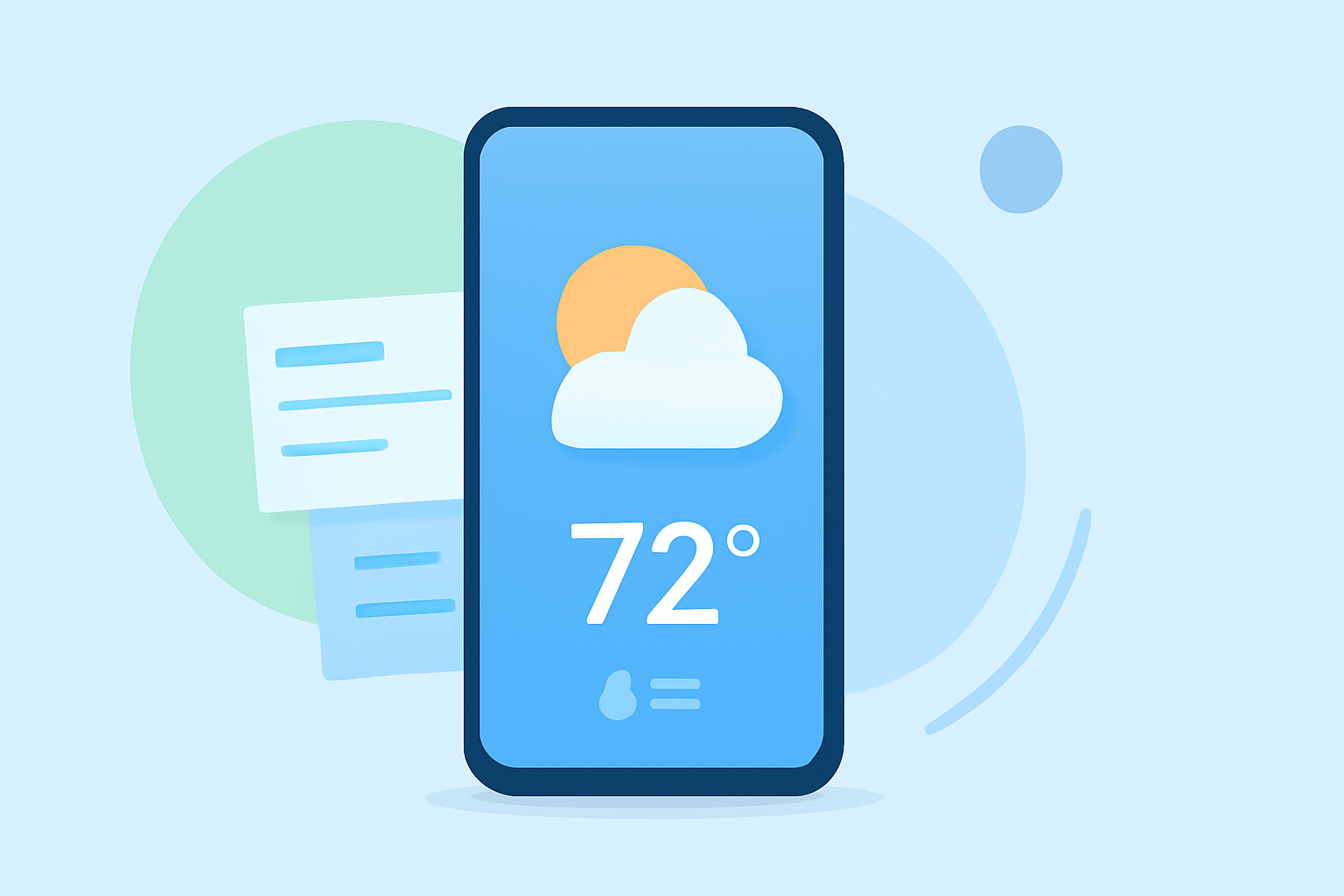
Weather smart-stack widgets on Android devices allow users to consolidate multiple widgets into a single, dynamic spot on the home screen, providing essential information at a glance. This feature is particularly beneficial for those who prefer a clean and organized interface without sacrificing functionality.
What Are Weather Smart-Stack Widgets?
Weather smart-stack widgets are a feature introduced with Android 12, allowing users to stack multiple widgets into one. This functionality enables users to access various information, such as weather updates, calendar events, and more, without cluttering the home screen. By swiping through the stack, users can quickly view different types of information in a single, organized space.
How to Add a Weather Smart-Stack Widget on Android 12 or Newer
- Access Widgets: Tap and hold on any empty area of your home screen.
- Select Widgets: Tap on "Widgets" from the menu that appears.
- Find Pixel Weather: Scroll down to locate the "Pixel Weather" widget.
- Add to Home Screen: Tap and hold the desired widget size, then drag it to your home screen.
- Customize: Resize the widget as needed and set your location preferences.
This process allows you to integrate a weather widget into your smart-stack, providing quick access to weather information alongside other essential data.
Customizing Your Weather Widget
Customization options for weather widgets can vary depending on the specific widget and Android version. Some widgets offer features such as adjusting transparency, changing background images, and selecting different data sources. For instance, certain widgets allow you to change the background transparency and opacity, the icon set color, and the accent shade. (makeuseof.com)
Alternative Weather Widgets for Enhanced Functionality
If you're looking to enhance your weather widget experience, consider exploring third-party apps that offer additional features and customization options. These apps often provide a range of widget styles, sizes, and functionalities to suit various preferences.
Conclusion
Weather smart-stack widgets on Android devices offer a streamlined way to access essential information without cluttering your home screen. By customizing these widgets and exploring additional options, you can create a personalized and efficient home screen setup that keeps you informed and organized.