
Enhancing Your Workout Experience with Weather Smart-Stack Widgets on Apple Watch
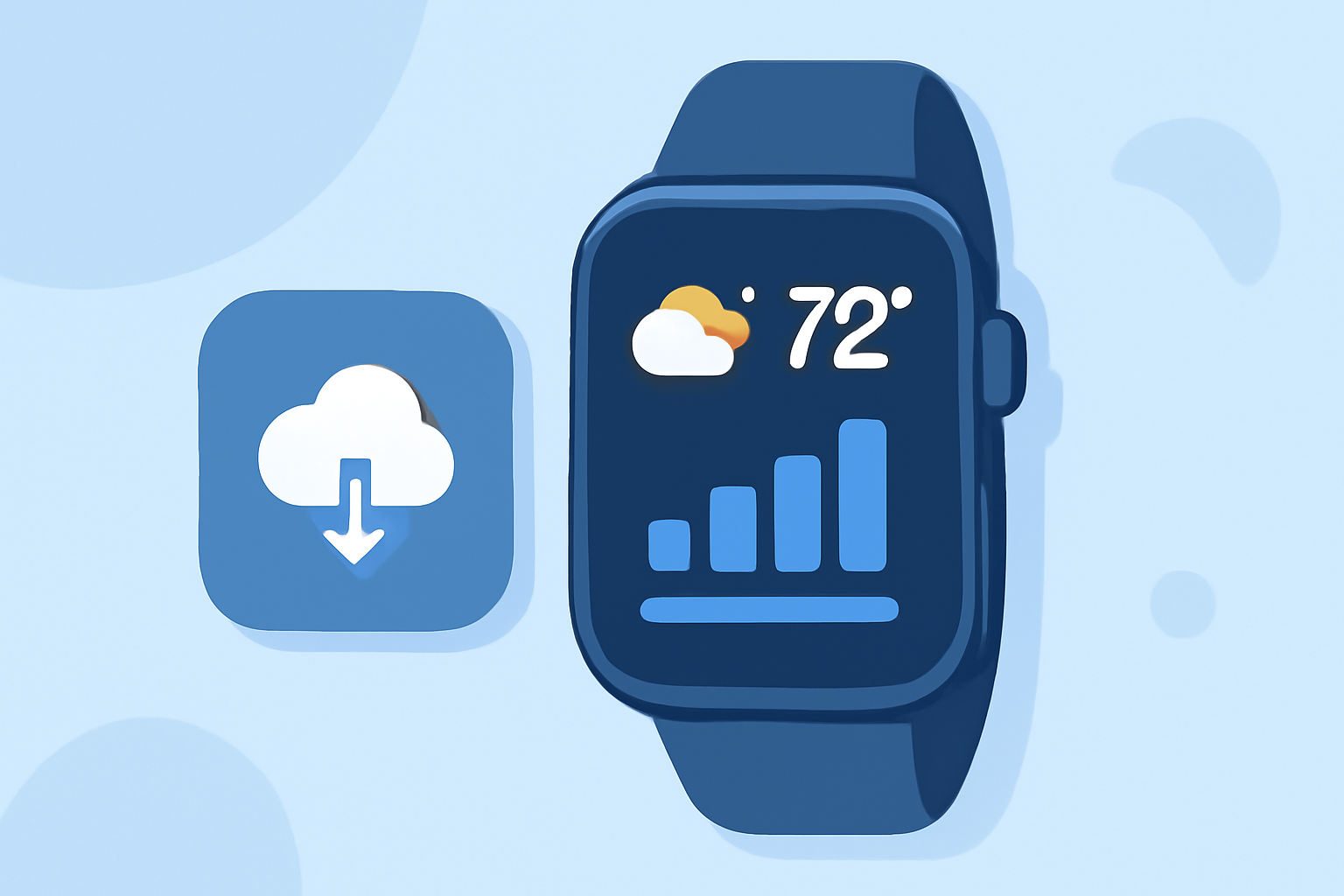
Apple Watch's Smart-Stack feature offers a dynamic way to access relevant information during your workouts, including real-time weather updates. By customizing your Smart-Stack widgets, you can seamlessly incorporate weather data into your fitness sessions, ensuring you're always prepared for changing conditions.
What Are Smart-Stack Widgets?
Introduced in watchOS 10, Smart-Stack widgets are a set of interactive elements that display under the clock on your Apple Watch face. These widgets adapt based on factors like time, location, and activity, providing timely and context-aware information. For instance, during your morning run, the Smart-Stack might display the current weather conditions, helping you dress appropriately. (slashgear.com)
Integrating Weather Information into Your Workout Routine
To enhance your workout experience with weather updates, you can customize your Smart-Stack to include a weather widget. Here's how:
-
Access the Smart-Stack: From your watch face, swipe up or rotate the Digital Crown to view the Smart-Stack.
-
Enter Edit Mode: Long-press on any widget within the Smart-Stack to enter edit mode.
-
Add the Weather Widget: Tap the '+' button to add a new widget, then select the weather widget from the list.
-
Customize Widget Settings: Some widgets allow customization. For example, you can set the weather widget to display information for your current location or a specific area.
-
Pin the Widget: To keep the weather widget at the top of your Smart-Stack for easy access, tap the pin icon.
By following these steps, you can ensure that weather information is readily available during your workouts, allowing you to make informed decisions about your exercise plans. (support.apple.com)
Benefits of Using Weather Smart-Stack Widgets During Workouts
-
Real-Time Updates: Receive current weather conditions, including temperature, humidity, and precipitation, directly on your watch.
-
Location-Based Information: Get weather updates tailored to your workout location, whether you're at home or traveling.
-
Enhanced Planning: Make informed decisions about your workout attire and schedule based on the latest weather data.
Additional Tips
-
Customize Other Widgets: Beyond the weather widget, consider adding other relevant widgets to your Smart-Stack, such as heart rate monitors or music controls, to further enhance your workout experience.
-
Regular Updates: Ensure your Apple Watch is updated to the latest watchOS version to access the newest features and improvements related to Smart-Stack widgets.
By effectively utilizing the Smart-Stack feature, you can create a personalized and efficient workout routine that adapts to both your fitness goals and the ever-changing weather conditions.