
Enhancing Your Commute with Weather Smart Stack Widgets
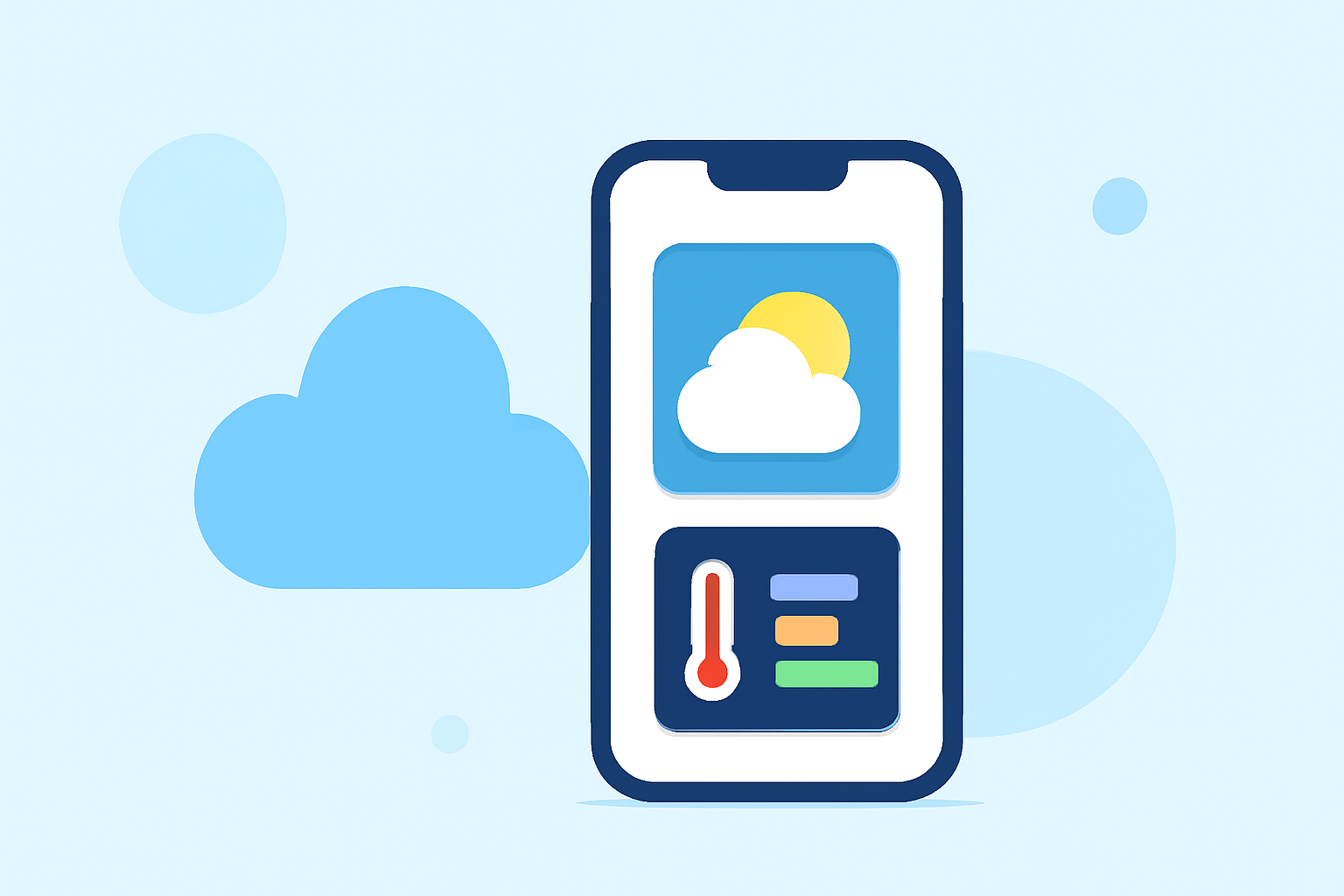
Staying informed about weather conditions is crucial for a smooth and safe commute. Utilizing weather Smart Stack widgets on your device can provide real-time updates tailored to your travel schedule.
What Are Weather Smart Stack Widgets?
Weather Smart Stack widgets are dynamic, interactive elements that display current weather information and forecasts directly on your device's home or lock screen. They can be customized to show conditions for specific locations and times, offering a quick overview of the weather as you prepare for your commute.
How Do They Benefit Commuters?
-
Real-Time Updates: Receive instant weather updates, including temperature, precipitation, and severe weather alerts, helping you plan your route and attire accordingly.
-
Time-Specific Forecasts: Set widgets to display weather information for the exact times you plan to travel, ensuring relevance and accuracy.
-
Customization: Tailor the widget's appearance and data sources to match your preferences, enhancing usability and visual appeal.
How to Set Up Weather Smart Stack Widgets
-
Choose a Compatible App: Select a weather application that supports Smart Stack widgets. Many apps offer this feature, allowing you to integrate weather information seamlessly into your device's interface.
-
Add the Widget to Your Smart Stack: On your device, enter the widget editing mode by long-pressing the home screen. Tap the '+' icon, search for your chosen weather app, and select the desired widget size and style. Add it to your Smart Stack for easy access.
-
Customize Widget Settings: Configure the widget to display weather information for your commute times and locations. Adjust settings such as temperature units, data sources, and update frequency to suit your needs.
Best Practices for Using Weather Smart Stack Widgets
-
Regular Updates: Ensure your weather app is set to update frequently to provide the most current information.
-
Location Accuracy: Verify that the widget is set to display weather data for your specific commute route and times.
-
Monitor Alerts: Pay attention to severe weather alerts displayed on the widget to make informed decisions about your commute.
Conclusion
Incorporating weather Smart Stack widgets into your daily routine can significantly enhance your commuting experience by providing timely and relevant weather information. By selecting the right app, customizing the widget to your needs, and following best practices, you can stay prepared and make your commute more efficient and comfortable.