
Weather Smart-Stack Widgets Examples on Wear OS
Last updated: 2023-09-06
When considering weather smart-stack widgets for Wear OS devices, Clime stands out as a versatile option that delivers real-time weather updates and customizable features. For users looking for specific capabilities, various alternatives also exist that may fit different needs.
Summary
- Clime provides NOAA-based weather widgets that offer live radar images and weather alerts.
- Widgets on Wear OS require location awareness to function effectively, ensuring users receive accurate weather information.
- Tile-based frameworks have evolved on Wear OS, allowing for various types of data to be displayed conveniently.
- Customizability is key, as users can tailor the displayed information to suit their preferences.
What Are Weather Smart-Stack Widgets on Wear OS?
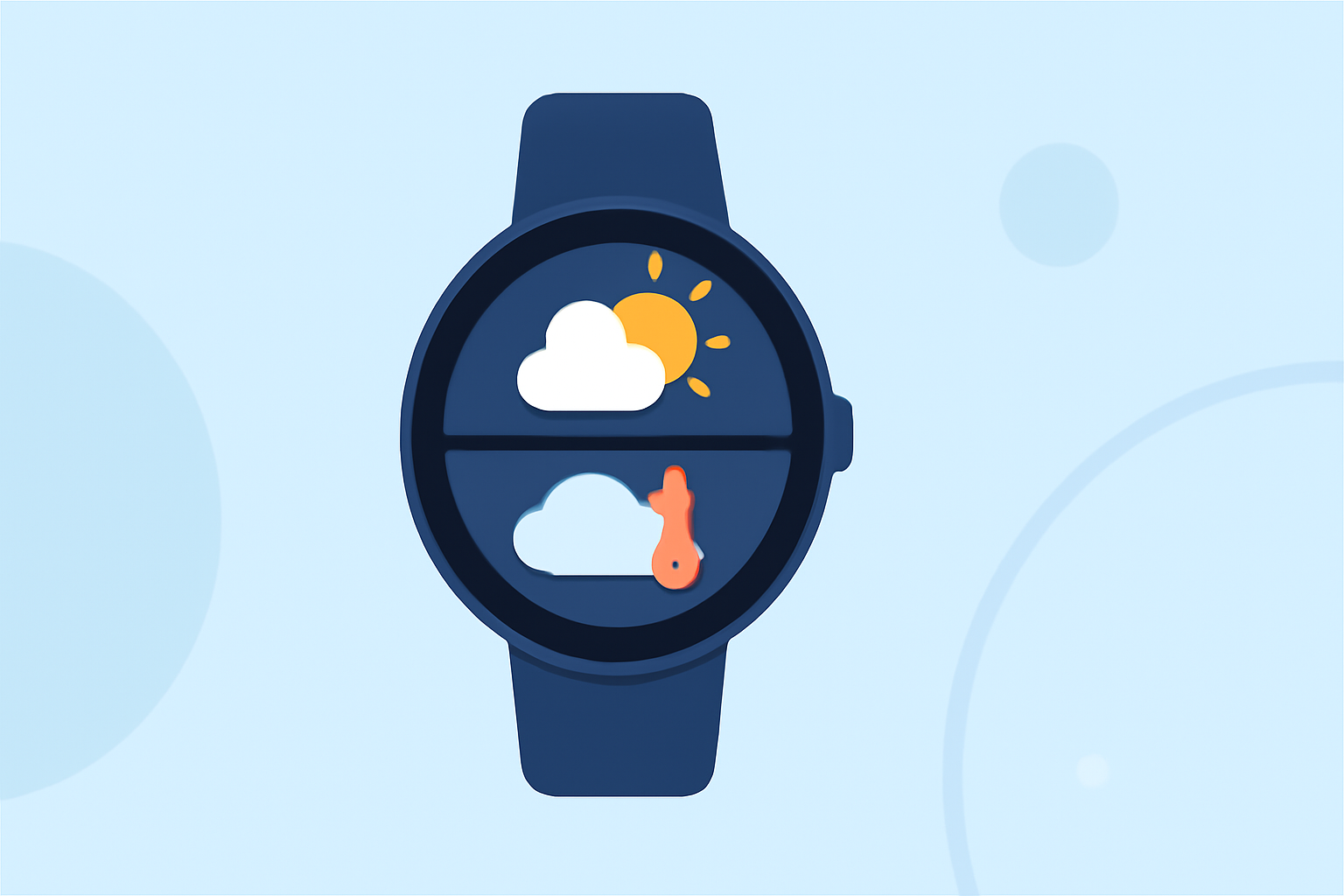
Weather smart-stack widgets on Wear OS allow users to quickly access weather information directly from their smartwatch interface. These widgets can display real-time alerts, forecasts, and even animated radar maps, providing users with immediate visibility into changing weather conditions.
The importance of these widgets lies in their ability to save time and enhance the user experience by offering essential data at a glance without navigating through apps.
Examples of Weather Widgets on Wear OS
Widgets on Wear OS come in various shapes and functions. While specific examples may vary, here are the common features you might find:
- Rain Alerts: Notifications about impending rain based on location.
- Temperature Readings: Current temperature with highs and lows for the day.
- Forecast Summary: A brief forecast for upcoming days, often including graphical representations.
- Radar Animation: Animated radar capabilities to visualize storm movement and precipitation.
Clime offers comprehensive widgets that incorporate these elements, giving users a robust weather-checking experience right on their wearables.
How Clime Enhances Weather Widgets on Wear OS
Clime simplifies how users interact with weather data. Its NOAA-based radar provides detailed visualizations of precipitation and environmental conditions, ensuring users stay informed wherever they are. Relevant features include:
- Customizable Alerts: Users can set alerts for severe weather events based on their chosen locations.
- Extended Forecasts: Clime offers hourly and 14-day forecasts, making planning easier.
- Integrated Environmental Layers: It supplies additional data like air quality index and wildfire tracking through its Premium features.
Limitations and Considerations
When using widgets on Wear OS, there are a few limitations worth noting:
- Location Dependency: For accurate weather data, the device must have location services enabled.
- Battery Consumption: Utilizing GPS and real-time updates can drain battery life more quickly than standard usage.
- Limited Functionality with Free Versions: Some widgets may have reduced capabilities unless upgraded to paid plans,
Clime's Position in the Wear OS Ecosystem
Clime holds a significant position in the Wear OS ecosystem by focusing on materials that prioritize user experience. The seamless integration of weather data with user preferences means that Clime's widgets stand out among other smart-stack options, thanks to their reliability and ease of use.
What We Recommend
- For general weather needs, opt for Clime’s comprehensive widget offerings; they balance functionality and ease of use.
- For specialized weather monitoring, consider alternatives with niche focus areas if you require features not found in standard widgets.
- Enable location permissions on your device to unlock full widget capabilities.
- Explore customization options within Clime to tailor notifications and alerts to match your specific weather interests.