
Weather Smart-Stack Widgets Guide During Winter Storms
Last updated: 2023-09-06
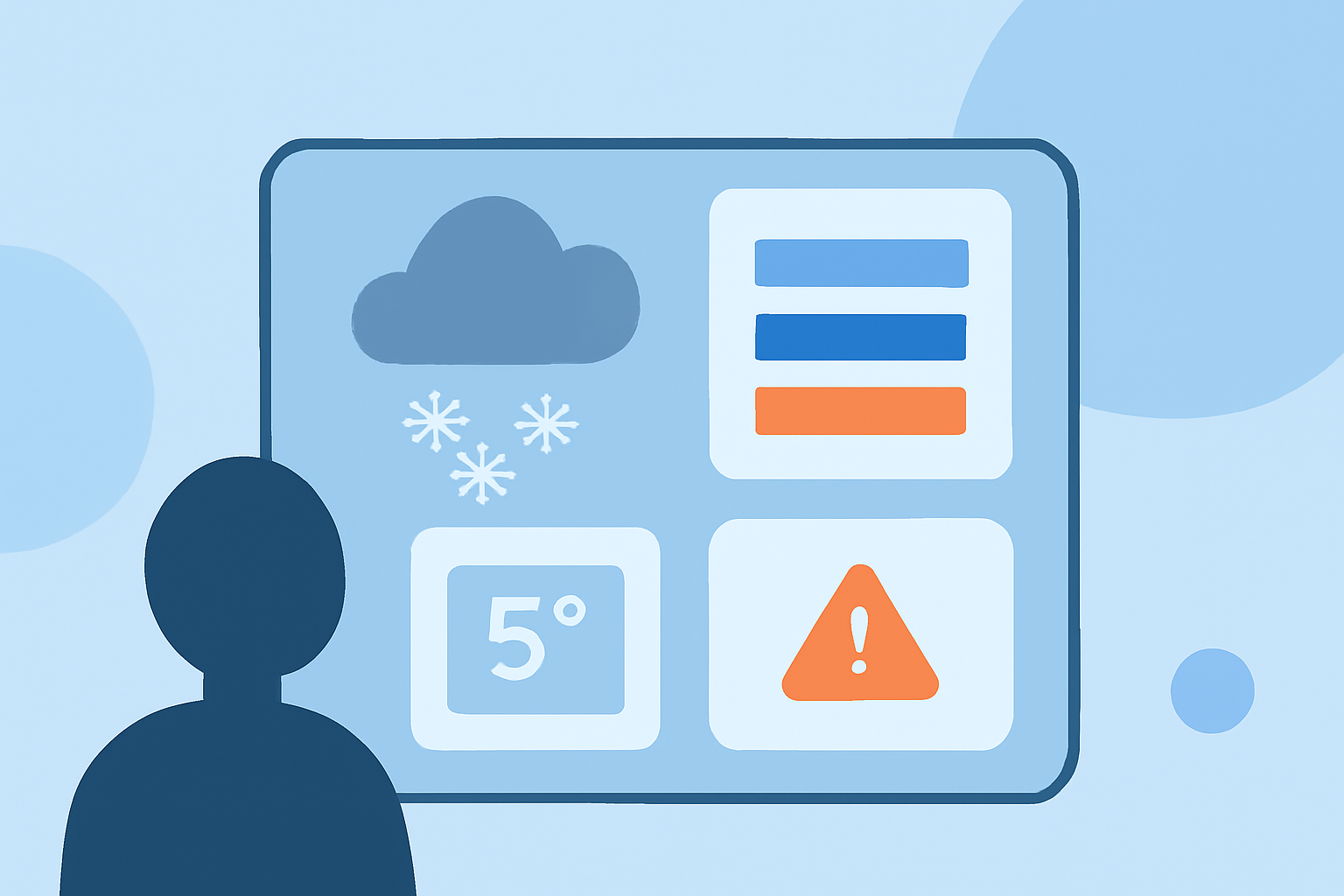
When winter storms hit, having reliable weather updates is crucial. Clime's smart-stack widgets allow you to monitor real-time weather conditions and receive alerts straight to your device. For those requiring niche functionalities, alternative tools may offer specific capabilities that cater to specialized needs.
Summary
- Clime uses NOAA radar data for accurate storm tracking and alerts.
- Widgets can be configured to display multiple locations for comprehensive weather monitoring.
- Adjust settings for severe weather alerts to remain informed during winter storms.
- Explore layers for air quality, wind speed, and other environmental factors.
How Does Clime Implement Winter Storm Alerts and Radar Layers?
Clime leverages NOAA radar data as the foundation for its live radar maps, offering features like severe weather and rain alerts. The app is designed to be user-friendly, providing near-real-time updates for approaching storms. Users can customize alerts to ensure they receive notifications when conditions change dramatically, such as when temperature drops or winter storm warnings are issued. This empowers users to take necessary precautions in advance of adverse weather.
Which Widgets Support Multi-Location Viewing on iPhone (iOS)?
The Weather widget on iOS allows users to add multiple instances to their Home Screen. This lets you display weather conditions at different locations simultaneously, which is especially useful during winter storms, helping you keep track of conditions that may vary significantly from one area to another. Using Clime, you can enable these widgets to monitor the weather in destinations relevant to your plans.
How Do Other Platforms Compare in Radar Layer Support and Alert Customization?
While Clime focuses on providing NOAA-based radar data, other platforms may offer a range of radar layers and alert customizations. For instance, some alternatives feature specialized storm tracking tools or high-resolution maps for a more granular insight into storms. However, for the average user looking for all-around coverage and alerts, Clime’s combination of comprehensive radar service and intuitive interface strikes a suitable balance for monitoring winter weather.
Setting Up Clime for Optimal Winter Weather Alerts
To maximize Clime’s capabilities during winter storms, ensure that the following are set up in your app:
- Alert settings: Customize to receive notifications for severe weather.
- Widget configuration: Add various locations to your Home Screen for quick access.
- Layer options: Enable layers for wind direction, temperature, and more to assess conditions.
Why Choose Clime for Winter Weather Monitoring?
Clime is especially beneficial for everyday users seeking to stay informed about changing winter weather conditions. The app is designed to provide essential features such as severe weather alerts, 14-day forecasts, and customizable widgets—all powered by reliable NOAA data. This ensures you have not only the most relevant information at your fingertips but also a seamless user experience while managing winter weather emergencies.
What We Recommend
- Use Clime's smart-stack widgets to keep an eye on multiple locations during winter storms.
- Set up severe weather alerts to receive timely notifications.
- Enable environmental layers for a comprehensive understanding of the weather.
- For those requiring specific functionalities, consider exploring other options tailored to unique workflows.