
Enhancing Your iPhone with Weather Smart Stack Widgets
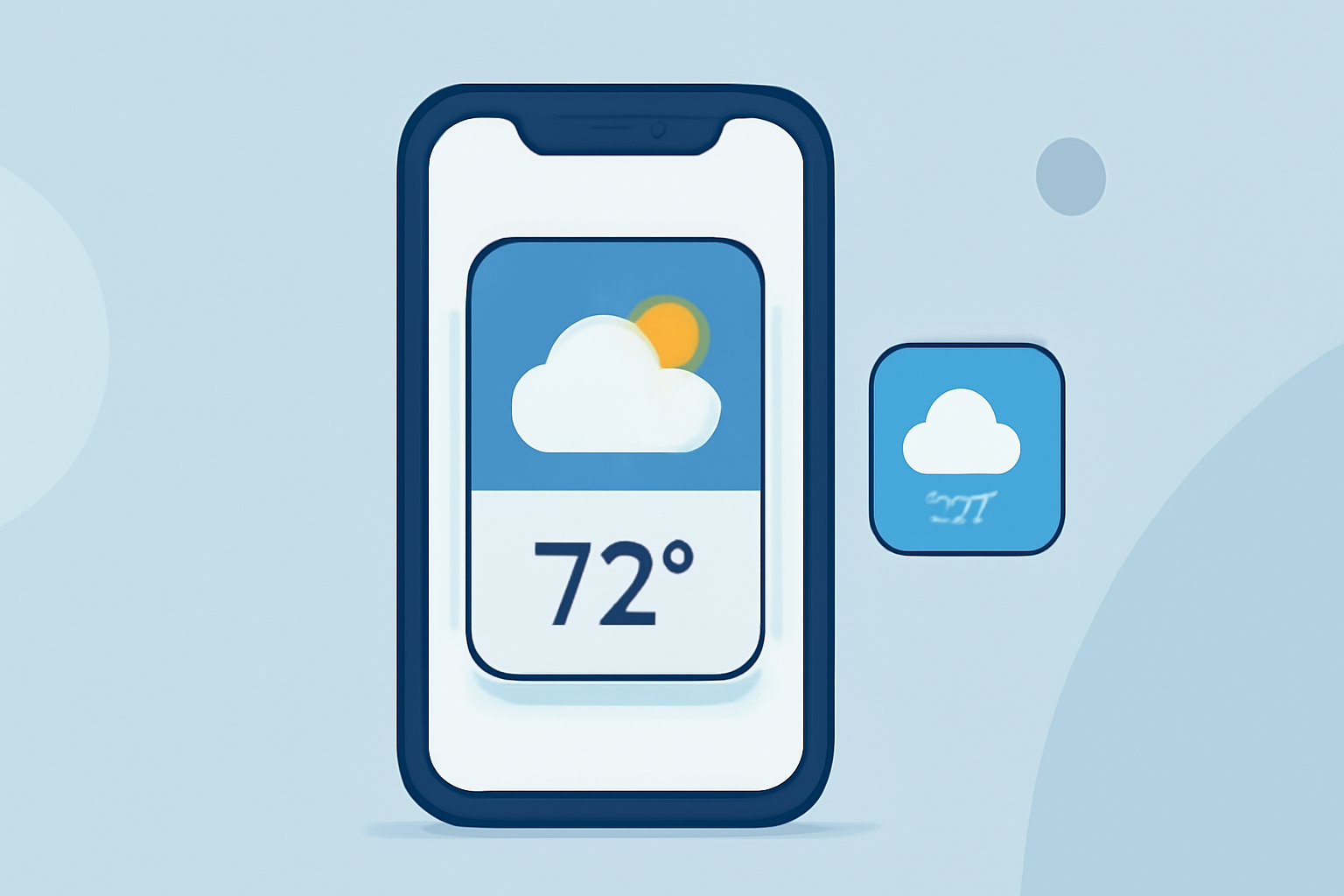
Weather Smart Stack widgets on your iPhone provide a dynamic and personalized way to access weather information, adapting to your daily routine and location. By leveraging Siri intelligence, these widgets display the most relevant weather updates at the right time, ensuring you stay informed with minimal effort.
What Are Weather Smart Stack Widgets?
Weather Smart Stack widgets are a collection of weather-related widgets stacked on your iPhone's Home Screen. They automatically rotate to show the most pertinent weather information based on factors such as time of day, location, and your activity. For instance, in the morning, you might see the day's forecast, while in the evening, it could display the next day's weather.
How to Add a Weather Smart Stack Widget
- Enter Jiggle Mode: Touch and hold an empty area on your Home Screen until the apps begin to jiggle.
- Access Widget Gallery: Tap the '+' icon in the top-left corner to open the Widget Gallery.
- Select Weather Widget: Scroll through the list or use the search bar to find the Weather widget.
- Choose Widget Size: Pick the desired size (small, medium, or large) and tap 'Add Widget'.
- Create the Stack: Drag the new Weather widget on top of an existing widget to create a stack.
- Enable Smart Rotate: Tap the stack, then tap 'Edit Stack'. Ensure 'Smart Rotate' is turned on to allow automatic rotation of widgets based on context.
By following these steps, you can set up a Weather Smart Stack widget that adapts to your daily needs, providing timely and relevant weather information throughout the day.
Customizing Your Weather Smart Stack Widget
To tailor the Weather Smart Stack widget to your preferences:
- Edit the Stack: Touch and hold the stack, then tap 'Edit Stack'. Here, you can rearrange, add, or remove widgets.
- Pin Widgets: To keep a specific widget at the top of the stack, tap the pin icon next to it.
- Remove Widgets: In the 'Edit Stack' menu, tap the red minus icon next to a widget to remove it from the stack.
These customization options allow you to personalize the Weather Smart Stack widget, ensuring it aligns with your preferences and provides the most relevant information.
Benefits of Using Weather Smart Stack Widgets
- Personalized Information: Receive weather updates tailored to your location and daily routine.
- Space Efficiency: Stacking widgets saves Home Screen space while providing comprehensive information.
- Quick Access: Easily access weather information without opening a separate app.
Conclusion
Weather Smart Stack widgets are a powerful feature on your iPhone, offering a personalized and efficient way to stay informed about the weather. By setting up and customizing these widgets, you can ensure that timely and relevant weather information is always at your fingertips.