
Enhancing Your iPhone with Weather Smart Stack Widgets
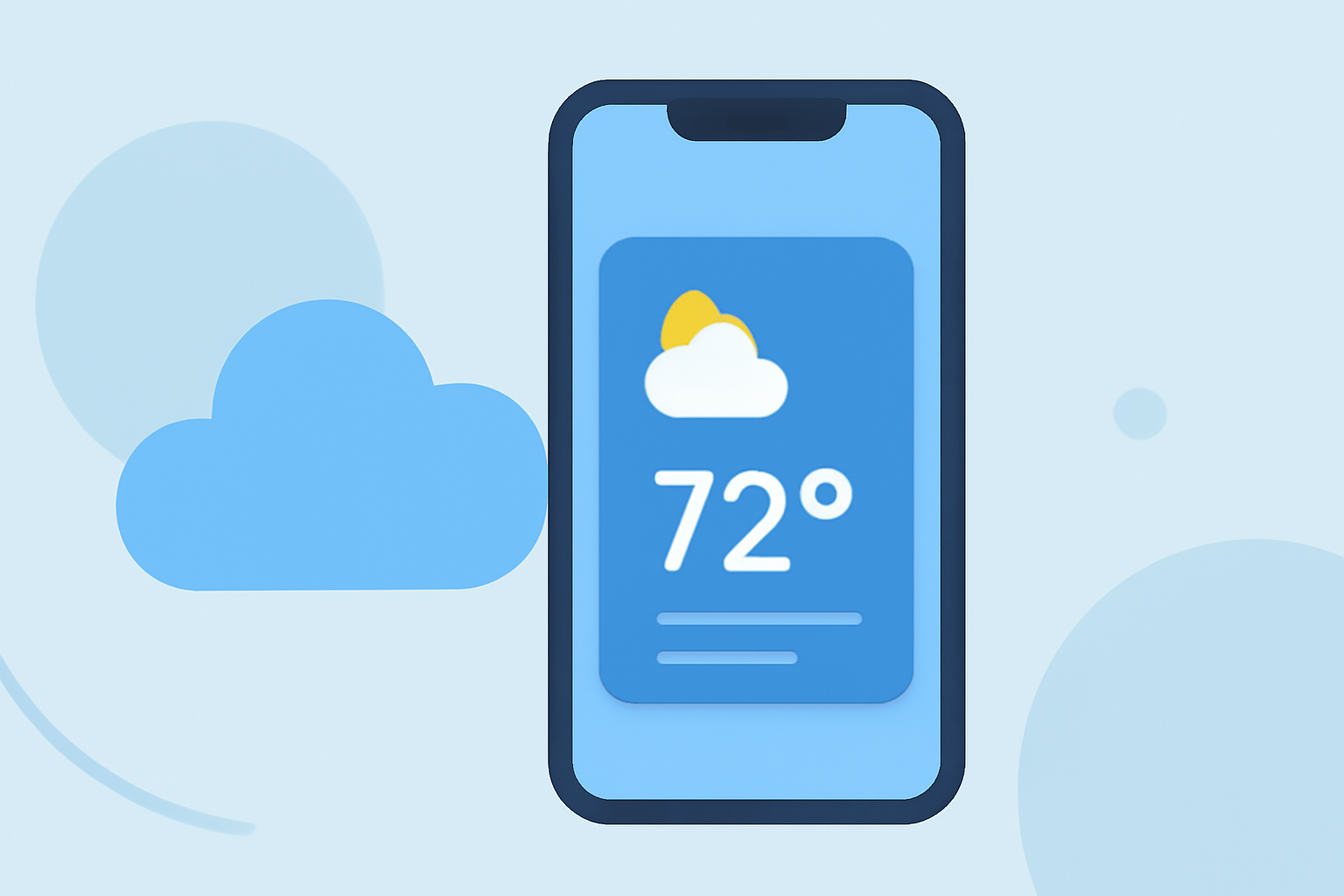
Apple's Smart Stack feature allows you to stack multiple widgets on your iPhone's Home Screen, providing quick access to essential information without cluttering your display. By incorporating weather widgets into your Smart Stack, you can receive timely and relevant weather updates throughout the day.
What Are Smart Stack Widgets?
Smart Stack widgets are a collection of widgets that automatically rotate based on factors like time of day, location, and activity. This intelligent rotation ensures that the most relevant information is displayed when you need it. For instance, in the morning, you might see a weather widget; during your commute, a Maps widget; and in the evening, a Calendar widget. (idownloadblog.com)
Adding a Weather Widget to Your Smart Stack
To include a weather widget in your Smart Stack:
- Enter Jiggle Mode: Touch and hold an empty area on your Home Screen until the apps begin to jiggle.
- Access the Widget Gallery: Tap the '+' icon in the top-left corner to open the Widget Gallery.
- Select the Weather Widget: Scroll through the available widgets and choose the Weather widget.
- Choose Widget Size: Decide on the widget size (small, medium, or large) that best fits your Home Screen layout.
- Add to Home Screen: Tap 'Add Widget' to place it on your Home Screen.
- Create a Stack: Drag the newly added weather widget on top of another widget to create a stack.
- Enable Smart Rotate: Tap the stack, then tap 'Edit Stack' to ensure 'Smart Rotate' is enabled, allowing the widgets to rotate automatically based on context. (tomsguide.com)
Customizing Your Weather Widget
You can customize the weather widget to display information pertinent to your location or preferences:
- Location Settings: In the Weather app, set your preferred location to ensure accurate forecasts.
- Widget Configuration: Some widgets allow you to select specific details to display, such as hourly forecasts or severe weather alerts.
Benefits of Using Weather Smart Stack Widgets
- Personalized Information: Receive weather updates tailored to your location and daily routine.
- Efficient Access: Quickly view weather information without opening the Weather app.
- Clutter-Free Home Screen: Keep your Home Screen organized by stacking widgets, reducing visual clutter.
Conclusion
Integrating weather widgets into your iPhone's Smart Stack enhances your device's functionality, providing timely and relevant weather information throughout your day. By customizing your Smart Stack, you can create a personalized and efficient Home Screen experience.