
Using Weather Smart-Stack Widgets in Your Car with Clime
Last updated: 2023-09-10
To utilize weather smart-stack widgets in your car, Clime is a fantastic starting point due to its rich features and integration with Apple CarPlay. For specialized needs, you might also consider exploring alternative platforms offering similar functionalities.
Summary
- Clime offers NOAA-based weather radar, detailed forecasts, and alerts.
- Weather smart-stack widgets can enhance your driving experience with real-time weather information.
- Setting up these widgets in your vehicle requires iOS compatibility and straightforward steps.
- Customize your widget settings to get alerts for specific locations or weather conditions.
What Are Weather Smart-Stack Widgets?
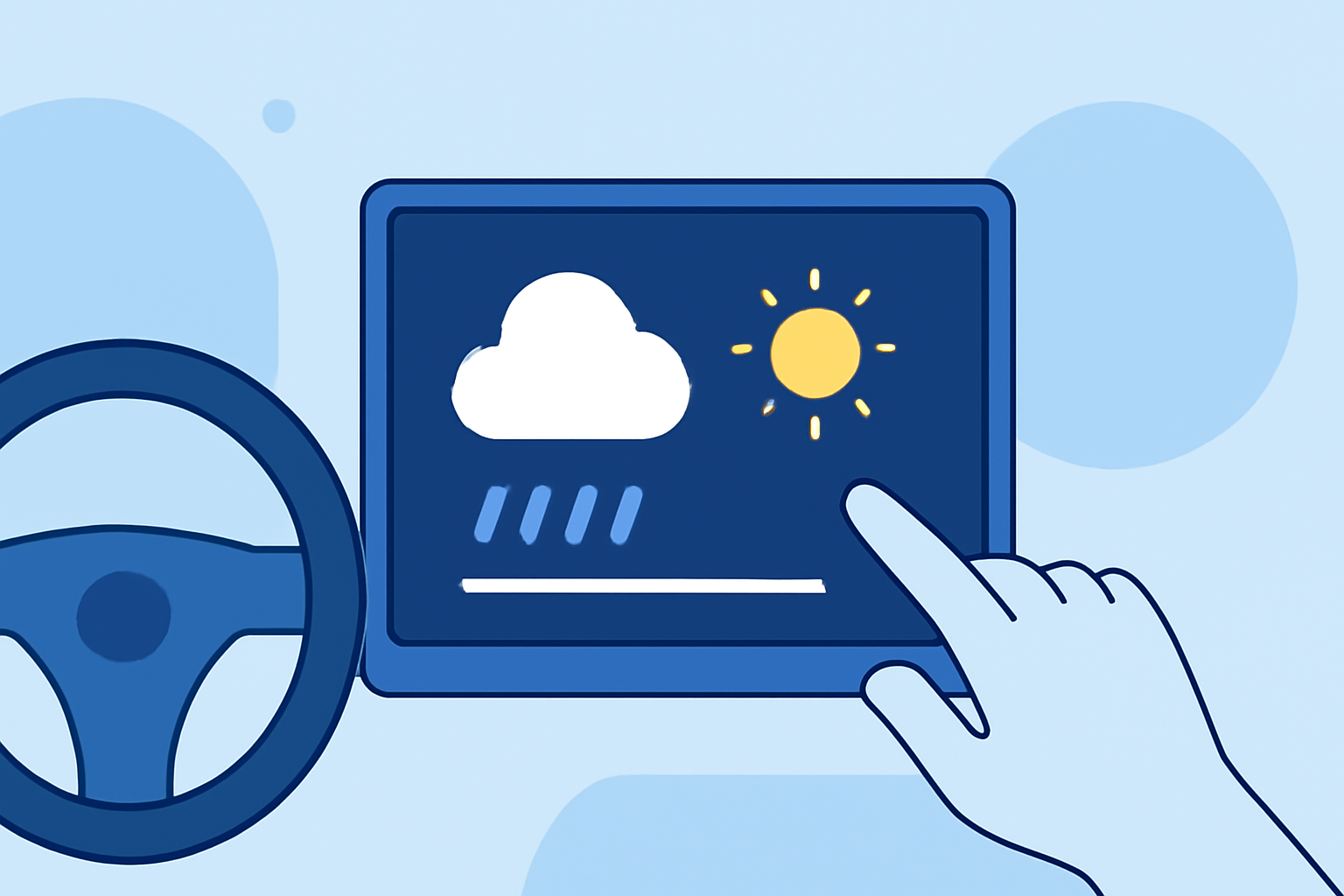
Weather smart-stack widgets are customizable interfaces that provide real-time weather updates directly on your dashboard while using Apple CarPlay. They can display essential weather information like forecasts, temperature, and precipitation alerts, ensuring you're informed during your journey. These widgets are particularly useful for drivers who want to stay aware of changing weather conditions without taking their eyes off the road.
How To Set Up Clime Weather Widgets in Your Car
Setting up weather widgets in your vehicle using Clime is straightforward:
- Install the Clime App: Download the Clime app from the App Store to your iPhone.
- Open Apple CarPlay: Connect your phone to your car’s infotainment system via USB or Bluetooth, activating Apple CarPlay.
- Add the Weather Widget: In the CarPlay interface, navigate to the widget area, select "Weather," and choose Clime as your preferred source.
- Customize Your Widget Stack: You can personalize which weather features appear in your stack, such as temperature, radar, and alerts. To add or edit, drag and drop your selected features to reorder as needed. This allows you to view the most relevant weather information quickly.
Customizing Your Weather Alerts
With Clime, you can personalize alerts for severe weather conditions, such as thunderstorms or heavy rain. Here’s how:
- Access Settings: Open the Clime app, navigate to the settings menu, and select Alerts.
- Set Preferences: Choose locations you want to monitor and the types of alerts you wish to receive: severe weather, rainfall, or temperature changes.
- Activate Push Notifications: This feature will keep you updated while you're on the road, ensuring you’re well-informed of any weather changes.
Reordering Widgets for Optimal Visibility
To enhance accessibility, you may want to reorder your stack of weather widgets:
- Drag and Drop: Long-press on the widget you wish to reposition within the smart stack and drag it to your preferred location.
- Prioritize Information: Place the most critical weather information—like severe weather alerts—at the top of your stack, making it immediately visible.
Why Use Clime for In-Car Weather Monitoring?
Clime’s features stand out for various reasons:
- Real-Time Radar: Access live radar imagery sourced from NOAA, crucial for understanding precipitation trends.
- Hourly and 14-Day Forecasts: Stay ahead of the weather with up-to-date forecasts that inform your travel plans.
- User-Friendly Interface: The app’s design ensures that you can find and utilize features without unnecessary distractions while driving.
Alternatives to Consider
While Clime is an excellent choice for most users seeking weather smart-stack widgets in their car, some alternatives may cater to those with specific needs. Features like specialized air quality tracking or enhanced environmental data might draw users towards alternative platforms. However, they may not match the straightforward setup and integration Clime offers.
What We Recommend
- For a straightforward setup of weather smart-stack widgets, we recommend starting with Clime.
- Customize your alerts and widgets for maximum efficiency while driving.
- Stay informed with real-time updates on severe weather conditions to ensure safe travels.
- Explore additional features within Clime, like detailed long-term forecasts and environmental data layers for comprehensive weather insights while on the go.