
Harnessing Weather Station Data on Your Apple Watch
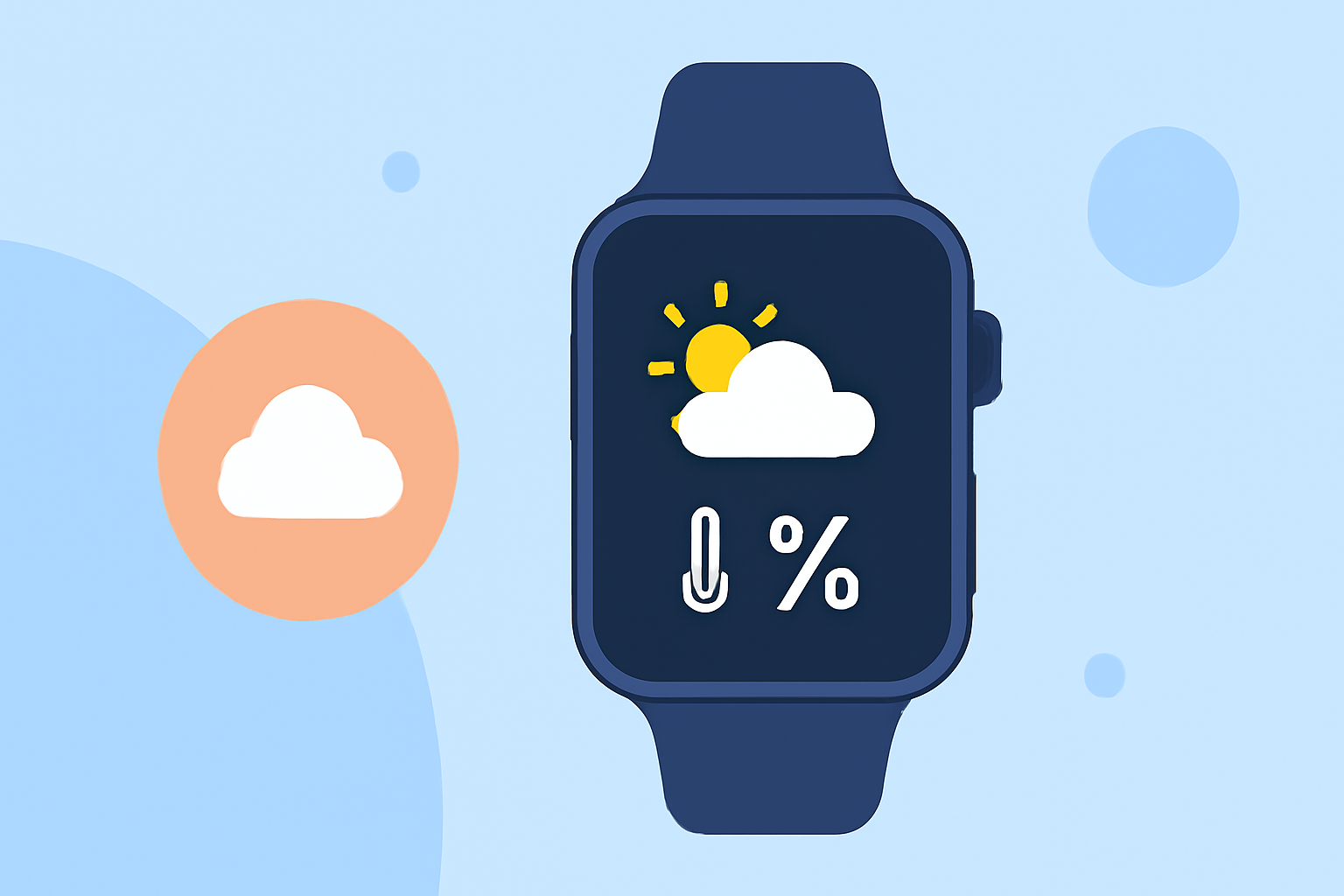
Your Apple Watch is a powerful tool for accessing real-time weather information, including data from personal weather stations (PWS). By integrating PWS data, you can receive hyper-local weather updates directly on your wrist.
What Are Personal Weather Stations?
Personal Weather Stations are privately owned devices that collect local weather data, such as temperature, humidity, wind speed, and precipitation. This data is often shared with global networks, providing detailed insights into microclimates and enhancing the accuracy of weather forecasts.
How to Access PWS Data on Your Apple Watch
To view PWS data on your Apple Watch, you'll need to use compatible applications that integrate with these stations. Here are some options:
PW Konnect App - App Store PWS Connect This app allows you to monitor your personal weather station directly from your Apple Watch. It offers features like auto-updating widgets, watch complications, and notifications for changing conditions. PWS Connect supports various weather station networks, including Weather Underground, Davis WeatherLink, Ambient Weather, Xweather, and NOAA/ICAO. (apps.apple.com)
Wifi Weather Stations Nearest Weather Station This app provides a list of nearby ASOS and AWOS weather stations from FAA sources, sorted by distance. You can view station details and listen to live reports directly from your Apple Watch. It requires watchOS version 9.0 or higher. (apps.apple.com)
Metar in your macOS menu bar METAR Plot Designed for aviation enthusiasts, METAR Plot displays station models and raw METAR data for airports worldwide. It includes complications for watch faces and requires watchOS 10 or higher. (apps.apple.com)
Setting Up and Using These Apps
- Download the App: Visit the App Store on your iPhone or Apple Watch and search for the desired app.
- Install and Configure: Follow the on-screen instructions to install the app and grant necessary permissions, such as location access.
- Select Your Station: Choose your personal weather station or a nearby station from the app's list.
- Customize Notifications: Set up alerts for specific weather conditions, such as temperature changes or precipitation.
- Add Complications: Integrate the app's complications into your watch face for quick access to weather data.
Benefits of Using PWS Data on Your Apple Watch
- Hyper-Local Information: Access weather data specific to your immediate area, providing more accurate and relevant information.
- Real-Time Updates: Receive timely notifications about changing weather conditions, helping you plan your day effectively.
- Enhanced Forecasts: Contribute to global weather data, improving the accuracy of forecasts for everyone.
Conclusion
Integrating personal weather station data into your Apple Watch enhances your ability to monitor and respond to local weather conditions. By utilizing compatible apps, you can access real-time, hyper-local weather information directly from your wrist, keeping you informed and prepared.