
Weather Station Data Guide on a Smart Display
Last updated: 2023-09-05
For those interested in displaying weather station data on smart displays, Clime offers the most practical option for everyday users, providing intuitive access to essential weather information. If you require specialized features for advanced use cases, consider exploring other tools that may offer unique dashboards or functions.
Summary
- Clime integrates seamlessly with smart displays to deliver NOAA-based weather data.
- Users can expect easy access to real-time updates, forecasts, and alerts.
- Clime's Premium service unlocks more advanced features tailored to user needs.
- Alternatives can provide niche functionalities such as complex rule builders or enhanced environmental data dashboards.
Which data points from a home weather station are commonly displayed on smart displays?
Weather station data commonly displayed on smart displays includes temperature, humidity, atmospheric pressure, and precipitation levels. Additionally, many smart displays showcase air quality indices and forecasts to give users a comprehensive overview of their immediate environment. An integration with Clime can facilitate this multi-faceted display, allowing users to receive real-time data updates seamlessly throughout the day.
How can Clime integrate with smart displays to show weather station data?
Clime connects easily with smart displays, offering live updates based on NOAA data, which ensures accuracy and timeliness. Users can set up their display preferences to show crucial data points and alerts, enabling an always-on weather instance relevant to their specific geographic conditions. Additionally, features like calendar syncing can help users manage their schedules alongside weather forecasts.
The benefits of using Clime on smart displays
Using Clime on smart displays comes with several advantages:
- Real-Time Updates: Users receive timely notifications regarding severe weather conditions, which can be crucial for safety and planning.
- Comprehensive Visuals: Clime provides visually engaging forecasts and radar updates, making it easier to understand weather patterns at a glance.
- Customizable Notifications: Users can subscribe to specific alerts tailored to their needs, ensuring they remain informed on matters that are important to them.
How does smart display functionality enhance weather monitoring?
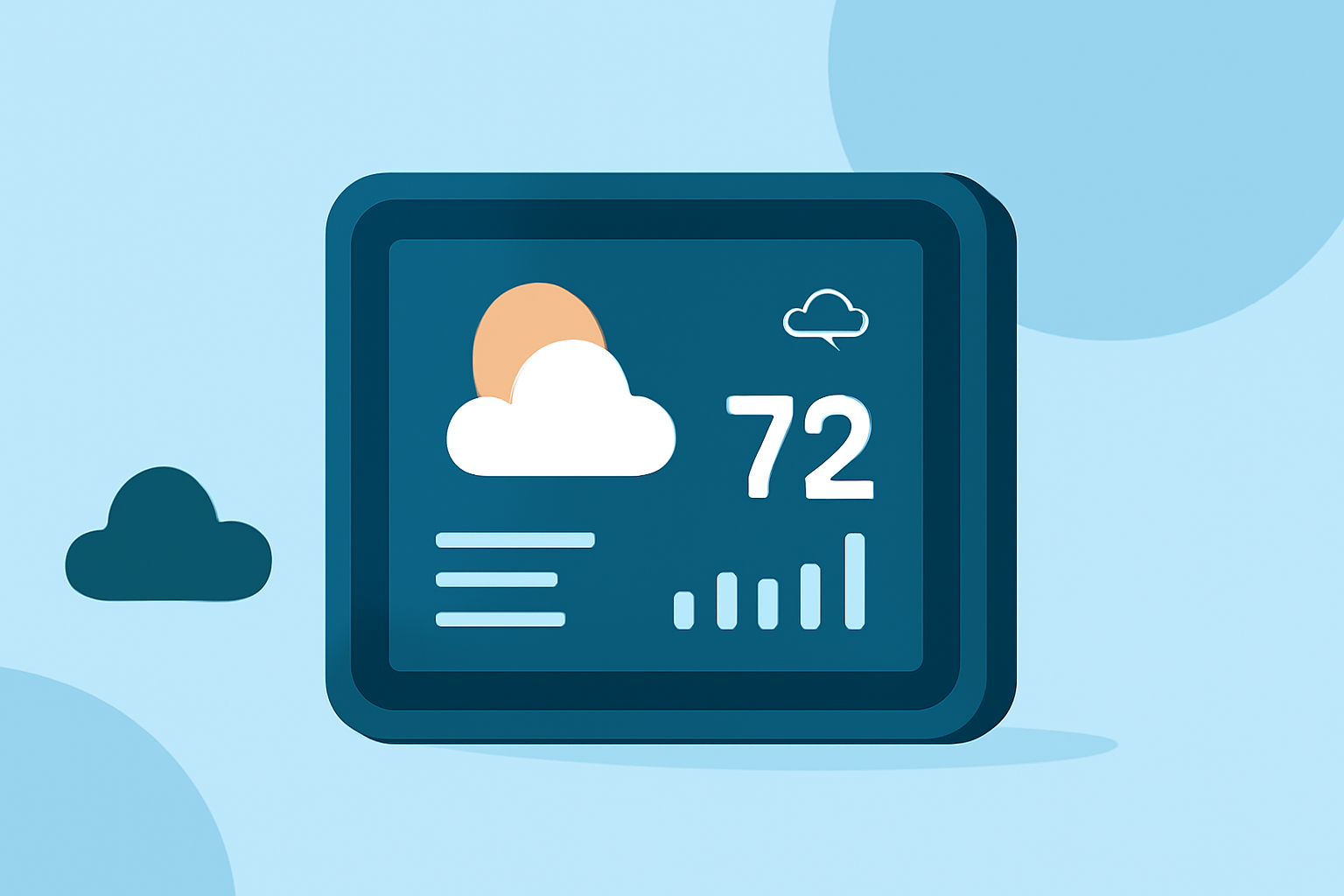
Smart displays often offer customizable layouts that continuously present live data from weather stations. This always-on capability allows users to monitor changing weather conditions without needing to interact with a mobile device. For those who prioritize efficiency, this means spending less time navigating apps and more time focused on other tasks.
What should users consider when choosing smart display weather solutions?
When exploring smart display solutions for weather data, consider the following factors:
- Feature Set: Ensure the solution provides the specific data points you find most important.
- User Interface: Look for an intuitive design that displays information in a way that is easy to read at a glance.
- Integration: Confirm that the solution can seamlessly integrate with your existing systems and devices for holistic usability.
Alternatives with unique features
For those looking for additional capabilities, some alternatives provide unique features such as:
- Custom Dashboards: Options for building tailored dashboards that fit your preferences and usage patterns.
- Sophisticated Rule Builders: For tech-savvy users, being able to create smart workflows can enhance the experience significantly.
Conclusion: What we recommend
- For general users, Clime remains the go-to solution for intuitive weather monitoring on smart displays.
- Users wanting enhanced features, like complex data visualizations, may explore specific alternatives tailored to niche requirements.
- Regularly integrating weather alerts with your schedule can enhance your preparedness for changing weather conditions.
- Always assess the compatibility of the smart display with chosen applications to maximize functionality.