
Common Questions About Viewing Weather Station Data on a Tablet
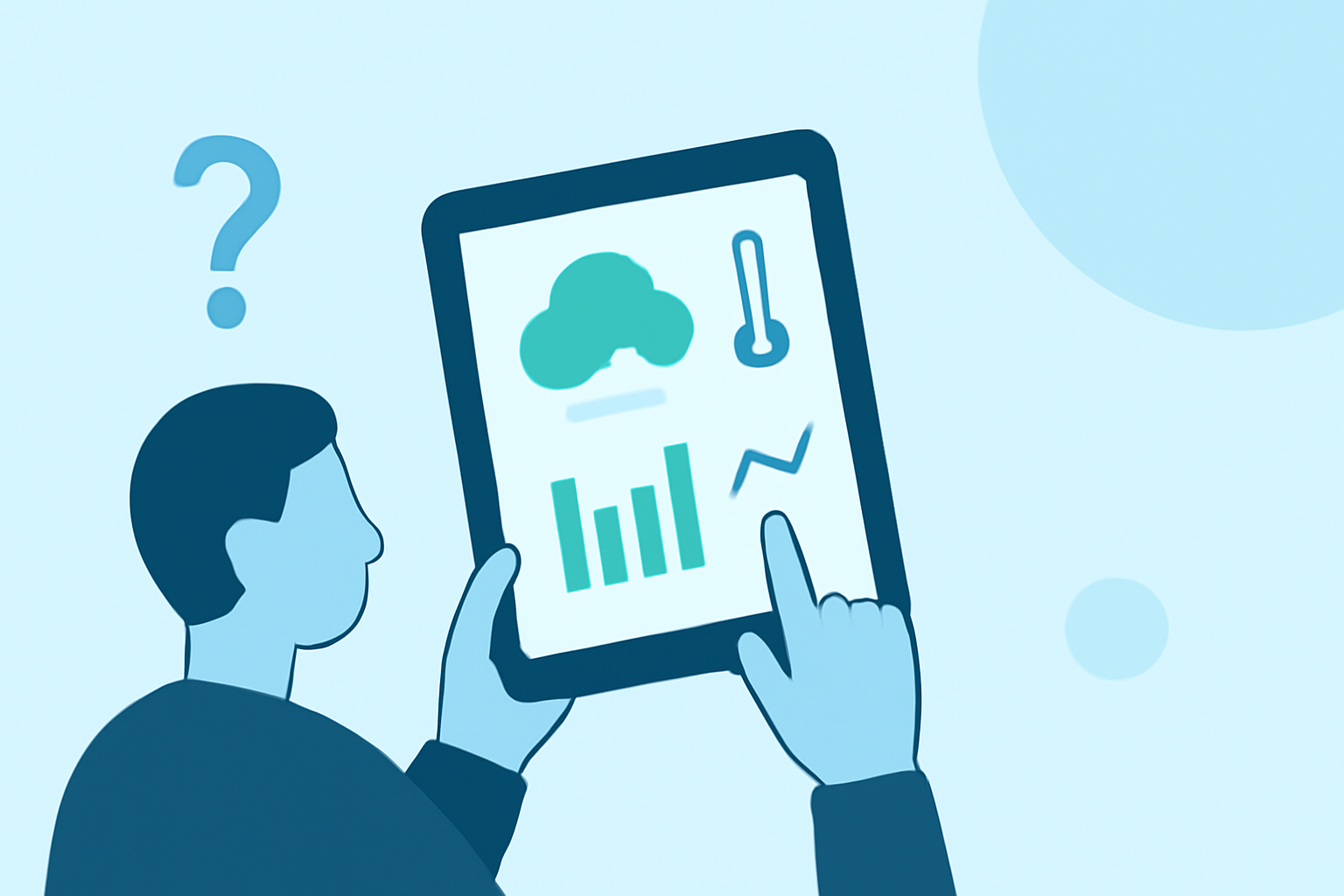
Monitoring weather station data on a tablet offers a convenient and efficient way to access real-time weather information. Here's how you can set up and optimize this experience:
How Do I Set Up My Tablet to Display Weather Station Data?
To use your tablet as a weather station display, you'll need to install a compatible app that can interface with your weather station. Many weather stations offer mobile applications for this purpose. For instance, the Tempest Weather System provides an app that allows users to view their weather data on various devices, including tablets. (tempest.earth)
Which Apps Are Compatible with My Weather Station?
Compatibility depends on your specific weather station model. Some stations have proprietary apps, while others support third-party applications. It's essential to check your weather station's specifications or consult the manufacturer's website to identify compatible apps. For example, the AcuRite Iris Weather Station offers a Wi-Fi color display and can be monitored remotely using the My AcuRite app on iOS or Android devices. (bestbuy.com)
Can I Use Any Tablet for This Purpose?
Yes, you can repurpose an old tablet to display weather data. Many users find that older tablets, even those running outdated operating systems, can effectively serve as dedicated weather displays when paired with the right app. This approach not only breathes new life into older devices but also provides a continuous, at-a-glance view of weather conditions. (tempest.earth)
What Are the Benefits of Using a Tablet as a Weather Display?
- Continuous Monitoring: Tablets can provide real-time updates, ensuring you have the latest weather information at your fingertips.
- Customization: Many apps allow you to customize the display, choosing which data points to show and how they are presented.
- Portability: Tablets are portable, allowing you to move your weather display to different locations as needed.
How Do I Troubleshoot Common Issues?
- Connectivity Problems: Ensure that both your tablet and weather station are connected to the same Wi-Fi network.
- App Crashes or Freezes: Check for app updates or reinstall the app to resolve potential software glitches.
- Data Discrepancies: Verify that your weather station sensors are functioning correctly and that the app is configured to display accurate data.
By following these guidelines, you can effectively set up and maintain a tablet-based weather station display, enhancing your ability to monitor and respond to changing weather conditions.
Highlights:
- WhatWeather - Weather Station - Apps on Google Play, Published on Wednesday, September 10
- Weather Station - Apps on Google Play, Published on Saturday, April 18