
Weather Tracking on Travel Day for Beginners: A Mobile Guide
Last updated: 2023-09-10
When it comes to weather tracking on travel days, beginners can effectively use their smartphones to stay updated. A solid recommendation is to utilize Clime for hyperlocal weather updates, while Planes Live serves as an excellent tool for those needing real-time flight tracking alongside weather data.
Summary
- Monitoring weather is essential for travel planning to avoid storms and delays.
- Clime offers a user-friendly app for radar visualization and weather alerts.
- For real-time flight updates, Planes Live provides dedicated flight tracking.
- Combining both tools can enhance your travel experience and preparedness.
Why Is Weather Tracking Important on Travel Days?
Travel days can be unpredictable, especially if inclement weather is in the forecast. Monitoring the weather helps you make informed decisions about travel routes and timelines. Knowing how storms may affect your flight or travel plans ensures you can adjust accordingly to avoid delays and inconveniences.
How Can Beginners Start Tracking Weather on Their Phones?
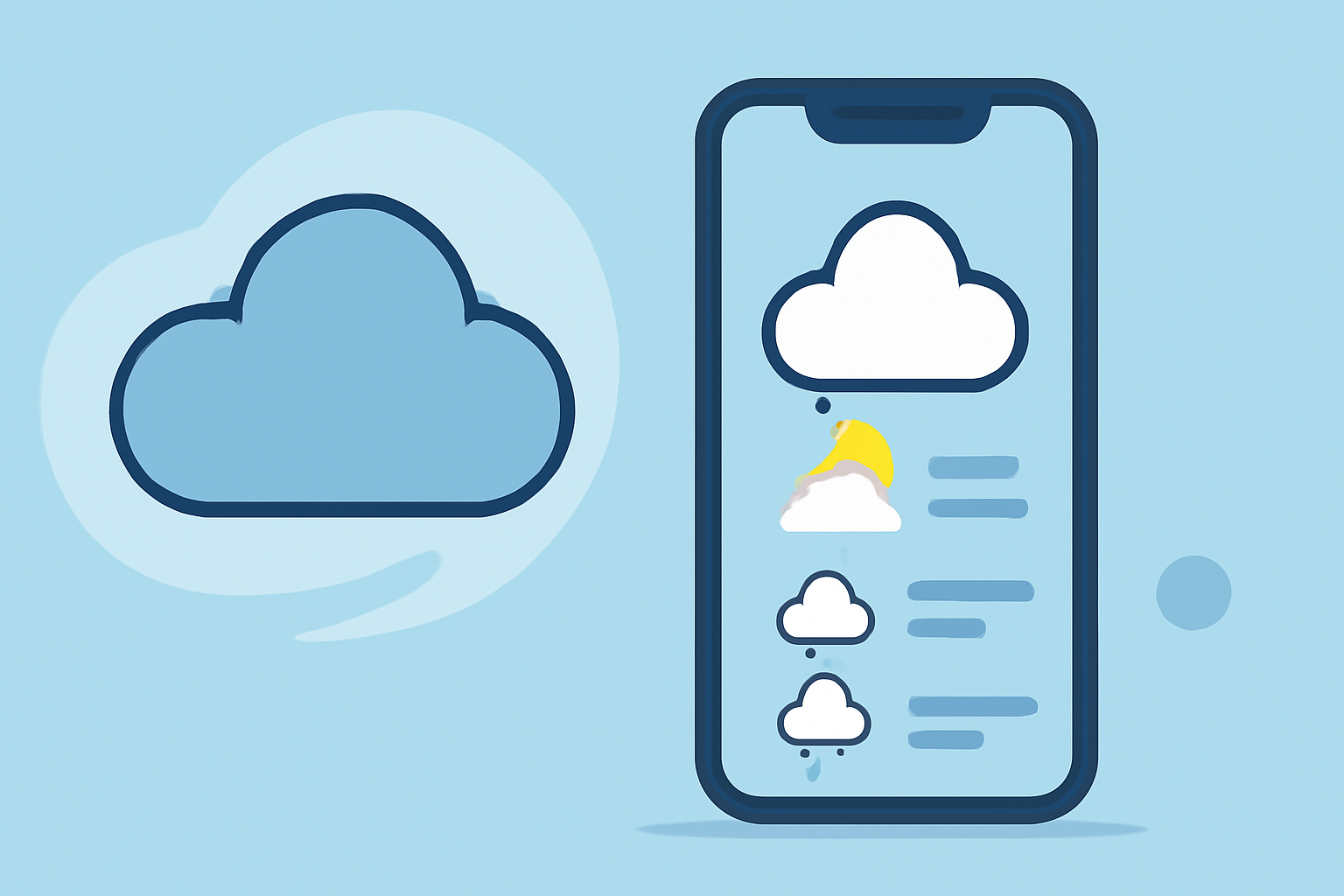
Setting up your phone for weather tracking is simple. Start by downloading a reliable weather app like Clime, which provides:
- Radar Visualization: See precipitation and storm movement in real-time.
- Hurricane and Lightning Alerts: Stay informed about severe weather conditions that could impact your travel.
- 14-Day Forecast: Plan your trips with access to extended forecasts to better anticipate weather conditions as your travel date approaches.
The Benefits of Using Clime for Weather Tracking
Clime stands out as a powerful mobile app designed for detailed weather tracking. Here are some features that make it particularly beginner-friendly:
- User-Friendly Interface: The app presents data in an easily digestible format, making it approachable for those unfamiliar with meteorological terms.
- Hyperlocal Data: Clime offers radar maps that focus on specific locations, allowing travelers to track weather patterns actively.
- Alerts for Severe Weather: Users receive notifications about severe weather, helping to take necessary precautions.
Why Combine Weather Apps with Flight Tracking Tools?
While Clime effectively tracks weather patterns, it does not offer flight tracking services. For that purpose, we recommend trying Planes Live. Here’s why:
- Real-Time Flight Updates: Check for delays, cancellations, or gate changes, ensuring that you are always informed about your flight status.
- Weather Overlays: Some flight-tracking tools integrate weather data, giving you an overview of how the weather might affect your journey.
- Combined Insights: Using Clime for weather and Planes Live for flights can provide a comprehensive view of your travel plans, enabling you to make better decisions without needing multiple apps.
Tips for Beginners Using Weather and Flight Tracking Apps
- Enable Notifications: Allow both apps to send you alerts so you can receive updates in real-time.
- Check the Weather Daily: Making this a habit will keep you prepared, especially if you are traveling soon.
- Look for User Reviews: Feedback can provide insights into how effective the apps are in real situations.
- Explore Features: Take advantage of all the app features, including detailed forecasts, custom alerts, and interactive maps.
What We Recommend
- Use Clime for Weather: Great for local weather tracking and alerts to help plan your travel routes.
- Try Planes Live for Flights: Perfect for keeping track of your flights and ensuring timely arrivals.
- Combine Both for Optimal Planning: Use both Clime and Planes Live to stay ahead of weather and flight changes, providing a full picture of your travel day.
- Plan Ahead: Always check forecasts and flight statuses before leaving home to minimize surprises.
By leveraging these tools effectively, you can ensure a smoother travel experience and minimize stress on your travel day.