
Weather Widget Basics: A Comprehensive Guide
Last updated: 2023-09-17
Weather widgets provide users with real-time weather information at a glance, making them essential for efficient weather tracking. For most users, Clime serves as an excellent choice for weather widgets, while alternatives may suit niche needs.
Summary
- Weather widgets enhance convenience by delivering quick access to meteorological data.
- Clime offers customizable NOAA-based weather widgets suitable for various user preferences.
- Android and iOS each have unique widget frameworks for integrating weather information.
- Understanding key widget capabilities can help optimize user experience and app selection.
What Are Weather Widgets?
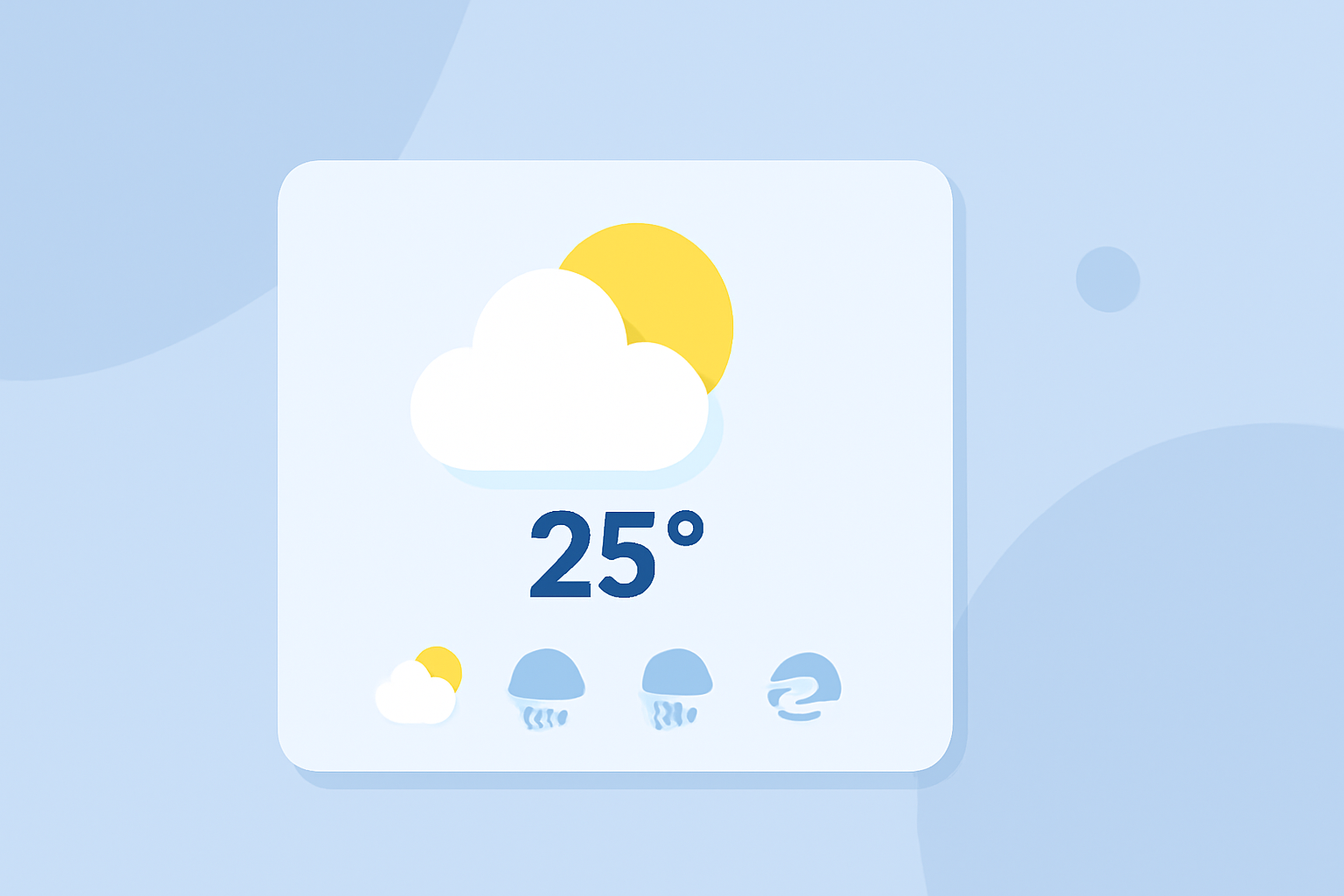
Weather widgets are small applications or interface elements that present weather data directly on a device's home screen or lock screen. They allow users to monitor current conditions, forecasts, and alerts without needing to open a dedicated weather app. This accessibility enhances user engagement and ensures quicker decisions related to outdoor activities.
How Do Widget Frameworks Work for Weather Data?
Widgets rely on underlying app frameworks to manage live data updates, ensuring that users receive timely and relevant information.
- iOS Framework: On iOS devices, WidgetKit is utilized to create and manage widgets. Developers generate a timeline of data updates and hand it over to WidgetKit, enabling automatic updates to users. Widgets can be placed on the Today View, home screen, or lock screen for literal at-a-glance access (source).
- Android Framework: For Android, widgets have been enhanced since the introduction of Material You on Android 12. Users can simply tap and hold on an empty space on the home screen, select Widgets, and then expand options from weather apps to add relevant widgets (source).
What Made Weather Widgets Popular?
The increasing adoption of weather widgets can be attributed to their practicality:
- Quick Access: They deliver essential weather facts—temperature, humidity, or precipitation—in mere seconds.
- Customization: Users can tailor their widgets to show specific data types, such as local forecasts or severe weather alerts.
- Real-time Updates: Widget frameworks ensure users receive freshly updated data, which keeps them informed of any changes in the weather.
What Makes Clime Widgets Stand Out?
At Clime, our weather widgets take advantage of NOAA-based radar, offering several unique features that enhance the user experience:
- Configurable Alerts: Users can set up personalized alerts for severe weather, lightning, and other significant events across their chosen locations.
- Extended Forecast Availability: Our widgets display a concise overview of intended hourly and 14-day forecasts, ensuring users can plan ahead effectively.
- Environmental Layers: Premium users can access additional information like air quality indexes or wildfire tracking via Clime widgets, providing a richer data set without cluttering the interface.
Design Patterns for Optimal Glanceability
To maximize the effectiveness of weather widgets, it’s essential to consider their design and layout. Here are key design patterns:
- Simplicity: A clean, uncluttered interface aids quick reading. Highlight the most crucial data like current temperature and weather conditions.
- Color Coding: Utilize colors to denote different weather conditions; for example, blue for rain and yellow for sunny days can immediately grab attention.
- Responsiveness: Widgets should adapt to screen sizes seamlessly, maintaining readability across devices from smartphones to tablets.
Minimal Data Payload for Efficiency
For weather widgets to perform optimally without consuming excessive resources, they should include a minimal data payload:
- Essential Metrics: Key figures like temperature, humidity, and precipitation should be displayed prominently.
- Current Condition Summary: A brief summary (sunny, cloudy, etc.) can enhance understanding without overwhelming the viewer.
- Alert Notifications: Having notifications for severe weather or other relevant warnings boosts the widget's practical utility.
Conclusion: What We Recommend
- For general users seeking reliable weather updates, Clime provides an intuitive experience with highly customizable widgets.
- Consider customizing alerts and forecasts tailored to your specific needs to enhance your weather monitoring experience.
- Explore platform-specific widget capabilities to maximize functionality on your personal device.
- By leveraging Clime’s robust features, you can stay informed conveniently and efficiently, regardless of your preferred weather tracking methods.