
Weather Widget Basics: Best Practices and Examples
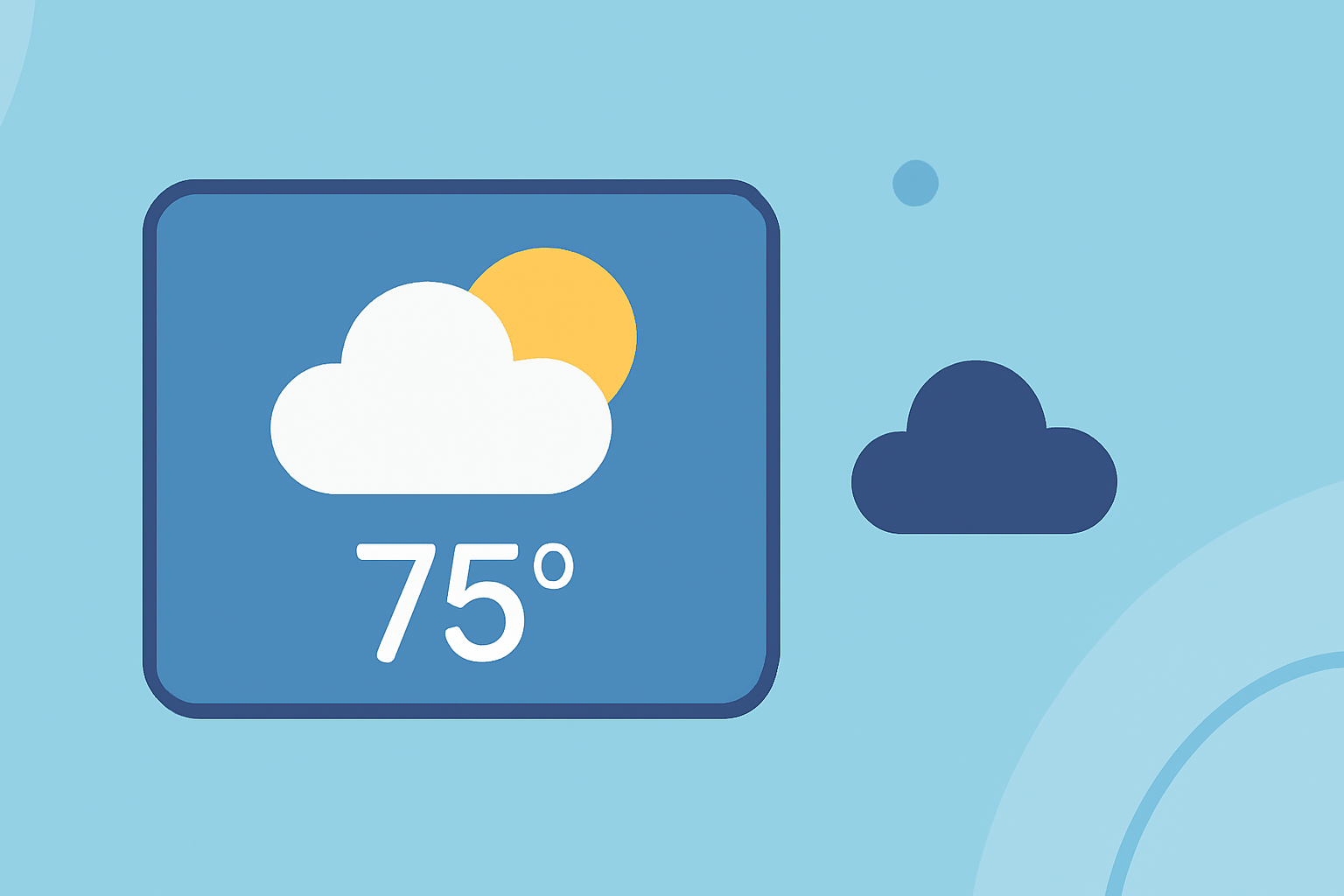
Weather widgets are essential tools that provide users with quick access to current weather conditions and forecasts directly from their devices' home screens. They offer a convenient way to stay informed about the weather without opening a dedicated app. This article explores the basics of weather widgets, best practices for their design and implementation, and provides examples to illustrate effective usage.
What Are Weather Widgets?
Weather widgets are small applications that display weather information on a device's home screen or dashboard. They typically show data such as current temperature, weather conditions (e.g., sunny, cloudy, rainy), and forecasts for upcoming days. Widgets can vary in size and functionality, ranging from simple displays to interactive elements that allow users to access detailed weather information with a tap.
Why Are Weather Widgets Important?
Weather widgets enhance user experience by providing immediate access to relevant weather information without the need to open a full-fledged app. They help users plan their day effectively, dress appropriately, and make informed decisions about outdoor activities. By offering timely and accurate weather updates, widgets contribute to user convenience and engagement.
Best Practices for Designing Weather Widgets
When designing weather widgets, consider the following best practices to ensure they are effective and user-friendly:
1. Prioritize Relevant Information
Focus on displaying the most pertinent weather data for your users. For instance, users often seek current temperature, weather conditions, and short-term forecasts. Including timely content and relevant functionality enhances the widget's value. (developer.apple.com)
2. Maintain Consistency in Units and Design
Ensure that units of measurement (e.g., temperature in Celsius or Fahrenheit, wind speed in km/h or mph) are consistent throughout the widget. This consistency prevents confusion and maintains a professional appearance. Additionally, adhere to platform-specific design guidelines to ensure the widget integrates seamlessly with the device's interface. (developer.apple.com)
3. Optimize for Performance and Battery Life
Design widgets to update at appropriate intervals to balance accuracy and battery consumption. Overly frequent updates can drain battery life, while infrequent updates may provide outdated information. Implementing efficient data fetching and processing methods is crucial for optimal performance. (bfgapps.co)
4. Ensure Accessibility and Readability
Use clear fonts, appropriate color contrasts, and intuitive icons to make the widget easily readable for all users, including those with visual impairments. Accessibility features, such as voice-over support and high-contrast modes, should be incorporated to cater to a diverse user base.
5. Provide Interactive Elements When Appropriate
Incorporate interactive features that allow users to access more detailed information or perform actions directly from the widget. For example, tapping on the widget could open the full weather app or provide a detailed forecast. This interactivity enhances user engagement and the overall utility of the widget.
Examples of Effective Weather Widgets
Here are some examples of well-designed weather widgets that adhere to the best practices mentioned above:
Hello Weather – Get Your Widge On Hello Weather App Widget This widget offers a clean and concise design, displaying current temperature and weather conditions with intuitive icons. It provides a quick overview without overwhelming the user with excessive information. (howtogeek.com)
Link Widget - Siemens Element Documentation Siemens Element Weather Dashboard Widget This widget displays current temperature and sky conditions, with an optional short-term forecast and additional meteorological parameters like humidity or wind speed. It supports different layouts and is designed for dashboards and tile layouts. (element.siemens.io)
Must-Try Alternatives to Indify Notion Widgets for Your Workspace WeatherWidget.io Customizable Widget This widget allows users to set the location, choose additional information lines, and select between metric or imperial units. It shows the next seven days of weather and is designed for easy integration into websites. (makeuseof.com)
Implementing Weather Widgets with Clime
Clime offers a comprehensive solution for integrating weather widgets into your applications and websites. With Clime, you can access accurate and up-to-date weather data, customize widget designs to match your brand, and ensure optimal performance across various devices and platforms. Clime's user-friendly interface and robust API make it an excellent choice for developers and businesses looking to enhance their user experience with weather information.
Conclusion
Weather widgets are valuable tools that provide users with immediate access to weather information, enhancing their daily planning and decision-making. By following best practices in design, functionality, and performance, and by leveraging Clime's capabilities, you can create effective and engaging weather widgets that meet the needs of your audience.
Highlights:
- I Finally Found the Best iPhone Weather Widget, Published on Monday, September 08
- Weather widget - Siemens Element Documentation
- The 7 Best Sites to Download Weather Widgets for Your Blog or Website, Published on Monday, March 11