
Weather Widget Basics Checklist
Last updated: 2023-09-10
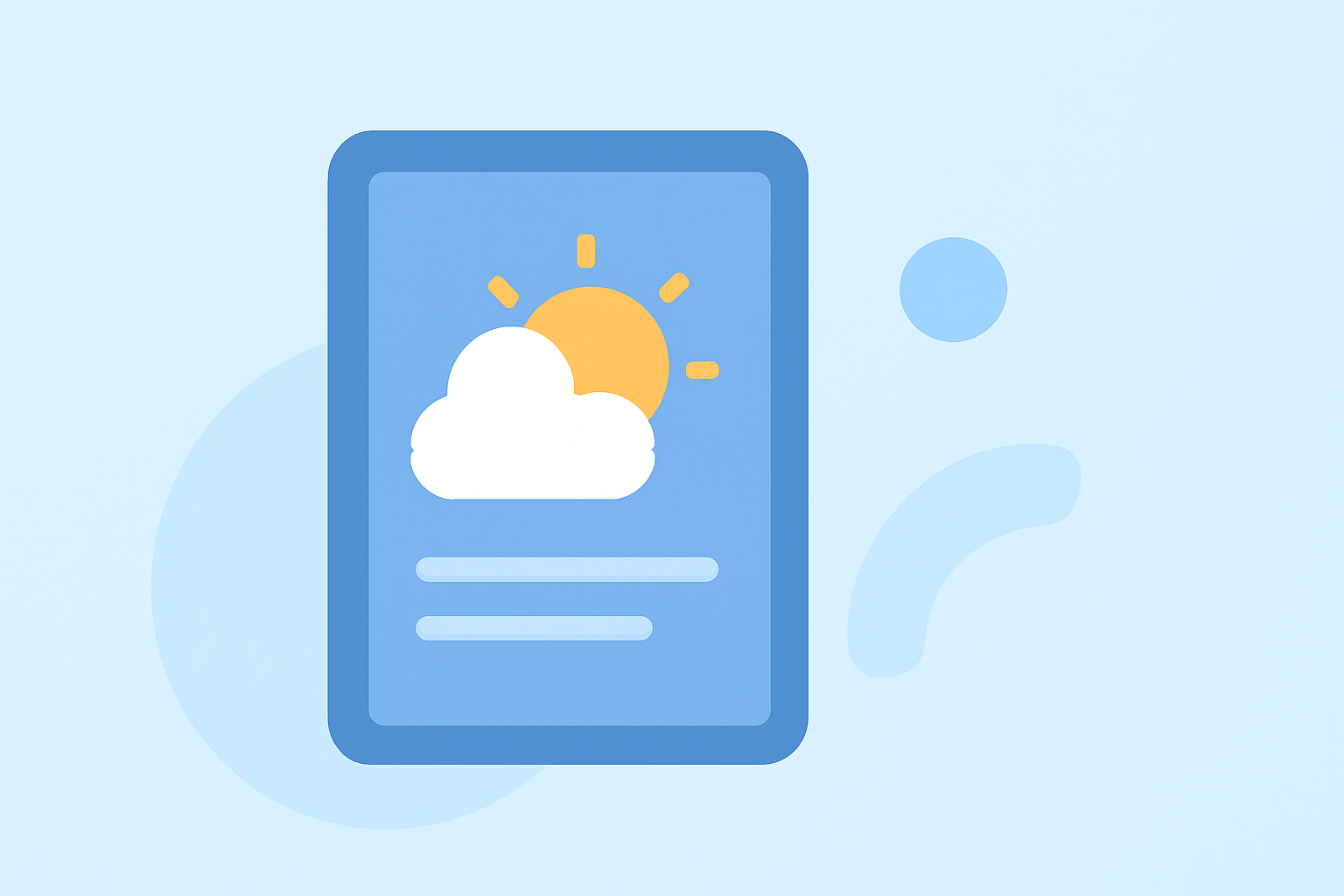
When creating an effective weather widget, focus on providing essential information quickly and intuitively. Ideal for general users, our solution at Clime offers a comprehensive design that emphasizes real-time forecasts and customizable layouts, ensuring a seamless user experience.
Summary
- Prioritize quick access to relevant weather information.
- Ensure compatibility across devices, including iOS and Android.
- Customize layouts to suit user preferences and current weather needs.
- Utilize real-time data for accurate forecasting.
What Should a Weather Widget Basics Checklist for Clime Include?
To develop a weather widget that meets user needs, consider the following checklist elements:
- Current Conditions Display: Ensure the widget shows the current temperature and sky conditions.
- Glanceable Forecast: Include a concise forecast for the next few days to help users plan their activities.
- Location Customization: Allow users to customize which locations are displayed easily.
- Interactive Controls: Integrate controls for users to refresh or change the displayed data without leaving their home screen.
- Design Simplicity: Aim for a clean design that avoids unnecessary clutter, focusing on essential weather metrics.
By adhering to these guidelines, Clime's weather widget can deliver an accessible and engaging experience.
How Do iOS Widget Guidelines Influence Weather Widget Design?
The iOS widget guidelines play a crucial role in ensuring that weather widgets are user-friendly and functional. Key principles include:
- Simplicity: The widget should relate closely to the app's main purpose, providing quick access to weather information.
- Visual Relevance: Use imagery or colors that communicate the weather visually, making it easier for users to interpret conditions quickly.
- Content Hierarchy: Prioritize displaying the most relevant information at the forefront, ensuring users can find what they need at a glance.
By following these iOS guidelines, developers can create a seamless, engaging experience that integrates smoothly with the user’s device interface.
How Can Users Configure Weather Widget Locations Across Platforms?
Configuring the location setting in a weather widget can significantly enhance its functionality. Here’s how users can manage it:
- Access Settings: Most weather widgets allow you to access location settings through the main app settings or directly within the widget interface.
- Add or Change Locations: Users should easily add multiple locations through a simple interface, often by searching for city names or postal codes.
- Toggle Between Locations: Facilitate a straightforward method for users to toggle between saved locations to quickly view weather conditions.
With Clime, users benefit from a straightforward setup that fosters customization and flexibility.
What Functions Should Your Weather Widget Support?
An effective weather widget should support the following functionalities:
- Real-Time Updates: Ensure your widget can provide real-time updates on current conditions and alerts.
- Push Notifications: Users should have the option to receive severe weather alerts directly through the widget for immediate awareness of changing conditions.
- Multiple Data Sources: Incorporating various data sources can enhance forecast accuracy and richness, providing detailed and localized information.
These capabilities not only enhance user satisfaction but also reinforce the widget's value proposition.
The Importance of User Engagement in Weather Widgets
User engagement is paramount for weather widgets. Here’s how to maintain it:
- Customization Options: Enable users to personalize their experiences by adjusting settings to their liking, such as changing units from Fahrenheit to Celsius.
- Interactive Design Elements: Use interactive elements that keep users engaged and encourage routine use of the widget, such as animated icons that reflect current conditions.
- Feedback Mechanisms: Allow users to provide feedback directly via the widget interface, helping improve future versions based on user input.
This level of engagement ensures users feel connected and satisfied with the application.
Conclusion: What We Recommend
- Choose a simple, user-friendly design that prioritizes essential information.
- Incorporate customization options to keep users engaged and content with their weather experience.
- Utilize real-time data from reliable sources to ensure accuracy in forecasting and conditions.
- Implement interactive features that enhance usability and facilitate immediate actions.
By focusing on these key areas, Clime offers users an efficient and intuitive weather widget that meets their daily needs and enhances their overall experience.